Trust GXT 435 - User Manual
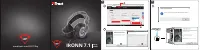
Trust GXT 435 Headphones – User Manual, read for free online in PDF format. We hope this helps you resolve any issues you may have. If you have further questions, please contact us through the contact form.
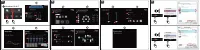
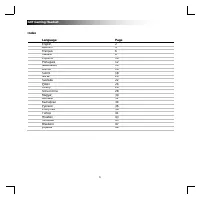
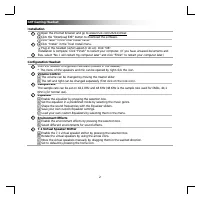
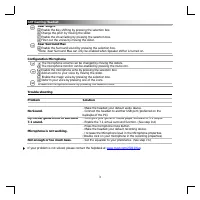
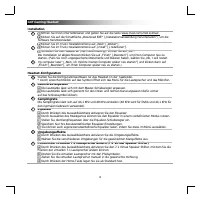
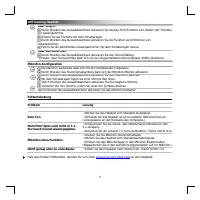
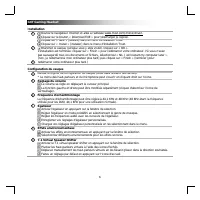
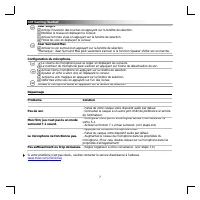
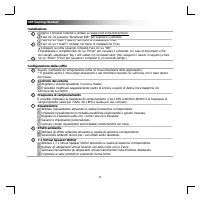
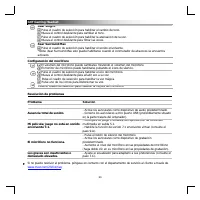
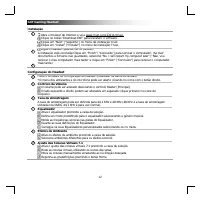
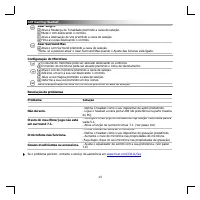
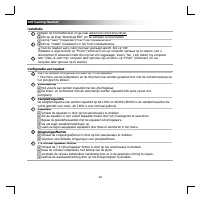
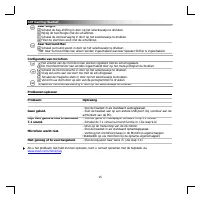
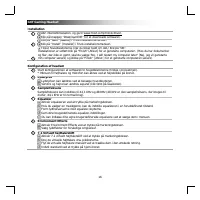
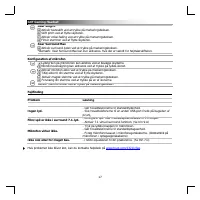
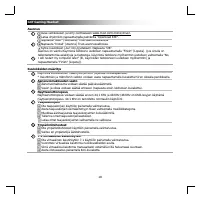
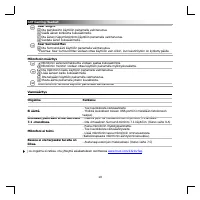
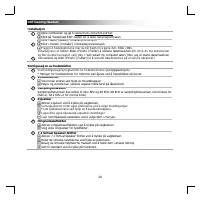
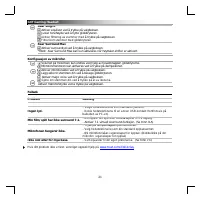
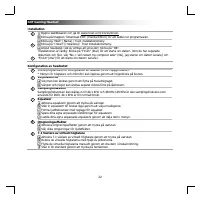
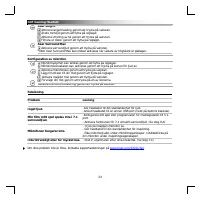
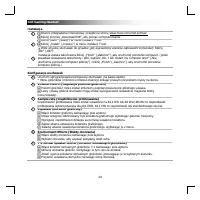
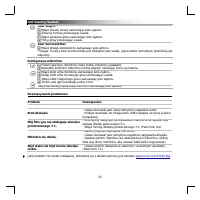
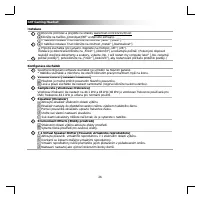
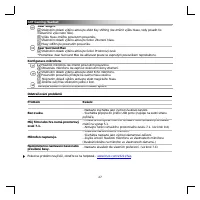
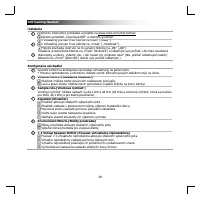
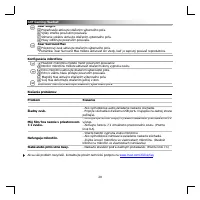
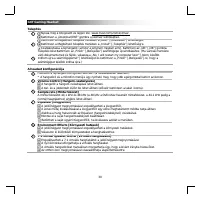
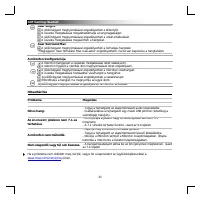
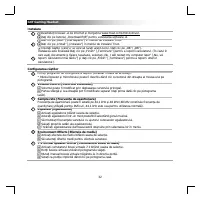
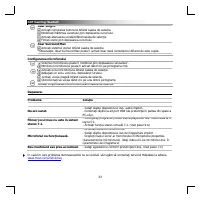
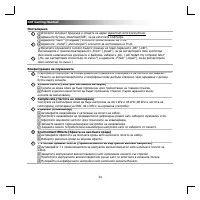
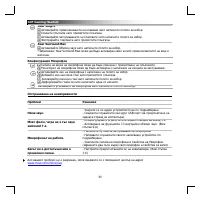
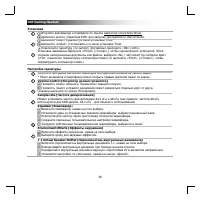
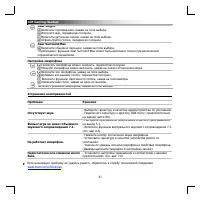
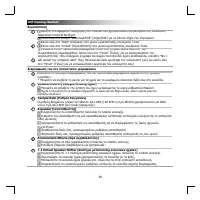
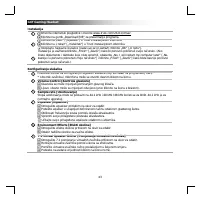
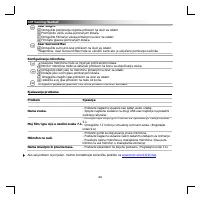
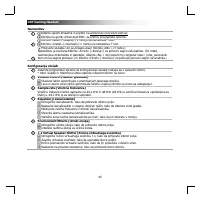
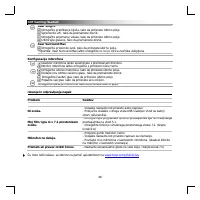
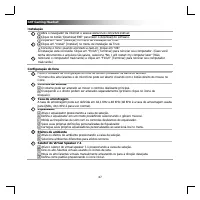
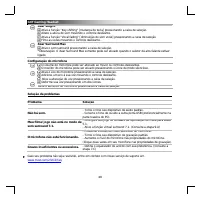
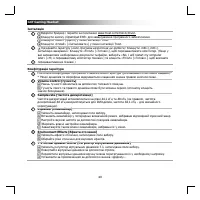
Table of Contents:
- Page 3 – Español
- Page 4 – GXT Gaming Headset
- Page 28 – Otevřete prohlížeč a přejděte na stránky; Konfigurace sluchátek; ůž; Environment Effects [Efekty prost
- Page 29 – ěň
- Page 30 – Otvorte internetový prehliadač a prejdite na; Konfigurácia slúchadiel
- Page 32 – Nyissa meg a böngészőt és lépjen ide:; A headset konfigurációja
- Page 35 – ăş
- Page 36 – Download EXE; Environment Effects [
- Page 37 – USB
- Page 39 – ear Surround Max
- Page 40 – Internet
- Page 41 – Enable Key Shifting [; Xear Surround Max; surround; Διαμόρφωση; Enable Microphone Boost [
- Page 44 – şı; ış; ış; ığı
2
www.trust.com/23211/driver
Trust.com - 23211
WINDOWS 10 (64-BIT)
WINDOWS 10
WINDOWS 8 (64-BIT)
WINDOWS 8
WINDOWS 7 (64-BIT)
WINDOWS 7
WINDOWS XP
DOWNLOAD PDF (33,33 MB)
DOWNLOAD PDF
DOWNLOAD EXE (25,40 MB)
PRODUCTS
PRODUCTS
CONTACT & SUPPORT
^
^
^
SUPPORT
DOWNLOAD
MANUALS
PRODUCT INFORMATION
SOFTWARE
Select type
Select your language
Select your operating system (OS)
Taal:
Multiple Languages
Versie:
1.0
USER MANUAL
ENGLISH
a
b
3
< Back
Next >
Cancel
Welcome to the InstallShield Wizard for Trust GXT 4376
Gaming Headset
The Installshield Wizard wil install Trust GXT 4376 Gaming
Headset on your computer. To continue, click Next.
a
Ready to install the Program
The wizard is ready to begin installation
Click Install to begin the installation.
If you want to review or change any of your installation settings, click Back. Click Cancel to
exit the wizard.
< Back
Install
Cancel
b
Please connect the Trust GXT 4376 Gaming Headset.
InstallShield Wizard Complete
The InstallShield Wizard has succesfully installed Trust GXT
4376 Gaming Headset. Before you can use the program, you
must restart your computer.
Remove any disk for their drives, and then click Finish to
complete setup.
Yes, I want to restart my computer now.
No, I will restart my computer later.
< Back
Finish
Cancel
1.
2.
3.
www.trust.com/23211/faq
IRONN 7.1
Gaming
Headset
"Loading the manual" means you need to wait until the file loads and becomes available for online reading. Some manuals are very large, and the time they take to appear depends on your internet speed.
Summary
GXT Gaming Headset 1 Index Language Page English 2 Deutsch 4 Français 6 Italiano 8 Español 10 Português 12 Nederlands 14 Dansk 16 Suomi 18 Norsk 20 Svenska 22 Polski 24 Česky 26 Slovenčina 28 Magyar 30 Română 32 Български 34 Русский 36 Ελληνικά 38 Türkçe 41 Hrvatski 43 Slovenski 45 Brasileiro 47 укр...
GXT Gaming Headset 2 Installation Open the internet browser and go to www.trust.com/23211/driver. Click the “Download EXE” button to download the software. Click “Next” in the Trust Install menu. Click “Install” in the Trust Install menu. Plug-in the headset ( when asked to do so). Click “OK”. Insta...
GXT Gaming Headset 26 Instalace Otevřete prohlížeč a přejděte na stránky www.trust.com/23211/driver. Klikněte na tlačítko „Download EXE“ a stáhněte softw are. V nabídce instalace Trust klikn ě te na možnost „Next“ [„Další“]. V nabídce instalace Trust klikn ě te na možnost „Install“ [„Nainstalovat“]....