Trust 21794 - User Manual
Trust 21794 Tablet – User Manual, read for free online in PDF format. We hope this helps you resolve any issues you may have. If you have further questions, please contact us through the contact form.
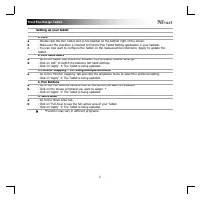
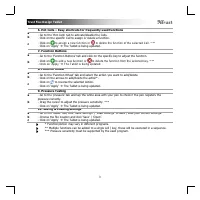
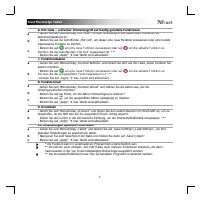
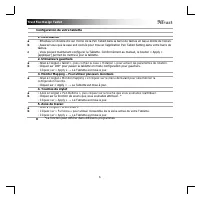
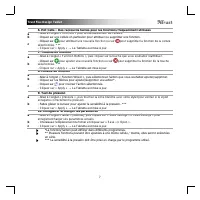
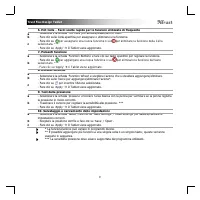
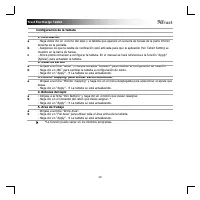
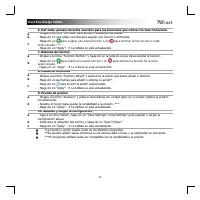
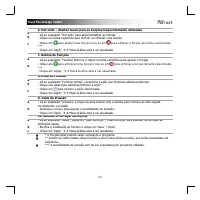
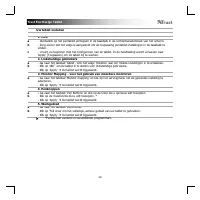
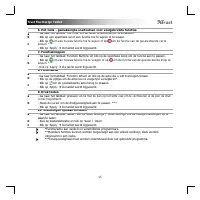
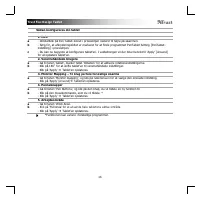
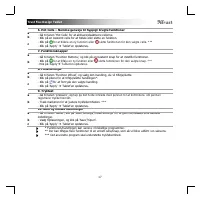
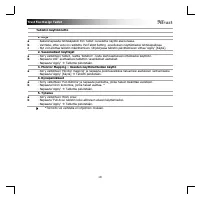
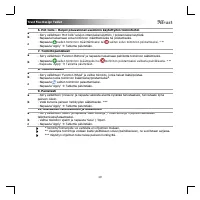
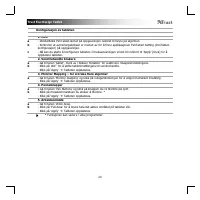
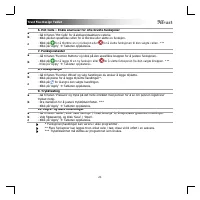
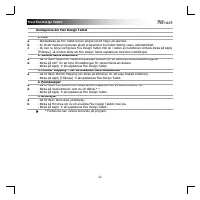
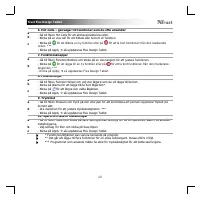
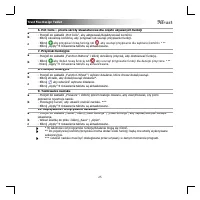
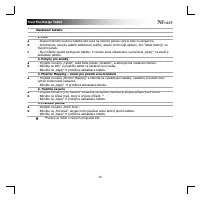
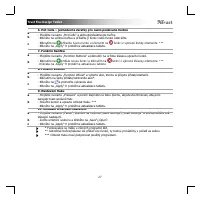
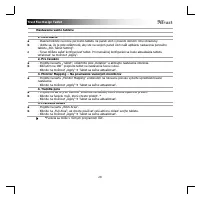
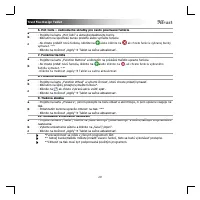
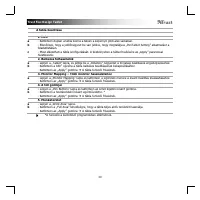
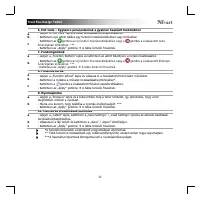
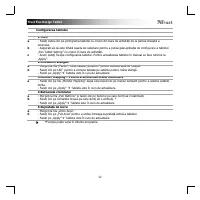
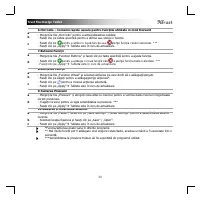
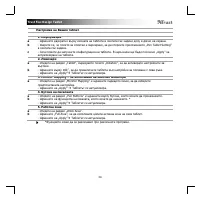
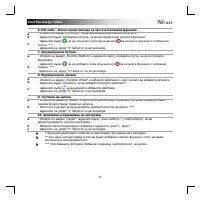
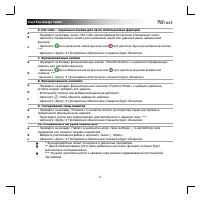
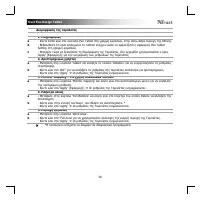
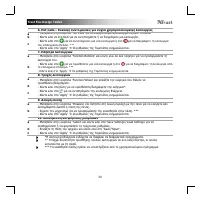
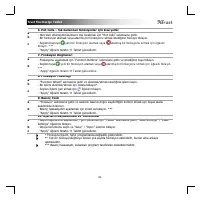
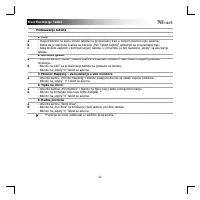
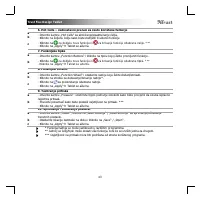
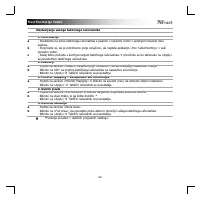
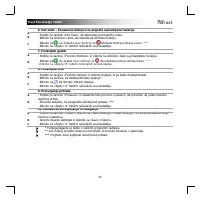
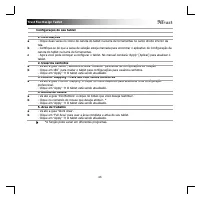
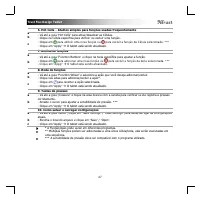
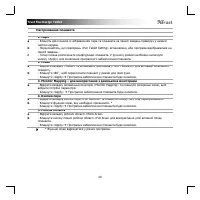
Table of Contents:
- Page 7 – to assign a new function or; Function Buttons; to add a new function or
- Page 10 – - Cliquez sur « Apply »; Touches du stylet; - Cliquez sur la fonction de souris que vous souhaitez attribuer. *
- Page 11 – *La fonction/l’action peut différer dans différents programmes.
- Page 20 – Klik på
- Page 21 – - Gå til fanen ‘Hot Cells’ for at aktivere/deaktivere cellerne.; Funktionsknapper; for at tilføje en ny funktion eller; Gem og indlæs indstillinger; * Funktionen/handlingen kan variere i forskellige programmer.
- Page 23 – Trust Flex Design Tablet; uuden toiminnon määrittämiseksi tai; Toimintopainikkeet; uuden toiminnon lisäämiseksi tai; Asetuksien tallentaminen ja lataaminen; Tablettia päivitetään.
- Page 24 – Monitor Mapping – for å bruke flere skjermer; Tableten oppdateres.
- Page 25 – for å tilordne en ny funksjon eller
- Page 27 – - Gå till fliken Hot Cells för att aktivera/inaktivera celler.; Funktionsknappar; för att lägga till en ny funktion eller på; Spara och läsa in inställningar; så uppdateras Flex Design Tablet.
- Page 29 – Przyciski funkcyjne; ć nową funkcję lub; Pokrętło funkcyjne
- Page 47 – Funkcijske tipke; za dodjelu nove funkcije ili; Funkcijski kotačić
- Page 49 – , da dodelite novo funkcijo ali; Funkcijski gumbi; , da dodate novo funkcijo ali; Preverjanje pritiska
- Page 51 – para atribuir uma nova função ou; Botões de funções; para adicionar uma nova função ou; Testes de pressão
- Page 53 – для призначення нової функції або; Функціональні кнопки; щоб додати нову функцію, або; Функціональне колесо
"Loading the manual" means you need to wait until the file loads and becomes available for online reading. Some manuals are very large, and the time they take to appear depends on your internet speed.
Summary
Trust Flex Design Tablet 3 6. Hot Cells – Easy shortcuts for frequently used functions a b c - Go to the ‘Hot Cells’ tab to activate/disable the Cells. - Click on the specific Cell to assign or delete a function. - Click on to assign a new function or to delete the function of the selected Cell. * *...
Trust Flex Design Tablet 6 Configuration de votre tablette 1. Information a b c - Effectuez un double-clic sur l’icône de la Pen Tablet dans la barre de tâches en bas à droite de l’écran. - Assurez-vous que la case soit cochée pour trouver l’application Pen Tablet Setting dans votre barre de tâches....
Trust Flex Design Tablet 7 6. Hot Cells – Des raccourcis faciles pour les fonctions fréquemment utilisées a b c - Allez à l’onglet « Hot Cells » pour activer/désactiver les cellules. - Cliquez sur une cellule en particulier pour attribuer ou supprimer une fonction. - Cliquez sur pour attribuer une n...