Toshiba TY-ASC51 - User Manual
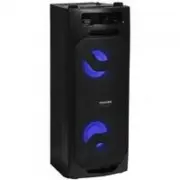
Toshiba TY-ASC51 Sound System – User Manual, read for free online in PDF format. We hope this helps you resolve any issues you may have. If you have further questions, please contact us through the contact form.
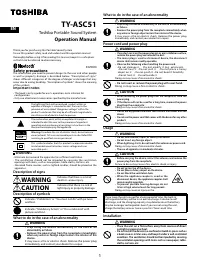
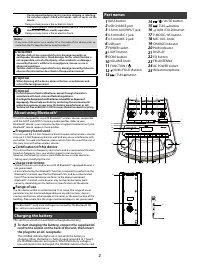
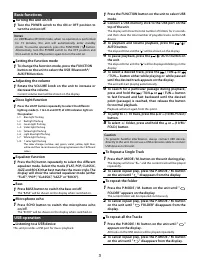
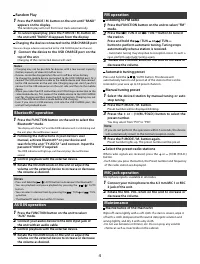
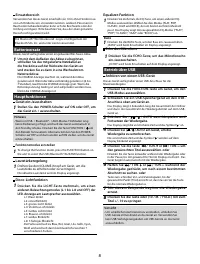
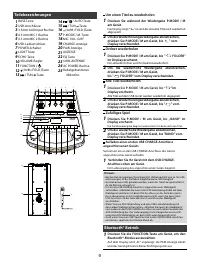
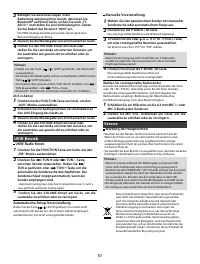
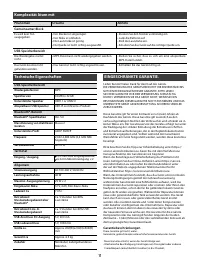
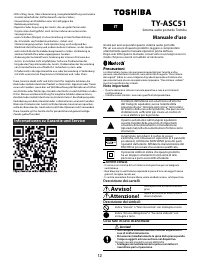
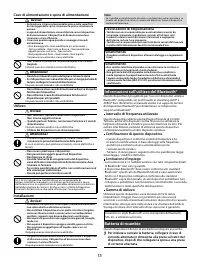
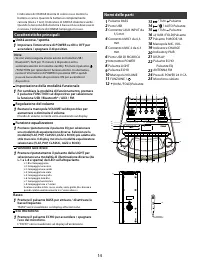
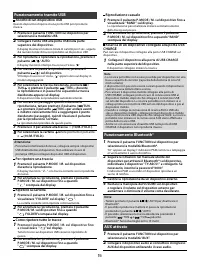
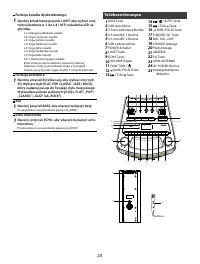
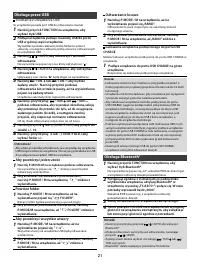
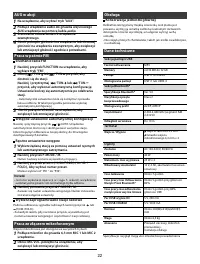
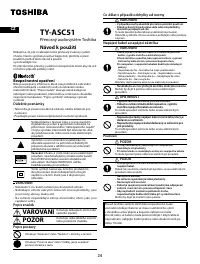
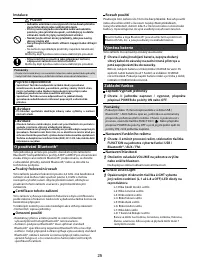
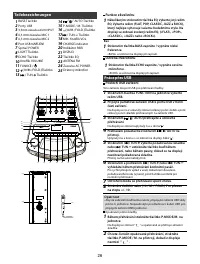
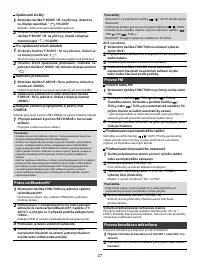
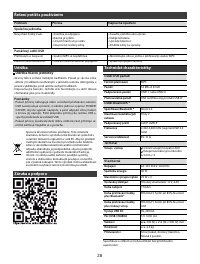
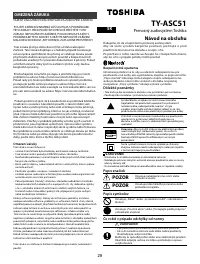
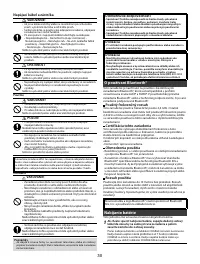
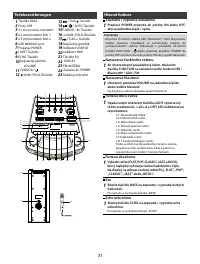
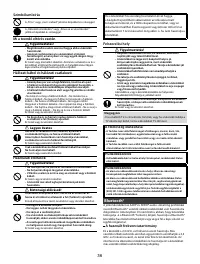
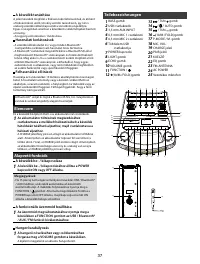
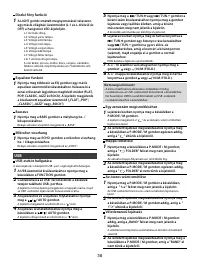
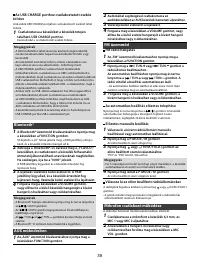
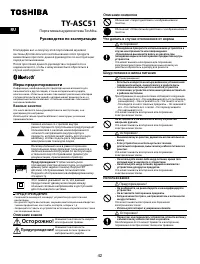
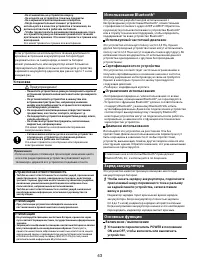
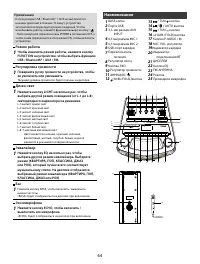
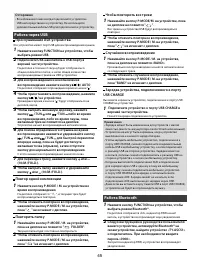
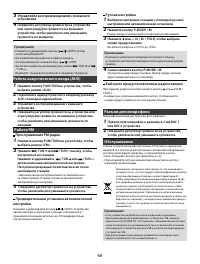
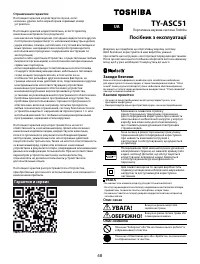
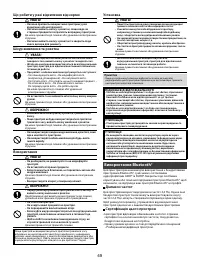
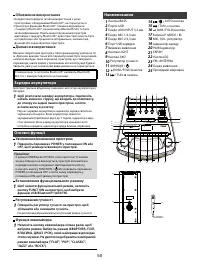
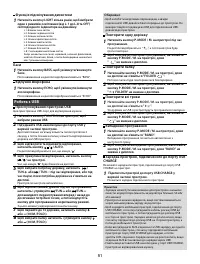
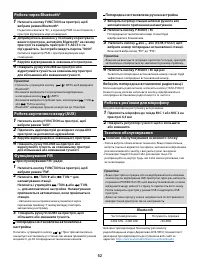
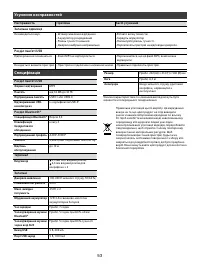
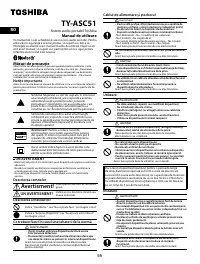
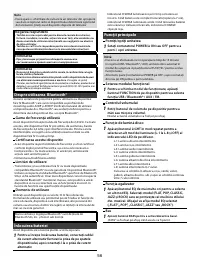
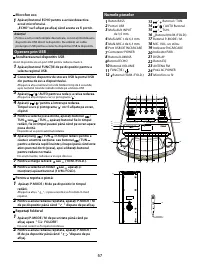
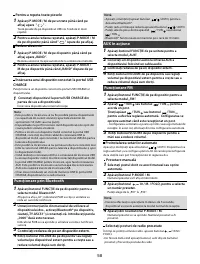
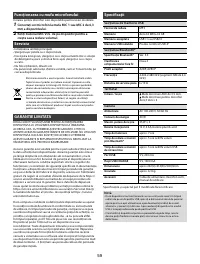
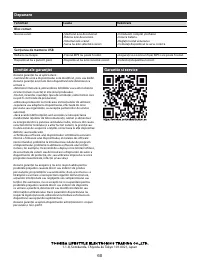
Table of Contents:
- Page 2 – Part names; About using Bluetooth®; To start charging the battery, connect the supplied AC
- Page 3 – Basic functions; USB operation
- Page 4 – Bluetooth® operation
- Page 6 – Tragbares Audiosystem von Toshiba; Handbuch; Vorsichtsmaßnahmen; Wichtige Notizen; WARNUNG; Weist auf eine; VORSICHT; Weist auf die Gefahr von
- Page 7 – Über die Verwendung von Bluetooth®
- Page 8 – Einsatzbereich; Batterieersatz; Lautstärkeregelung; Drehen Sie den VOLUME-Knopf am Gerät, um die; Bass; Betrieb über USB; Anhören von einem USB-Gerät
- Page 9 – Teilebezeichnungen; Um einen Titel zu wiederholen; Ordner wiederholen; Alle Titel wiederholen; Zufälliges Spiel; Bluetooth® Betrieb
- Page 10 – Service; Wartung der Haupteinheit
- Page 12 – Informationen zu Garantie und Service; Sistema audio portatile Toshiba; Manuale d’uso; Precauzioni; Note importanti; Descrizione dei simboli; Cosa fare in caso di anomalie
- Page 13 – Informazioni sull’utilizzo del Bluetooth®; Per iniziare a caricare la batteria, collegare il cavo di
- Page 14 – Caratteristiche principali; Premere ripetutamente il pulsante EQ per selezionare; Nomi delle parti
- Page 15 – Funzionamento tramite USB; tenere premuto il pulsante; Funzionamento Bluetooth®
- Page 16 – Ascolto della radio FM; Premere e tenere premuto; Preselezione dell’impostazione automatica; Manipolazione del connettore microfono; Manutenzione dell’unità principale; GARANZIA LIMITATA; Garantie et service
- Page 17 – Garanzia limitata; Specifiche tecniche
- Page 18 – Przenośny system audio Toshiba; Instrukcja z obsługi; Środki ostrożności; OSTRZEŻENIE
- Page 19 – Informacje o korzystaniu z Bluetooth®
- Page 20 – Funkcja światła dyskotekowego; Naciśnij kilkakrotnie przycisk LIGHT, aby wybrać inny; Funkcja korektora; Naciśnij przycisk EQ kilka razy, aby wybrać inny tryb; Bas; Echo mikrofonu; Naciśnij przycisk ECHO, aby włączyć/wyłączyć echo
- Page 21 – Obsługa przez USB; Słuchanie z urządzenia USB; Obsługa Bluetooth®
- Page 22 – Słuchanie radia FM; Praca ze złączem mikrofonowym; Konserwacja jednostki głównej; Dane techniczne
- Page 23 – OGRANICZONA GWARANCJA; Gwarancja i wsparcie
- Page 24 – Přenosný audiosystém Toshiba; Návod k použití; Bezpečnostní opatření; VAROVÁNÍ; Používání
- Page 25 – O používání Bluetooth®
- Page 26 – Funkce ekvalizéru; Práce přes USB; Poslech USB zařízení
- Page 27 – na displeji nezobrazí; Práce na Bluetooth®
- Page 28 – Údržba; Údržba hlavní jednotky; Záruka a podpora
- Page 29 – OMEZENÁ ZÁRUKA; Omezení záruky; Prenosný audiosystém Toshiba; Návod na obsluhu; Bezpečnostné opatrenia; Dôležité poznámky; POZOR; Popis symbolov
- Page 30 – OPATRNOSŤ; O používaní Bluetooth®
- Page 32 – Prevádzka cez USB; Prevádzka cez Bluetooth®
- Page 33 – Počúvanie FM rádia; Prevádzka konektora mikrofónu; Obsluha hlavnej jednotky; Technické charakteristiky
- Page 34 – Riešenie zložitostí pomocou
- Page 35 – Toshiba hordozható audiórendsze; Használati útmutató; Óvintézkedések; Fontos megjegyzések; FIGYELMEZTETÉS
- Page 36 – Bluetooth®
- Page 37 – Elemcsere; A funkcionális üzemmód beállítása
- Page 38 – USB
- Page 40 – Karbantartás; Főegység karbantartása; Műszaki adatok
- Page 41 – Garancia és támogatás
- Page 42 – Портативная аудиосистема Toshiba; Руководство по эксплуатации
- Page 43 – Использование Bluetooth®; Чтобы начать зарядку аккумулятора, подключите; Основные функции; Установите переключатель POWER в положение
- Page 44 – Режим работы; Эквалайзер; Наименования
- Page 45 – Работа через USB; Работа Bluetooth
- Page 48 – Ограничения гарантии; Гарантия и сервис; Портативна звукова система Toshiba; Посібник з експлуатації; Заходи безпеки; Важливі примітки; Опис символів
- Page 49 – Використання Bluetooth®
- Page 51 – Робота з USB
- Page 55 – Sistem audio portabil Toshiba; Manual de utilizare
- Page 56 – Despre utilizarea Bluetooth®
- Page 57 – Microfon eco; Operare prin USB; Ascultarea unui dispozitiv USB; Pentru a repeta o piesă:; Numele pieselor
- Page 58 – Funcționare prin Bluetooth
- Page 60 – Fenomen
1
TY-ASC51
Toshiba Portable Sound System
Operation Manual
Thank you for purchasing this Portable Sound System.
To use this product safely, read and understand this operation manual
thoroughly before using. After reading this manual, keep it in a safe place
so that it can be referred to when necessary.
5029300
Safety precautions
The information you need to prevent danger to the user and other people
as well as proper t y damage is described below. “Description of signs”
shows dif ferent categories of the degree of danger or damage that may
occur due to wrong handling. “Description of symbols” shows the meaning
of the symbols.
Important notes
• This book is only a guide for user's operation, not a criterion for
configuration.
• Only use attachments/accessories specified by the manufacturer.
The lightning flash with arrowhead symbol, within an
equilateral triangle, is intended to alert the user to the
presence of uninsulated “dangerous voltage” within the
product's enclosure that may be of sufficient magnitude to
constitute a risk of electric shock to persons.
The exclamation point within an equilateral triangle is
intended to alert the user to the presence of important
operating and maintenance (servicing) instructions in the
literature accompanying the appliance.
Warning:
To reduce the risk of electric shock, do not remove
cover (or back). NO user-serviceable parts inside. Refer RISK
servicing to qualified service personnel.
This symbol indicates that this product incorporates double
insulation between hazardous mains voltage and user
accessible parts.
WARNING
- Minimum 5cm around the apparatus for sufficient ventilation.
- T he ventilation should not b e imp e de d by covering the ventilation
openings with items, such as newspapers, table-cloths, curtains, etc.
- No naked flame sources, such as lighted candles, should be placed on the
apparatus.
Description of signs
WARNING
Indicates that there is a risk of
death or serious injury.
CAUTION
Indicates that there is a risk of
light injury or property damage.
Description of symbols
Indicates “Prohibition” or “You must not do” with pictures
and text.
Indicates “Mandatory Action” or “Do as indicated” with
pictures and text.
What to do in the case of an abnormality
WARNING
• St o p u s i n g t h e d e v i c e i m m e d i a t e l y i n t h e c a s e o f a n
abnormality or failure.
• Remove the power plug from the receptacle immediately
when any water or foreign object enters the interior of the
device.
It may cause a fire or electric shock. Remove the power plug
immediately, and contact your dealer for a repair.
EN
What to do in the case of an abnormality
WARNING
• Stop using the device immediately in the case of an abnormality
or failure.
• Remove the power plug from the receptacle immediately when
any water or foreign object enters the interior of the device.
It may cause a f ire or elec tric shock . Remove the power plug
immediately, and contact your dealer for a repair.
Power cord and power plug
WARNING
• If any dust exists on the power plug pin or pin installation surface,
remove the power plug and remove the dust.
• The mains plug is used as disconnect device, the disconnect
device shall remain readily operable.
• Observe the following when handling the power cord.
• D o not damage it .
• D o not mo dif y it (e.g. e x tension).
• D o n o t h e a t i t . • D o n o t p u l l i t .
• D o n o t p l a ce a h e av y
object on it.
•Do not pinch it. •Do not bend it forcefully.
•Do not twist it.
•Do not bundle it.
Doing so may cause a fire or electric shock.
• Do not insert or remove the power plug with a wet hand.
Doing so may cause a fire or electric shock.
CAUTION
• When removing the power plug from the receptacle, hold the
power plug.
• If the device will not be used for a long time, remove the power
plug from the receptacle.
Doing so may cause a fire or electric shock.
• Do not use any power cord other than the one that comes with the
device.
• Do not use the power cord that comes with the device for any other
product.
Doing so may cause a fire or electric shock.
Usage
WARNING
• Do not disassemble, repair, or modify the device.
• Do not insert any foreign object.
• When lightning starts, do not touch the antenna or power cord.
Doing so may cause a fire or electric shock.
• The use of apparatus in moderate climates.
CAUTION
• Before carrying the device, retract the antenna and remove the
power plug from the receptacle.
Failure to do so may cause a fire, electric shock, or injury.
• Do not get on top of the device.
• Do not place a heavy object on the device.
• Do not block the ventilation hole.
• When the appliance coupler is used as the
disconnect device, the appliance coupler shall
remain readily operable.
• To prevent possible hearing damage, do not
listen at high volume levels for long periods.
Doing so may cause an injury or fire.
If you leave the unit unused for a long period of time, the built-in
rechargeable battery will be in an over discharge state due to self
discharge, and the charging capacity may deteriorate or the battery
may be no longer rechargeable. Even if you are not using the unit,
charge the battery once or twice a year for 7 hours each time.
Installation
WARNING
• Place the unit on a flat surface away from sources of direct
sunlight or excessive heat.
• Do not install the device in a confined or build-in space such as
a book case or similar area, and keep it under a well-ventilated
condition. The ventilation should not be impeded by covering
the ventilation openings with items such as newspaper, table-
cloths, curtains, etc.
"Loading the manual" means you need to wait until the file loads and becomes available for online reading. Some manuals are very large, and the time they take to appear depends on your internet speed.
Was this manual helpful?
About this manual
- Brand
- Toshiba
- Model
- TY-ASC51
- Document type
- User Manual
- Category
- Sound System
- Language(s)
- German, English, Italian, Polish, Russian
- Pages
- 60
- File size
- 16.4 MB
- Format
Summary
2 Part names 1 BASS button 2 USB CHARGE port 3 3.5mm AUX INPUT jack 4 6.3 mm MIC 1 jack 5 6.3 mm MIC 2 jack 6 USB port 7 POWER switch 8 LIGHT button 9 ECHO button 10 VOLUME knob 11 FUNCTION / 12 (10/M./FOLD.)button 13 / TUN. button 14 / / AUTO button 15 / TUN. button 16 (10/M./FOLD.)button 17 P-MODE...
3 Basic functions Turning the unit on/off 1 Turn the POWER switch to the ON or OFF position to turn the unit on/off. Notes • In USB/Bluetooth®/AUX mode, when no operation is performed for 15 minutes, the unit will automatically enter standby mode. To resume operation, press the FUNCTION / button. Al...
4 Random Play 1 Press the P-MODE / M. button on the unit until "RAND" appears on the display. The random play will start from next track automatically. 2 To cancel repeat play, press the P-MODE / M. button on the unit until "RAND" disappears from the display. Charging the device conn...
Ask a question
Related manuals
More Toshiba Sound Systems models

Other Toshiba appliances
 Toshiba 3 Manual
 Toshiba 7 Manual
 Toshiba 13A22 User Manual
 Toshiba 13A23 Manual
 Toshiba 13A24 User Manual
 Toshiba 13A25 User Manual
 Toshiba 14AF41 User Manual
 Toshiba 14AF42 User Manual
 Toshiba 14AF43 User Manual
 Toshiba 14AF44 User Manual
 Toshiba 14AF45 User Manual
 Toshiba 14AF45C, 20AF45C Manual
 Toshiba 14AF46 User Manual
 Toshiba 15DL15 Manual
 Toshiba 15LV505 User Manual
 Toshiba 15LZJ28 Manual
 Toshiba 15V31B Manual
 Toshiba 17WLT46B User Manual
 Toshiba 19A20 Manual