Telefunken TF-DVR12HD - User Manual
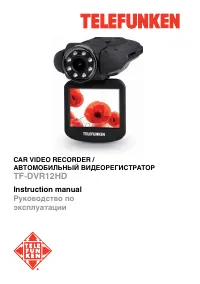
Telefunken TF-DVR12HD Dashcam – User Manual, read for free online in PDF format. We hope this helps you resolve any issues you may have. If you have further questions, please contact us through the contact form.
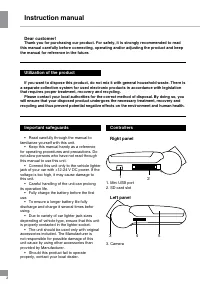
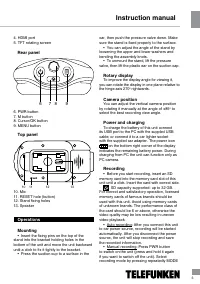
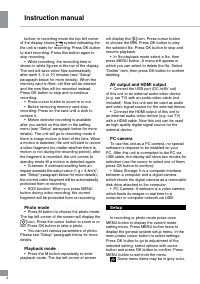
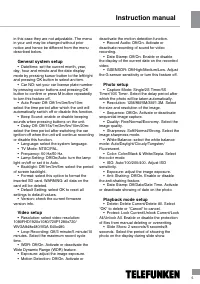
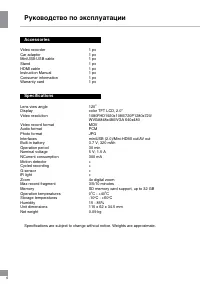
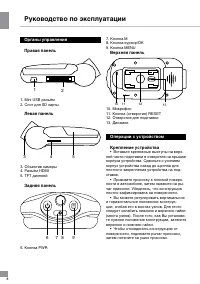
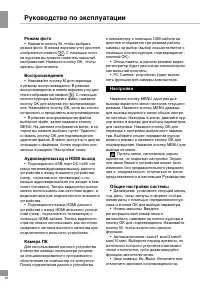
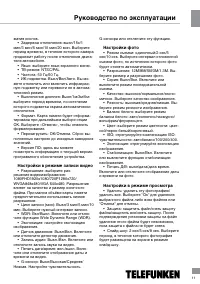
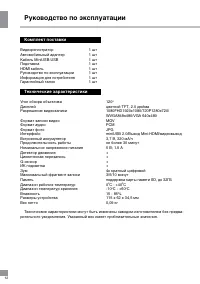

Table of Contents:
- Page 2 – Instruction manual; Utilization of the product
- Page 3 – Operations
- Page 4 – Photo mode
- Page 5 – General system setup
- Page 6 – Руководство по эксплуатации; Accessories
- Page 7 – Уважаемый покупатель!
- Page 8 – Органы управления
- Page 9 – Поворотный экран
- Page 10 – Режим фото
- Page 11 – Настройки в режиме записи видео
- Page 12 – Комплект поставки
Instruction manual
Руководство по
эксплуатации
CAR VIDEO RECORDER /
АВТОМОБИЛЬНЫЙ ВИДЕОРЕГИСТРАТОР
TF-DVR12HD
"Loading the manual" means you need to wait until the file loads and becomes available for online reading. Some manuals are very large, and the time they take to appear depends on your internet speed.
Summary
Instruction manual 2 Dear customer! Thank you for purchasing our product. For safety, it is strongly recommended to read this manual carefully before connecting, operating and/or adjusting the product and keep the manual for reference in the future. If you want to dispose this product, do not mix it...
Instruction manual 3 4. HDMI port5. TFT rotating screen Rear panel 6 7 8 9 6. PWR button7. M button8. Cursor/OK button9. MENU button Top panel 1 10 11 12 13 10. Mic11. RESET hole (button)12. Stand fixing holes13. Speaker Operations Mounting • Insert the fixing pins on the top of the stand into the b...
4 Instruction manual 4 button; in recording mode the top left corner of the display shows symbol indicating the the unit is ready for recording. Press OK button to start recording. Press this button again to stop recording. • While recording, the recording time is shown in white figures in the top o...