Sven RX-G860 - User Manual

Sven RX-G860 Computer Mouse – User Manual, read for free online in PDF format. We hope this helps you resolve any issues you may have. If you have further questions, please contact us through the contact form.

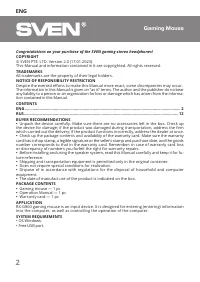
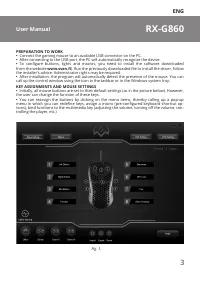
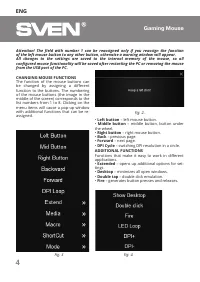
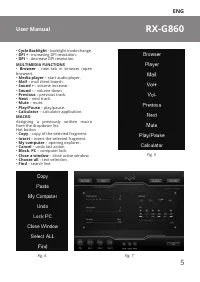
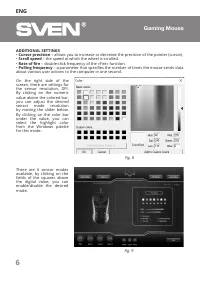
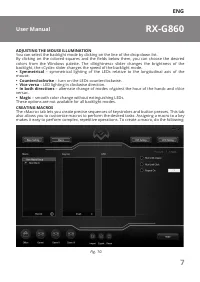
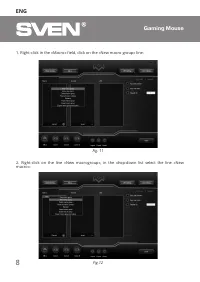
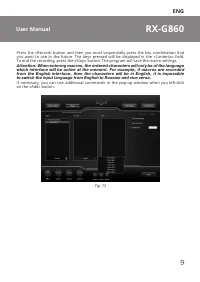
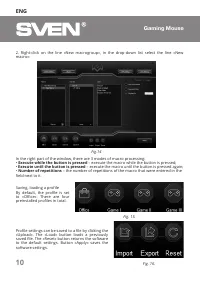
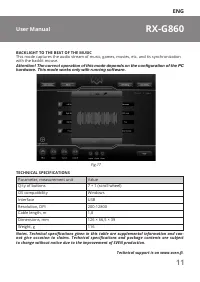
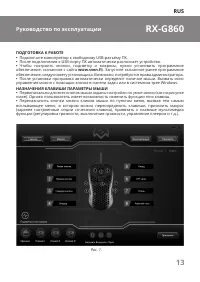
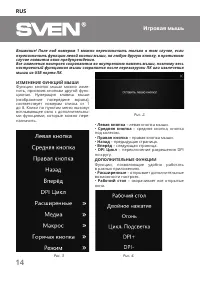
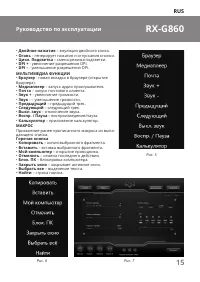
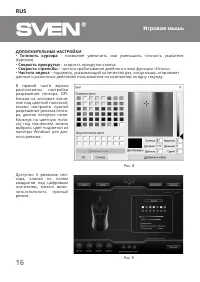
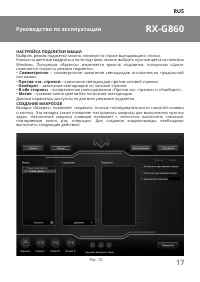
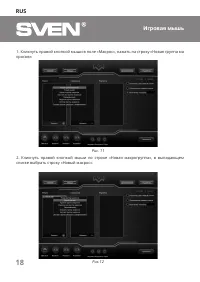
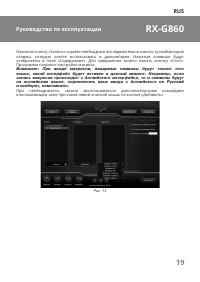
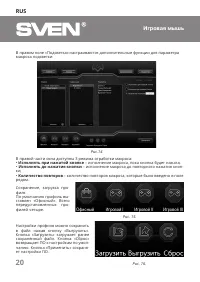
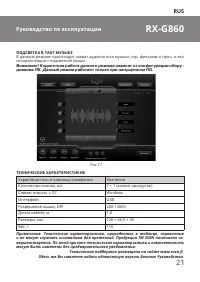
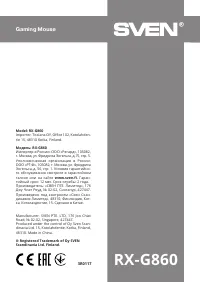
Table of Contents:
- Page 3 – PREPARATION TO WORK; Connect the gaming mouse to an available USB connector on the PC.; KEY ASSIGNMENTS AND MOUSE SETTINGS; the user can change the function of these keys.
- Page 4 – from the USB port of the PC.
- Page 5 – Hot button
- Page 6 – ADDITIONAL SETTINGS
- Page 7 – – turn on the LEDs counterclockwise.
- Page 10 – Execute while the button is pressed; Saving, loading a profile
- Page 11 – BACKLIGHT TO THE BEAT OF THE MUSIC; Parameter, measurement unit
- Page 12 – Благодарим Вас за покупку игровых наушников ТМ SVEN!
- Page 13 – ПОДГОТОВКА К РАБОТЕ; Подключите манипулятор к свободному USB-разъёму ПК.; НАЗНАЧЕНИЯ КЛАВИШИ ПАРАМЕТРЫ МЫШИ
- Page 14 – случае появится окно предупреждения.
- Page 15 – DPI –
- Page 16 – ДОПОЛНИТЕЛЬНЫЕ НАСТРОЙКИ
- Page 18 – списке выбрать строку «Новый макрос»:
- Page 19 – Программа сохранит настройки макроса.; Внимание: При вводе макросов, вводимые символы будут только того
- Page 20 – Исполнять при нажатой кнопке; Рис
- Page 21 – ПОДСВЕТКА В ТАКТ МУЗЫКЕ; Windows
- Page 22 – Gaming Mouse; Уполномоченная организация в России:; ® Registered Trademark of Oy SVEN
www.sven.fi
USER MANUAL
Gaming Mouse
RX-G860
"Loading the manual" means you need to wait until the file loads and becomes available for online reading. Some manuals are very large, and the time they take to appear depends on your internet speed.
Was this manual helpful?
Helpful for 3 of 3 readers
About this manual
- Brand
- Sven
- Model
- RX-G860
- Document type
- User Manual
- Category
- Computer Mouse
- Language(s)
- English, Russian
- Pages
- 22
- File size
- 2.2 MB
- Format
Summary
ENG 3 RX-G860 User Manual PREPARATION TO WORK • Connect the gaming mouse to an available USB connector on the PC. • After connecting to the USB port, the PC will automatically recognize the device. • To configure buttons, lights and macros, you need to install the software downloaded from the websit...
ENG 4 Gaming Mouse Attention! The field with number 1 can be reassigned only if you reassign the function of the left mouse button to any other button, otherwise a warning window will appear. All changes to the settings are saved to the internal memory of the mouse, so all configured mouse functiona...
ENG 5 RX-G860 User Manual • Cycle Backlight – backlight mode change. • DPI + - increasing DPI resolution. • DPI – - decrease DPI resolution. MULTIMEDIA FUNCTIONS • Browser - new tab in browser (open browser). • Media player – start audio player. • Mail – mail client launch. • Sound + - volume increa...
Ask a question
Related manuals
More Sven Computer Mice models



Other Sven appliances
 Sven 135 User Manual
 Sven 185 User Manual
 Sven 235 User Manual
 Sven 245 User Manual
 Sven 247 User Manual
 Sven 248 User Manual
 Sven 249 User Manual
 Sven 301 User Manual
 Sven 312 User Manual
 Sven 314 User Manual
 Sven 315 User Manual
 Sven 316 User Manual
 Sven 318 User Manual
 Sven 320 User Manual
- Sven 325 User Manual
 Sven 335 User Manual