NEC NP300 - Manual

NEC NP300 Projector – Manual, read for free online in PDF format. We hope this helps you resolve any issues you may have. If you have further questions, please contact us through the contact form.

www.necdisplay.com
Portable Projectors
NP Portable Series
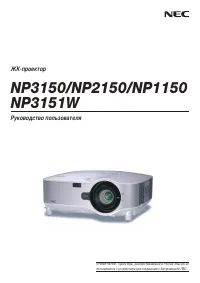
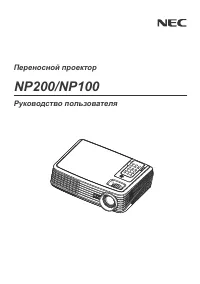
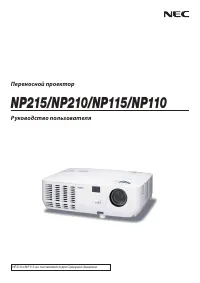
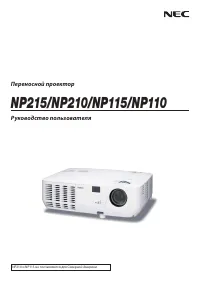
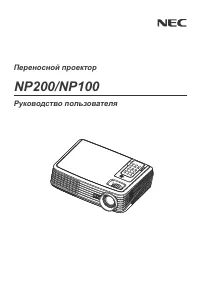
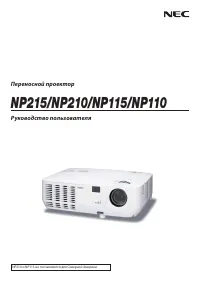
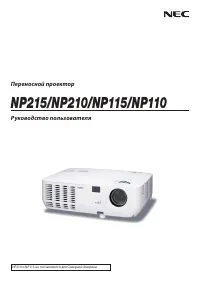
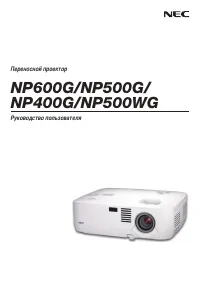
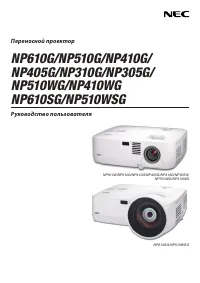
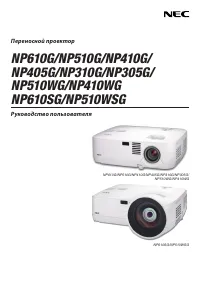
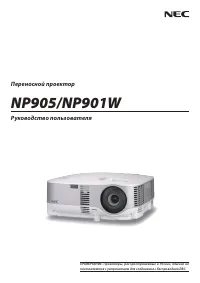
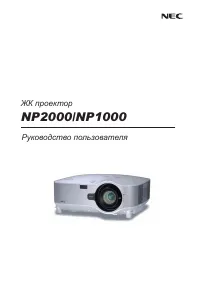
NP300, NP400, NP500, NP600 and NP500W digital projectors
Easy to use and at the right price, NP Portable Series projectors provide all the
essential features that you need to connect with your audience.
ESSENTIAL FEATURES FOR EASE OF USE
°
Plug and Play
intuitive setup and operation
°
Quick startup
lets you begin presenting in seconds
°
Top cover lamp change
provides for easy lamp changes without
removal of the projector from the mount
°
Bright images
easily viewed in any application
°
Versatile, color-coded connections
to computer, video sources and external
monitor
°
Automatic keystone correction technology
instantly projects a
square image even when the projector is set up at a steep offset angle to the screen
°
Autosense™
intuitively syncs the projector with most computer signals and features one-
touch image optimization
°
One-touch source changes and complete menu control
using the intuitive projector
keypad
°
Auto Power On
via the RGB (15-pin) input connector when a signal is detected from
a computer
°
Integrated RJ45 connection
for quick connection to the LAN (10/100 base-T capability)
°
Remote diagnostics
enable the user to monitor and make adjustments to the projector
remotely
VERSATILE FEATURES AND POWERFUL PERFORMANCE
° With
XGA and WXGA
native resolutions
, high brightness up to 3500 lumens and
patented NEC technologies, NP Portable Series projectors display impressive
image quality
°
Dual computer inputs, including DVI-I
, ensure quick switching between presentations
°
Powerful 7-watt speaker
provides volume needed for large rooms
°
Virtual Remote (DDC/CI)
over the VGA cable to control the projector directly from a
computer without the need for additional control cables
°
Variable audio-out
enables remote control to be used to adjust volume of self-powered external speakers that are connected to
the projector
°
Built-in wall color correction presets
provide for adaptive color tone correction to display properly on non-white surfaces
°
Easy control from remote
allows you to adjust lamp mode, aspect ratio, volume and image all with the touch of a button
SAVE MONEY, RESOURCES AND YOUR PROJECTOR
°
Extended lamp life with ECO Mode™ technology
increases lamp life up to 4000 hours, while lowering power consumption
°
Nearly silent operation
with noise level as low as 29dB in ECO Mode
°
Power management
enables projector to automatically turn off when an incoming signal is not detected from any of the inputs
°
Password protection
restricts unauthorized use of projector
°
Cabinet control lock setting
enables user to deactivate buttons on cabinet to prevent unwanted changes to projector settings
°
Email notification
informs the system administrator when the lamp approaches the end of its useful life
Series Features and Benefits
CLOSED CAPTIONING
LONG LAMP LIFE
EASY TO USE
VIRTUAL REMOTE
MONITOR OUTPUT
AUTOMATIC KEYSTONE CORRECTION
7-WATT SPEAKER
DVI-I INPUT
VARIABLE AUDIO OUT
"Loading the manual" means you need to wait until the file loads and becomes available for online reading. Some manuals are very large, and the time they take to appear depends on your internet speed.
Was this manual helpful?
About this manual
- Brand
- NEC
- Model
- NP300
- Document type
- Manual
- Category
- Projector
- Language(s)
- English
- Pages
- 2
- File size
- 437.2 KB
- Format