Motorola W372 / W377 - User Manual
Motorola W372 / W377 Smartphone – User Manual, read for free online in PDF format. We hope this helps you resolve any issues you may have. If you have further questions, please contact us through the contact form.

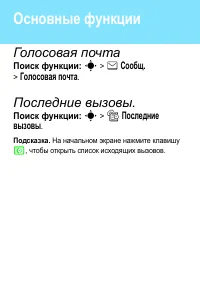
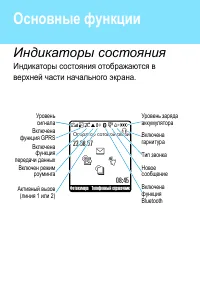

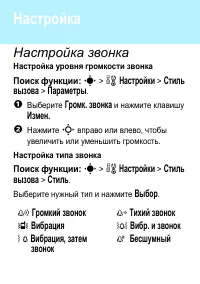
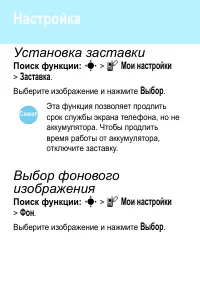
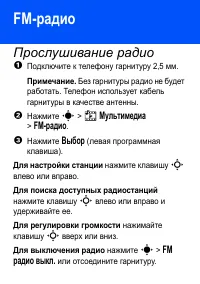
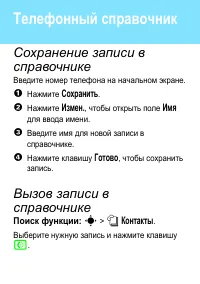
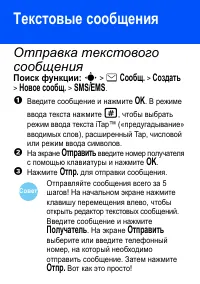
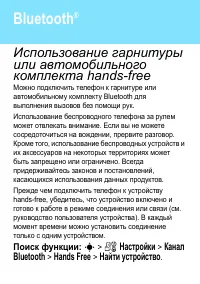
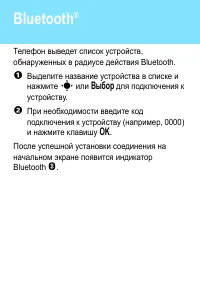

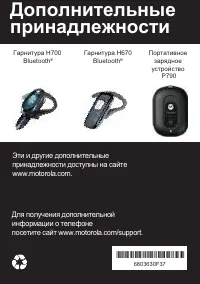
Table of Contents:
- Page 5 – Right Soft Key; connect to; Message Key
- Page 9 – Оператор сотовой связи; GPRS
- Page 12 – Совет
- Page 13 – FM
- Page 16 – OK
- Page 17 – Bluetooth; Bluetooth
- Page 19 – Motorola
- Page 25 – Product
- Page 40 – Дополнительные
motorola
W377/W372
Руководство пользователя
"Loading the manual" means you need to wait until the file loads and becomes available for online reading. Some manuals are very large, and the time they take to appear depends on your internet speed.
Summary
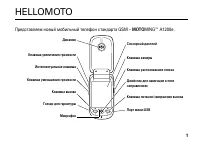
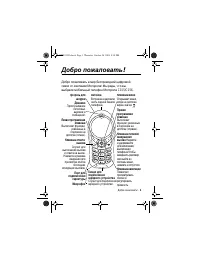
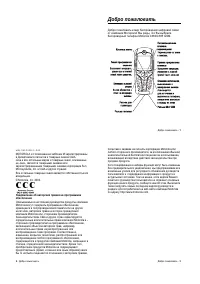
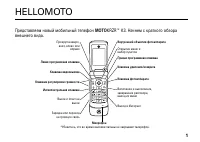
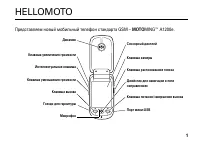
Îñíîâíûå ôóíêöèè Navigate menus. Right Soft Key Turn on & off,hang up, exitmenus. Left Soft Key Web Browser Key Volume Keys Make & answer calls. Charge up & connect to your PC. Message Key Open menus. Listen to music. , , . , . . . , .
. & * 7 ã ? E s z å Фотокамера Телефонный справочник Оператор сотовой связи 23.08.07 08:45 Data Active Signal Strength GPRS Active Battery Level Ring Style New MessageBluetoothActive Active Call Line 1 or 2 Roaming Active t e s n S HeadsetActive GPRS ( 1 2) Bluetooth
: s > l > . . : s > l > . . , . , . Совет