JBL CLIP2 - Manual
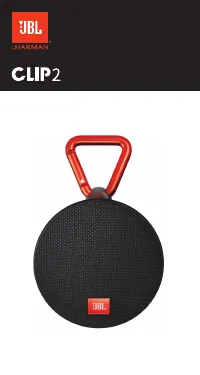
This Quick Guide covers the JBL Clip 2 portable Bluetooth speaker, highlighting its compact design, wireless connectivity, and key features like water resistance (IPX7 rating) and battery operation. The instructions emphasize setup–including Bluetooth pairing, charging via USB, and multi-speaker daisy-chaining–for seamless audio playback while addressing safety warnings about exposure to liquids or high temperatures. Technical details such as Bluetooth version 4.2, supported codecs, power specifications, and dimensions are also included to outline its performance and practical use cases.
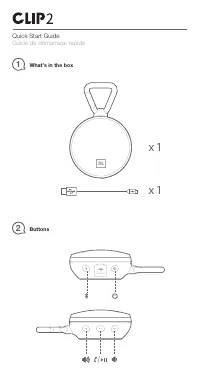
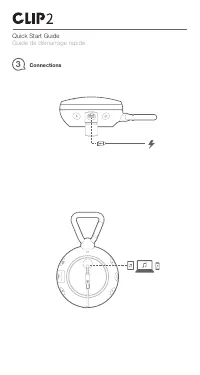
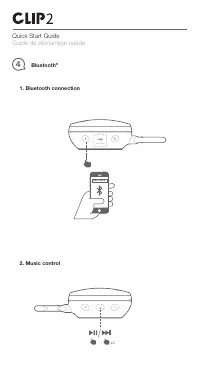
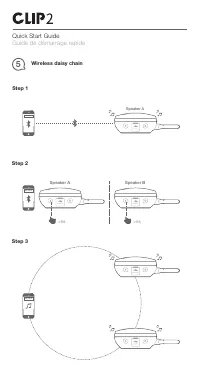

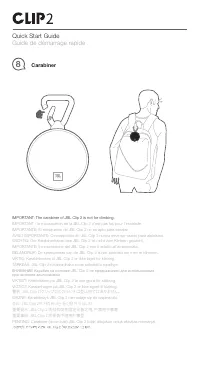
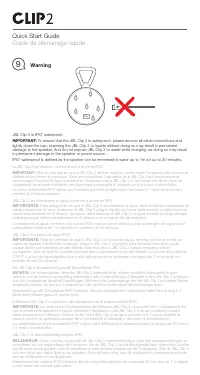
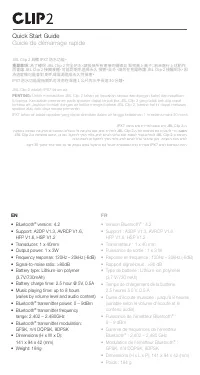
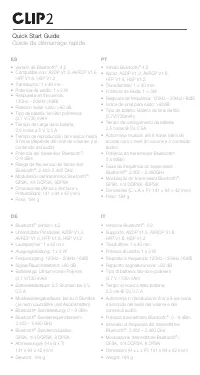
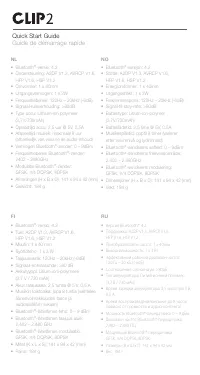
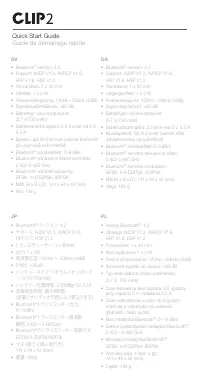
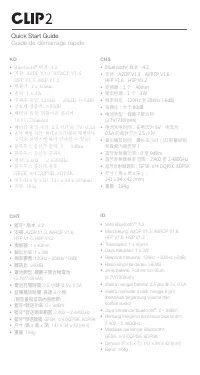
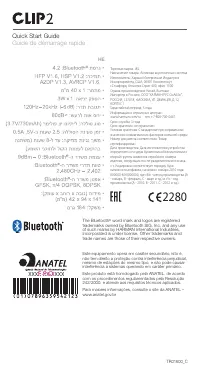
Table of Contents:
- Page 1 – Product Identification and Design
- Page 2 – Package Contents and Control Buttons
- Page 3 – Device Charging and Connectivity
- Page 4 – Bluetooth Pairing and Playback Controls
- Page 5 – Wireless Daisy Chain Setup
- Page 6 – Speakerphone and Status Indicators
- Page 7 – Carabiner Attachment Safety Warning
- Page 8 – Water Resistance Rating and Environmental Safety
- Page 9 – Initial Setup and Water Resistance Overview
- Page 10 – Key Technical Specifications
- Page 11 – Bluetooth Specifications
- Page 12 – Multilingual Technical Data
- Page 13 – Multilingual Performance Specifications
- Page 14 – Regional Bluetooth and Audio Specifications
- Page 15 – Advanced Bluetooth and Regulatory Compliance
JBL
by HARMAN
CLIP2
"Loading the manual" means you need to wait until the file loads and becomes available for online reading. Some manuals are very large, and the time they take to appear depends on your internet speed.
Was this manual helpful?
About this manual
- Brand
- JBL
- Model
- CLIP2
- Document type
- Manual
- Category
- Speaker
- Language(s)
- English, French
- Pages
- 15
- File size
- 2.7 MB
- Format
Other Manuals for JBL CLIP2
Summary
Introduction to the JBL Clip 2 portable speaker featuring a circular black design with an attached red carabiner clip.
Details on items included in the box and diagrams labeling the control buttons for power, Bluetooth, volume, and playback functions.
Instructions for charging the device using a USB cable and connecting it to computers or mobile devices for audio playback.
Tips
- Remove all cable connections and tightly close the cap before exposing the speaker to water to maintain IPX7 protection.
- Do not charge the speaker when it is wet.
- The carabiner is for attaching to bags or belts, not for climbing or supporting weight.
- For optimal audio performance, keep the speaker within 10 meters of the Bluetooth source.
- Battery life provides up to 8 hours of playback at moderate volume.