JBL Clip 2 Squad (JBLCLIP2SQUAD) - User Manual
This quick start guide provides everything you need to set up and use your JBL Clip 2 portable speaker. Learn about unboxing, button controls, charging, audio and Bluetooth connections, and how to pair two speakers for stereo sound via wireless daisy chain. The guide also covers speakerphone functionality, LED indicator meanings, and important safety warnings including IPX7 waterproofing and carabiner usage. Technical specifications such as Bluetooth version, battery life, dimensions, and weight are included for reference.
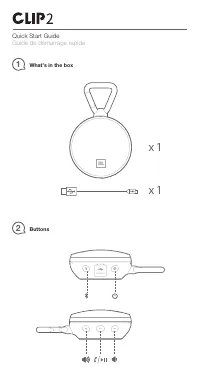
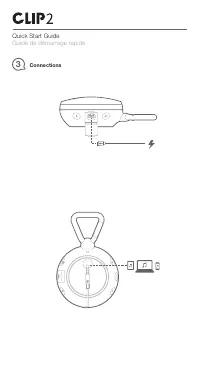
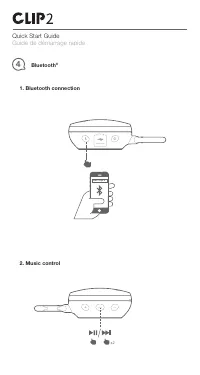
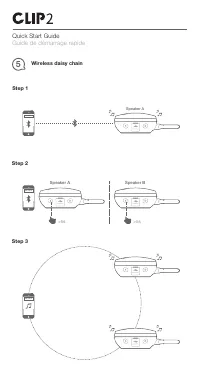
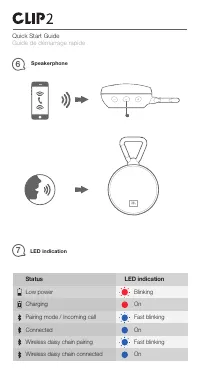
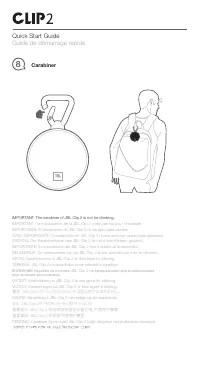
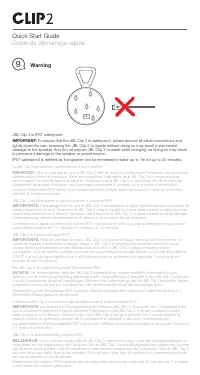
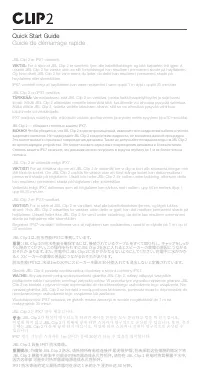
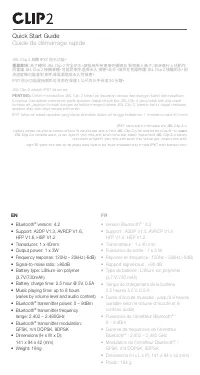
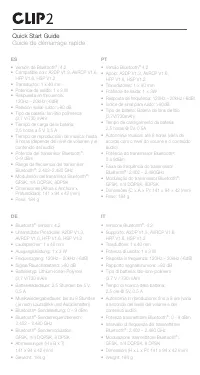
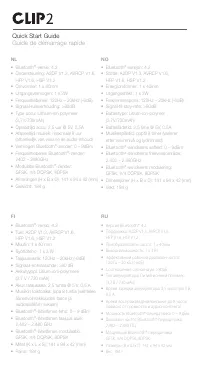
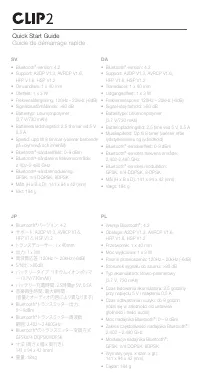
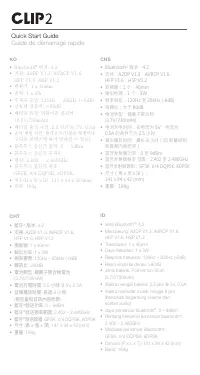
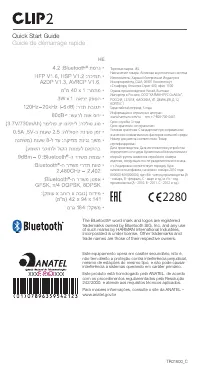
Table of Contents:
- Page 1 – Title Page
- Page 2 – What’s in the Box and Button Layout
- Page 3 – Charging and Audio Connections
- Page 4 – Bluetooth Pairing and Music Control
- Page 5 – Wireless Daisy Chain Setup
- Page 6 – Speakerphone and LED Status
- Page 7 – Carabiner Safety Warning
- Page 8 – Waterproof Warning
- Page 9 – Waterproof Warning (Continued)
- Page 10 – Technical Specifications (EN/FR)
- Page 11 – Technical Specifications (ES/PT/DE/IT)
- Page 12 – Technical Specifications (NL/NO/FI/RU)
- Page 13 – Technical Specifications (SV/DA/JP/PL)
- Page 14 – Technical Specifications (KO/CHS/CHT/ID)
- Page 15 – Regulatory Information
JBL
by HARMAN
CLIP2
"Loading the manual" means you need to wait until the file loads and becomes available for online reading. Some manuals are very large, and the time they take to appear depends on your internet speed.
Summary
JBL Clip 2 portable speaker title page featuring the device name and logo.
Lists included items: device and charging cable. Diagrams show button locations and their functions.
Instructions for charging via USB and connecting audio cable, with illustrated diagrams.
Tips
- Always close the charging port cap tightly before exposing the speaker to water to maintain waterproof integrity.
- Do not charge the speaker while it is wet or submerged.
- The carabiner is designed for attaching to bags or belts, not for climbing.
- For wireless daisy chain, put both speakers into pairing mode, then press and hold the Bluetooth button on each for more than 5 seconds.
- The speaker can be used as a speakerphone when connected via Bluetooth.
- Battery life depends on volume and content; lower volume extends playtime.


