Hyundai H-CMD7083 - User Manual
Hyundai H-CMD7083 Car Radio – User Manual, read for free online in PDF format. We hope this helps you resolve any issues you may have. If you have further questions, please contact us through the contact form.
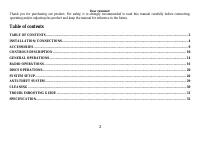
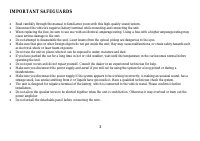

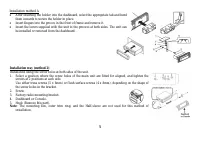
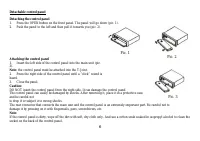

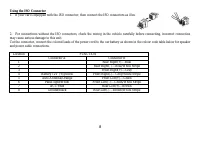
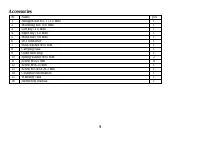


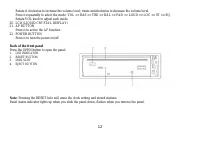
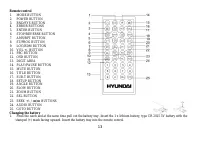


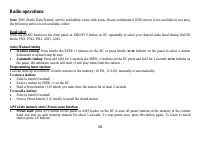
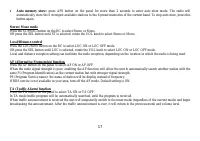
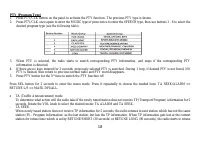

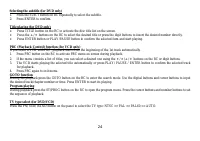
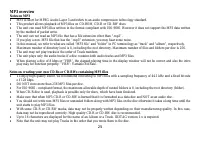
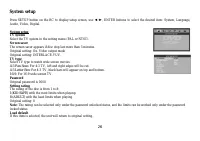

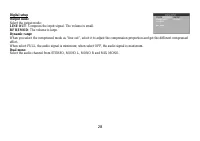

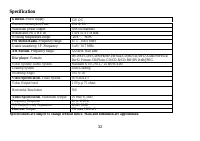
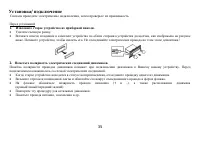
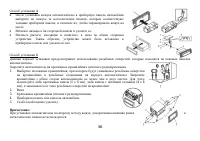
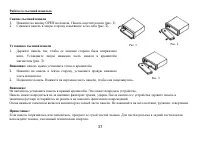
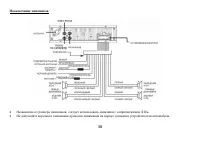
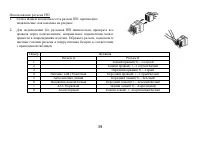
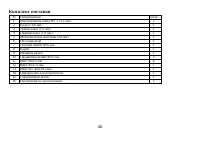
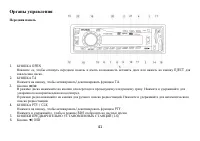

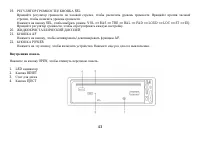
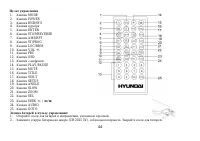
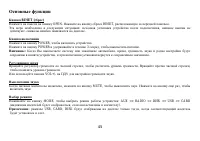
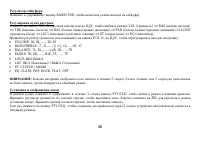
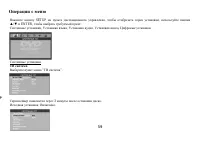
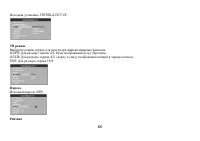
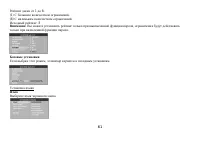
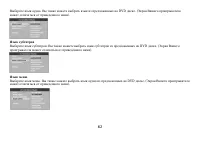
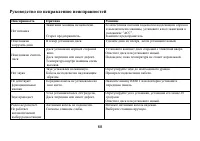
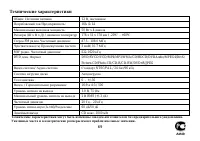
Table of Contents:
- Page 2 – Table of contents
- Page 3 – IMPORTANT SAFEGUARDS
- Page 4 – Installation/ Connections; Before installing the unit, please remove two screws on the top.; Remove the old unit from the dashboard.
- Page 5 – Installation method A
- Page 6 – Insert the left side of the control panel into the main unit (pic.
- Page 8 – Using the ISO Connector; Location
- Page 9 – Accessories
- Page 10 – Controls description; Front panel; Press it to remove the front panel.
- Page 12 – Press it to active the AF function.; Back of the front panel; Press the OPEN button to open the panel.
- Page 14 – General operations; resume the stored status you set.
- Page 15 – Press the PTY/CLK button on the panel to show the time on the display.
- Page 16 – Radio operations; the following service is not available, either.; Band select; Press briefly the SEEK-/+ buttons on the RC or press briefly; Programming tuner stations
- Page 17 – Local/Distance control
- Page 18 – time to switch the PTY function off.
- Page 20 – Discs operations; Title; The following file types are supported:
- Page 24 – GOTO function
- Page 25 – MP3 overview; Notes on MP3
- Page 26 – System setup; Screen saver
- Page 28 – Select the output mode:; LINE OUT; Select the audio channel from STEREO, MONO L, MONO R and MIX MONO.
- Page 30 – Cleaning; Discs holding
- Page 31 – Troubleshooting guide; Symptom; Disc cannot be loaded.
- Page 32 – Specification; Maximum power output:
- Page 37 – OPEN
- Page 40 – ISO
- Page 45 – POWER
- Page 54 – Intro; OSD
- Page 56 – GOTO; VCD; ENTER; ENTER
- Page 59 – SETUP
- Page 68 – RESET
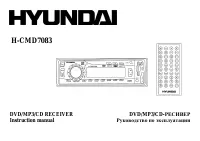
H-CMD7083
DVD/MP3/CD RECEIVER DVD/MP3/CD-
Instruction manual
"Loading the manual" means you need to wait until the file loads and becomes available for online reading. Some manuals are very large, and the time they take to appear depends on your internet speed.
Summary
2 Dear customer! Thank you for purchasing our product. For safety, it is strongly recommended to read this manual carefully before connecting,operating and/or adjusting the product and keep the manual for reference in the future. Table of contents TABLE OF CONTENTS .....................................
3 IMPORTANT SAFEGUARDS Read carefully through the manual to familiarize yours with this high-quality sound system.Disconnect the vehicle's negative battery terminal while mounting and connecting the unit.When replacing the fuse, be sure to use one with an identical amperage rating. Using a fuse with...
4 Installation/ Connections First complete the electrical connections, and then check them for correctness. If you are not confident working with electrical wiring,removing and reinstalling interior panels, carpeting, dashboards or other components of your vehicle, please call your dealer in orderto...









