Hyundai H-CMD7075 - User Manual
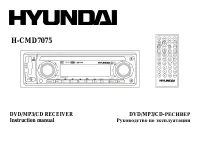
Hyundai H-CMD7075 Car Radio – User Manual, read for free online in PDF format. We hope this helps you resolve any issues you may have. If you have further questions, please contact us through the contact form.
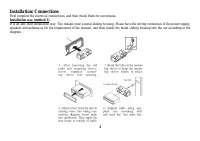
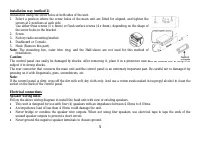
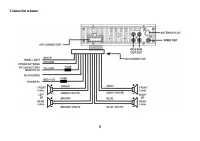
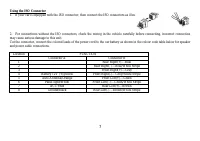
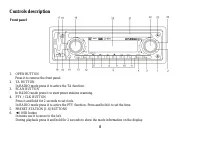
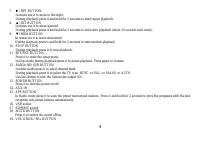
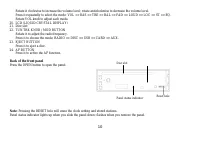
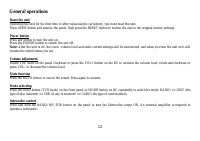
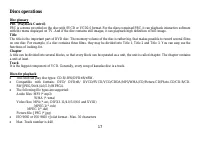
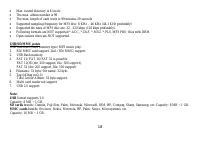
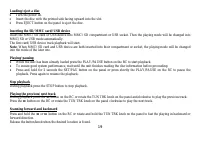
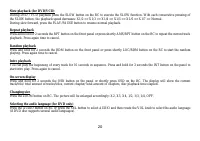
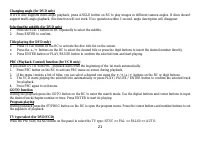
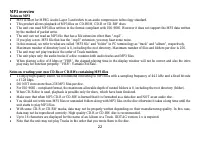
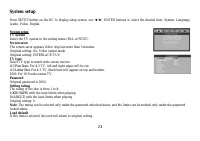
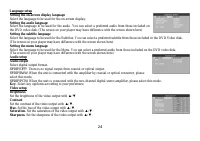
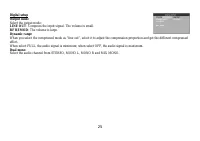
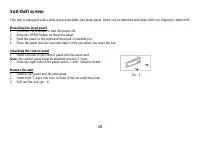
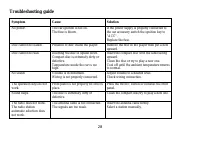
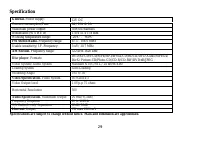
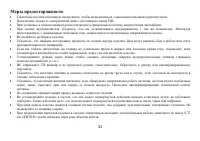
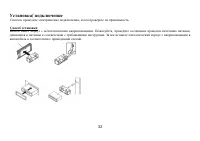
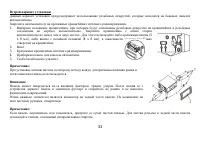
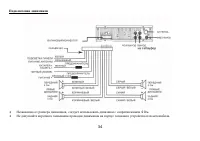
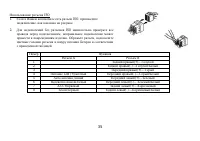
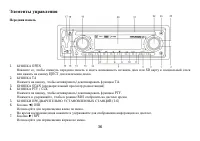
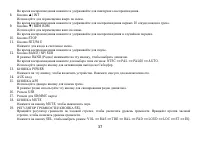
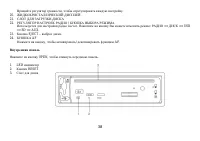
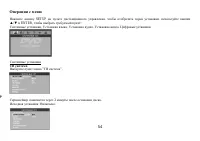
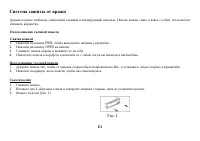
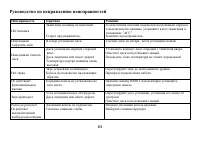
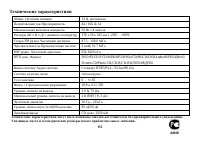
Table of Contents:
- Page 2 – Table of contents
- Page 3 – IMPORTANT SAFEGUARDS; cause serious damage to the unit.
- Page 4 – Installation/ Connections
- Page 7 – Using the ISO Connector; Location
- Page 8 – Controls description; Front panel; Press it to remove the front panel.
- Page 10 – Back of the front panel; Press the OPEN button to open the panel.
- Page 12 – General operations; resume the stored status you set.
- Page 13 – Press the PTY/CLK button on the panel to show the time on the display.
- Page 14 – Radio operations; the following service is not available, either.; Band select; station downward or upward step by step.; Programming tuner stations
- Page 15 – Local/Distance control
- Page 16 – time to switch the PTY function off.
- Page 17 – Discs operations; Title; The following file types are supported:
- Page 21 – GOTO function
- Page 22 – MP3 overview; Notes on MP3
- Page 23 – System setup; Screen saver
- Page 25 – Select the output mode:; LINE OUT; Select the audio channel from STEREO, MONO L, MONO R and MIX MONO.
- Page 26 – Detaching the front panel; Push the panel to the right and then pull it towards you.; Attaching the control panel; Insert left side of the control panel into the main unit.; Remove the unit; Insert both T-Keys into hole in front of the set until they lock.
- Page 27 – Cleaning; Discs holding
- Page 28 – Troubleshooting guide; Symptom; Disc cannot be loaded.
- Page 29 – Specification; Maximum power output:
- Page 40 – POWER
- Page 42 – RDS
- Page 44 – PTY
- Page 50 – GOTO
- Page 51 – VCD; DVD; ENTER
- Page 54 – SETUP
- Page 61 – OPEN
- Page 63 – RESET
H-CMD7075
DVD/MP3/CD RECEIVER DVD/MP3/CD-
Instruction manual
"Loading the manual" means you need to wait until the file loads and becomes available for online reading. Some manuals are very large, and the time they take to appear depends on your internet speed.
Other Manuals for Hyundai H-CMD7075
Summary
2 Dear customer! Thank you for purchasing our product. For safety, it is strongly recommended to read this manual carefully before connecting,operating and/or adjusting the product and keep the manual for reference in the future. Table of contents Table of contents .....................................
3 IMPORTANT SAFEGUARDS Using the device at temperature below -10º may cause the breakage of the device. BEFORE USING PLEASE HEAT UP THEPASSENGER COMPARTMENT TO THE RECOMMENDED TEMPERATURE! Read carefully through this manual to familiarize you with this high-quality sound system.Disconnect the vehicl...
4 Installation/ Connections First complete the electrical connections, and then check them for correctness. Installation way (method 1) It is an anti-theft installation way. The chassis wear a metal sliding housing. Please have the wiring connection of the power supply,speakers and antenna as for th...









