Hyundai H-CMD4004 - User Manual
Hyundai H-CMD4004 Car Radio – User Manual, read for free online in PDF format. We hope this helps you resolve any issues you may have. If you have further questions, please contact us through the contact form.
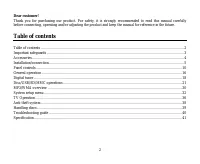
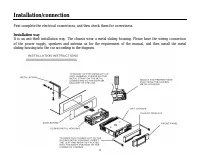
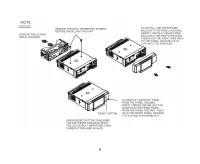
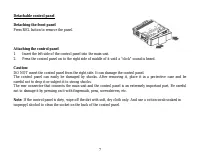
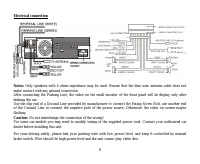
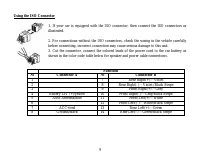
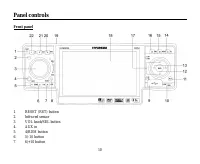
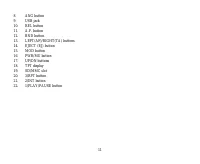
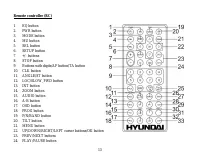
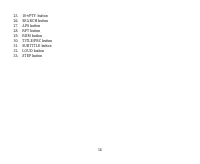
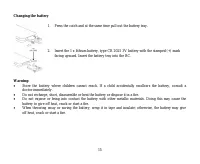
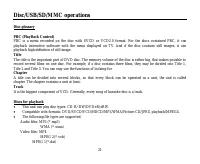
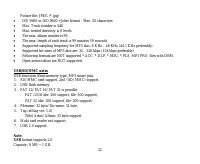
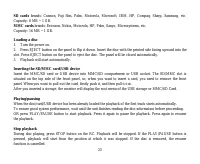
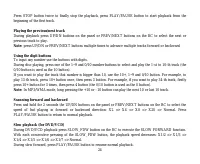
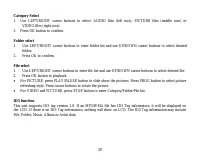
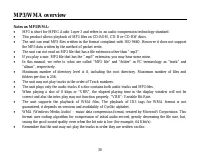
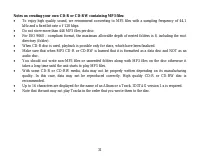
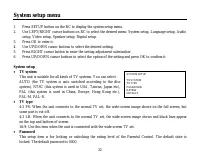
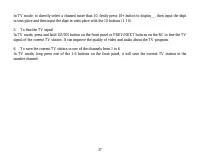
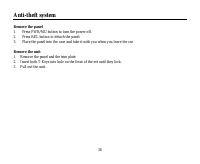
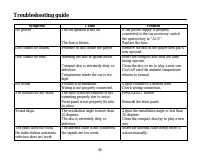
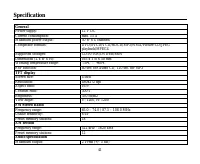
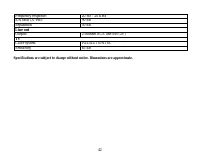
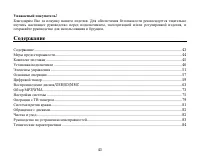
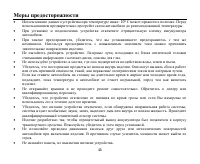
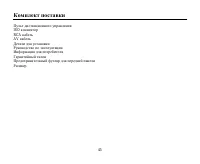
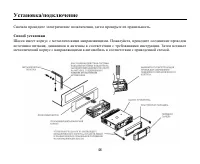
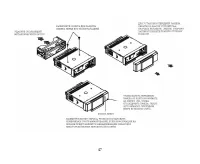
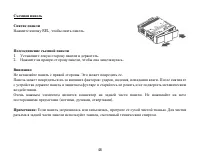
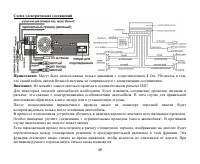
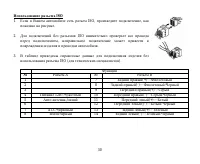
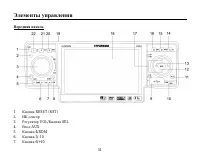
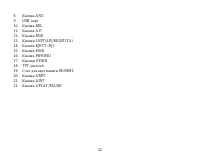
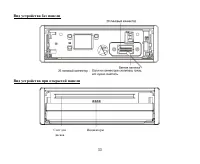
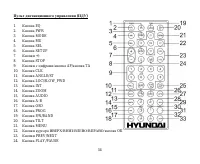
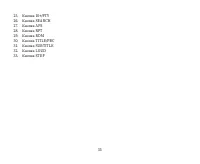
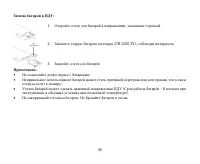
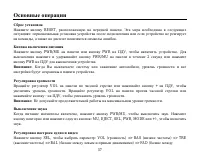
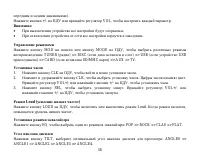
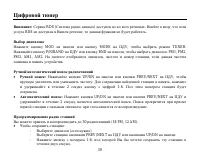
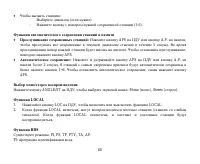
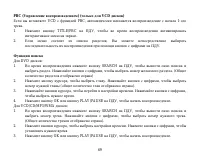
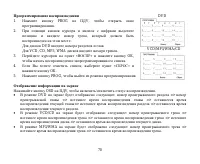
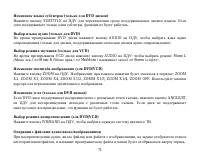
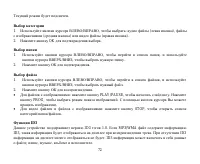
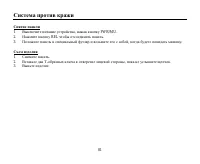
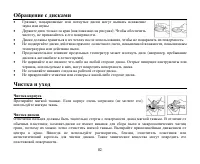
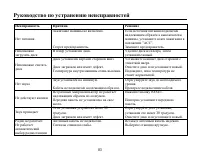
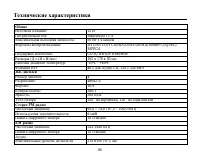
Table of Contents:
- Page 2 – Table of contents
- Page 3 – Important safeguards
- Page 4 – Accessories
- Page 5 – Installation/connection; Installation way
- Page 7 – Press REL button to remove the panel.; Attaching the control panel; Insert the left side of the control panel into the main unit.
- Page 8 – Electrical connection; Do not interchange the connection of the wiring!
- Page 10 – Panel controls; Front panel; Infra red sensor
- Page 15 – Changing the battery; Press the catch and at the same time pull out the battery tray.
- Page 16 – General operation; Reset the unit; the unit on it will resume the stored status, which you set.; Volume control
- Page 17 – Clock setting; Press CLK button on the RC to show the clock on the display.; Loud mode
- Page 18 – Digital tuner; Band selection
- Page 26 – Search function; Press OK button or PLAY/PAUSE button on the RC to start its playback.
- Page 27 – Programming the playback
- Page 28 – Selecting subtitle languages (for DVD only)
- Page 29 – Press OK button to playback.; ID3 function
- Page 31 – Notes on creating your own CD-R or CD-RW containing MP3 files:
- Page 32 – System setup menu; Press SETUP button on the RC to display the system setup menu.; System setup
- Page 36 – TV Operation
- Page 38 – Remove the panel; Press PWR/MU button to turn the power off.; Remove the unit
- Page 39 – Handling discs; Cleaning
- Page 40 – Troubleshooting guide; Symptom
- Page 41 – Specification; General; Maximum power output:; TFT display; AM section; Preset memory stations:; Audio specification
- Page 42 – Separation; Line out; Color system
- Page 50 – ISO
- Page 60 – LOCAL; LOC; RDS
- Page 61 – PTY
- Page 69 – VCD
- Page 72 – OK
- Page 75 – SETUP
- Page 81 – REL
- Page 84 – ESP; FM
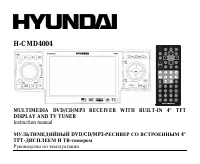
H-CMD4004
MULTIMEDIA DVD/CD/MP3 RECEIVER WITH BUILT-IN 4” TFT
DISPLAY AND TV TUNER
Instruction manual
DVD/CD/MP3-
4”
TFT-
"Loading the manual" means you need to wait until the file loads and becomes available for online reading. Some manuals are very large, and the time they take to appear depends on your internet speed.
Other Manuals for Hyundai H-CMD4004
Summary
2 Dear customer! Thank you for purchasing our product. For safety, it is strongly recommended to read this manual carefullybefore connecting, operating and/or adjusting the product and keep the manual for reference in the future. Table of contents Table of contents .....................................
3 Important safeguards Using the device at temperature below -10º may cause the breakage of the device. Before using pleaseheat up the passenger compartment to the recommended temperature!Disconnect the vehicle's negative battery terminal while mounting and connecting the unit.When replacing the fus...
4 Accessories Remote controlISO connectorRCA cableAV-in cableMounting partsInstruction manualConsumer informationWarranty cardFront panel caseReceiver









