Hyundai H-CDM8045 - User Manual
Hyundai H-CDM8045 Car Radio – User Manual, read for free online in PDF format. We hope this helps you resolve any issues you may have. If you have further questions, please contact us through the contact form.
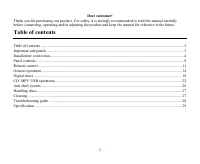
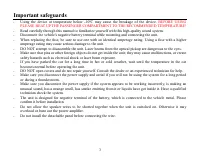
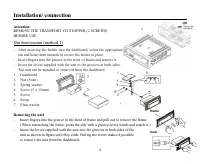
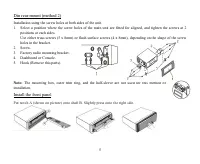
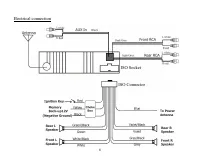
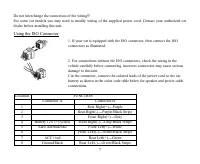
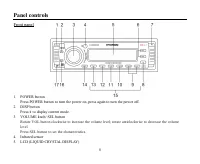
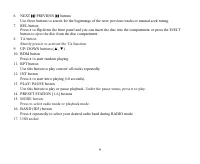
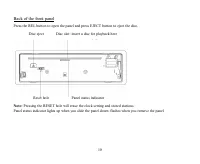
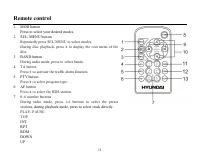
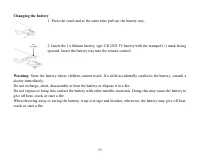
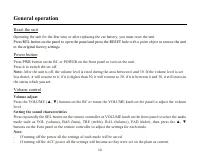
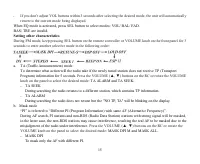
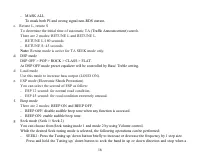
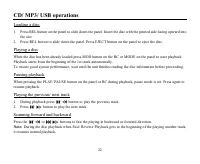
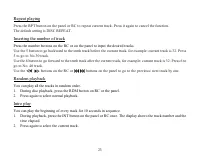
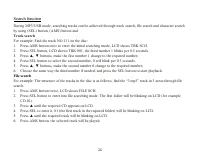
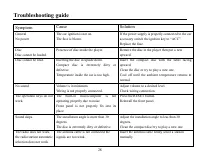
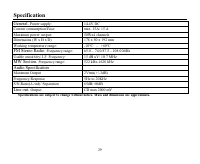
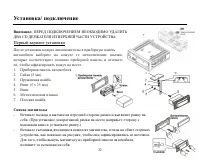
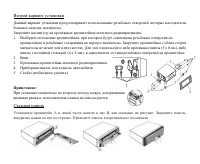
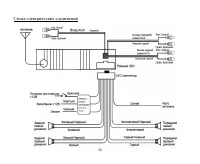
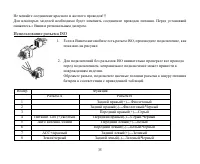
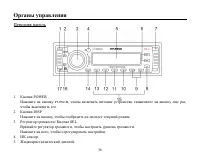
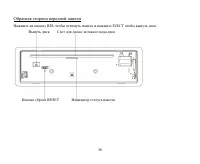
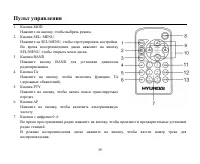
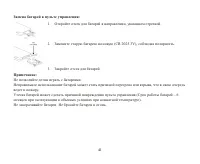
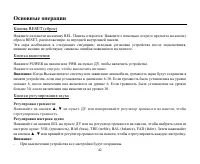
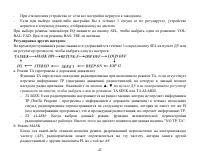
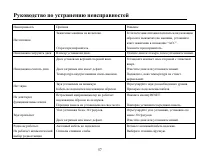
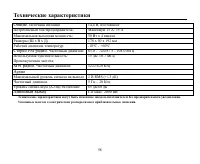
Table of Contents:
- Page 2 – Table of contents
- Page 3 – Important safeguards; BEFORE USING
- Page 4 – Installation/ connection; Insert fingers into the groove in the front of frame and remove it.; Removing the unit
- Page 5 – Install the front panel
- Page 7 – Using the ISO Connector
- Page 8 – Panel controls; Front panel; Press it to display current mode.
- Page 10 – Back of the front panel; Disc slot: insert a disc for playback here
- Page 11 – Remote control; Press to select your desired modes.
- Page 13 – Changing the battery; Press the catch and at the same time pull out the battery tray.
- Page 14 – General operation; Reset the unit; to restore the unit; Power button; PWR; Volume control; Volume adjust
- Page 15 – Setting other characteristics; Press the VOLUME ( , ) buttons on the RC or rotate the VOLUME
- Page 17 – buttons on the RC to adjust
- Page 18 – Mode setting
- Page 19 – Digital tuner; Band selection; buttons
- Page 21 – This function is also valid during playback mode.
- Page 22 – or
- Page 23 – buttons on the RC or; Random playback; Press again to select the current track.
- Page 24 – Search function; Track search; Press until the required track will be blinking on LCD.
- Page 25 – Character search; Press SEL button until LCD shows required word.; Finish working with USB; Fit on the harness rubber after exiting the USB.
- Page 27 – Handling discs; Dirty, scratched or warped discs may cause skip ping or noise.; Cleaning; Cleaning the cabinet
- Page 28 – Troubleshooting guide; Symptom
- Page 29 – Specification; Maximum power output:; Audio Specification; Maximum Output
- Page 32 – CD
- Page 35 – ISO
- Page 51 – Intro; INT
- Page 53 – USB
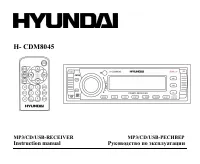
H- CDM8045
MP3/CD/USB-RECEIVER MP3/CD/USB-
Instruction manual
"Loading the manual" means you need to wait until the file loads and becomes available for online reading. Some manuals are very large, and the time they take to appear depends on your internet speed.
Summary
2 Dear customer! Thank you for purchasing our product. For safety, it is strongly recommended to read this manual carefullybefore connecting, operating and/or adjusting the product and keep the manual for reference in the future. Table of contents Table of contents .....................................
3 Important safeguards Using the device at temperature below -10º may cause the breakage of the device. BEFORE USING PLEASE HEAT UP THE PASSENGER COMPARTMENT TO THE RECOMMENDED TEMPERATURE! Read carefully through this manual to familiarize yourself with this high-quality sound system. Disconnect the...
4 Installation/ connection Attention: REMOVE THE TRANSPORT CD STOPPER (2 SCREWS)BEFORE USE. Din front-mount (method 1) After inserting the holder into the dashboard, select the appropriatetab and bend them inwards to secure the holder in place. Insert fingers into the groove in the front of frame an...









