Vax VST144VL - Manuals
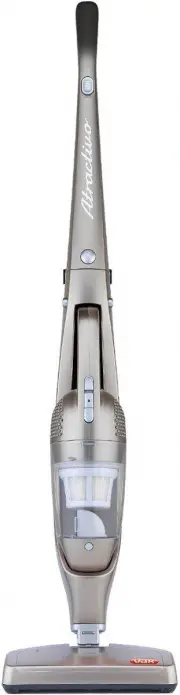
User Manual Vax VST144VL


Summary
vax.com.au 2 Machine Overview Handle 1 2 On/off button for stick vac3 Release button for handle4 Hand vac release button5 Hand vac on/off button6 Power light indication7 Dust cup release button8 Dust cup9 Stick-vac body 10 Floor brush11 Charging & Storage base12 AC power adapter 4 8 1 2 3 6 10 9...
General Safety Information Vax Service line: AU: 1300 361 505 NZ: 0800 800 900 3 FOR HOUSEHOLD USE ONLY. When using the vacuum cleaner, basic safety precautions should always be observed, including the following: 1. Only use the vacuum cleaner indoors on dry surfaces.2. Turn off the vacuum cleaner c...
vax.com.au 4 Operation Vacuum Assembly and Charging Extend the handle into an upwards position – it will lock into place. Insert the plug adaptor to the power outlet and then the connection into the side of the charging base.The charger indicator lights (on the side of the charging base) will turn r...
Vax Vacuums Manuals
-
 Vax 66000
User Manual
Vax 66000
User Manual
-
 Vax VCP6B2000
User Manual
Vax VCP6B2000
User Manual
-
 Vax VCP7P2400
User Manual
Vax VCP7P2400
User Manual
-
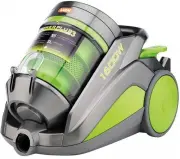 Vax VPP1600P
User Manual
Vax VPP1600P
User Manual
-
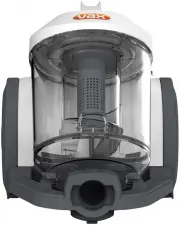 Vax VWC
User Manual
Vax VWC
User Manual
-
 Vax VX28
User Manual
Vax VX28
User Manual
-
 Vax VX30
User Manual
Vax VX30
User Manual
-
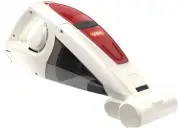 Vax VX35
User Manual
Vax VX35
User Manual
-
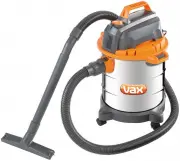 Vax VX40
User Manual
Vax VX40
User Manual
-
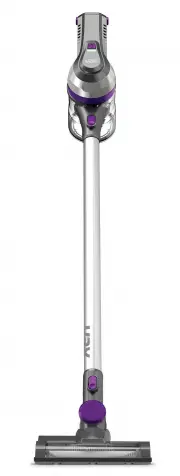 Vax VX53P
User Manual
Vax VX53P
User Manual
-
 Vax VX54
User Manual
Vax VX54
User Manual
-
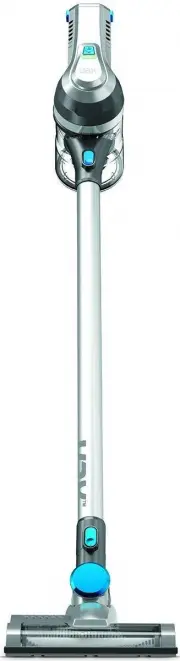 Vax VX58
User Manual
Vax VX58
User Manual
-
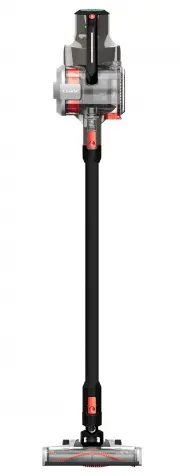 Vax VX60
User Manual
Vax VX60
User Manual
-
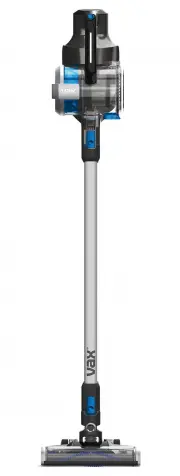 Vax VX63
User Manual
Vax VX63
User Manual
-
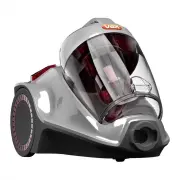 Vax VX72
User Manual
Vax VX72
User Manual