Philips SPH8408_10 - Manuals
Philips SPH8408_10 Digital Photo Frame – Quick Guide, Manual in PDF format online.
Manuals:
Quick Guide Philips SPH8408_10


Summary
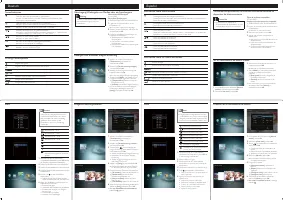
Description of button functions, startup steps including charging, media transfer from memory cards, and event reminder creation. Also covers on-screen icons for text entry.
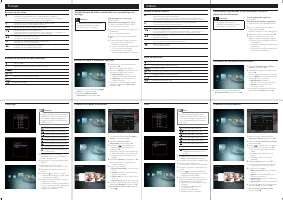
Similar instructions as page 1, presented in German and Spanish. Includes button functions, media handling, and battery charging details.
French and Italian versions covering button controls, media operations, and setup. Includes charging guidelines and step-by-step usage.
Manual Philips SPH8408_10


Summary
Register your product and get support at www.philips.com/welcome PhotoAlbum Quick Start Guide PhotoAlbum (For SPH8528 only) (nur für SPH8528) (sólo para SPH8528) (pour SPH8528 uniquement) (solo per il modello SPH8528) (alleen voor SPH8528) ( только для модели SPH8528)
English - Press to turn on the PhotoAlbum - Press and hold to turn off the PhotoAlbum - Press to switch modes (between slideshow and clock/calendar ; or, between wave view and album view) - Hold to go to the home screen - Tap to go back to the upper-level menu MENU - Tap to access or to exit the opt...
Startup Note Charge the built-in batter y for about 2 • hours before using the PhotoAlbum for the fi rst time. The fully charged built-in batter y lets you operate the PhotoAlbum for up to 1 hour for SPH8408/SPH8428 or 2 hours for SPH8528. Batter y level 0%~5% Batter y level 5%~20% Batter y level 20...