Olympus VN-1800 - Manuals
Olympus VN-1800 Voice Recorder – Manual in PDF format online.
Manuals:
Manual Olympus VN-1800


Summary
Setting Time/Date (TIME) If you have set the time and date, information as to when a sound file was recordedis stored automatically with that file.The time and date must be set to enable management of files in folder S, for thealarm playback function, and for the scheduled alarm playback function. W...
a Current folder b Total number offiles recorded inthe current folder c Remainingrecording time a Current folder b Current file number c Playing time ** MIN MAX • Fast playback is approximately 30% faster than normal playback.• When fast playback of a file is over, the recorder will play back the ne...
Erase All Files in a Date Subfolder 1 Press the MENU/FOLDER button to select folder S. 2 Press the 9 /+ or 0 /– button to select the date subfolder to be erased. 3 Press and hold the ERASE button for 2 seconds or longer . “ALL” flashes, then alternatively the date of the selectedsubfolder and “YES” ...
Olympus Voice Recorders Manuals
-
 Olympus DM-10
Manual
Olympus DM-10
Manual
-
 Olympus DM-20
Manual
Olympus DM-20
Manual
-
 Olympus DM-3
Manual
Olympus DM-3
Manual
-
 Olympus DM-420
Manual
Olympus DM-420
Manual
-
 Olympus DM-450
Manual
Olympus DM-450
Manual
-
 Olympus DM-5
Manual
Olympus DM-5
Manual
-
Olympus DM-520
Manual
-
 Olympus DM-550
Manual
Olympus DM-550
Manual
-
 Olympus DM-901
Manual
Olympus DM-901
Manual
-
 Olympus DR-1200
User Manual
Olympus DR-1200
User Manual
-
 Olympus DR-2100
User Manual
Olympus DR-2100
User Manual
-
 Olympus DR-2200
User Manual
Olympus DR-2200
User Manual
-
 Olympus DR-2300
User Manual
Olympus DR-2300
User Manual
-
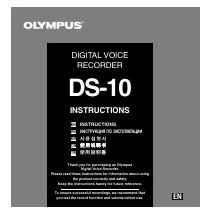 Olympus DS-10
User Manual
Olympus DS-10
User Manual
-
Olympus DS-10
Manual
-
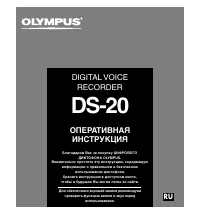 Olympus DS-20
Manual
Olympus DS-20
Manual
-
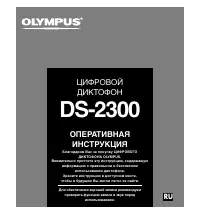 Olympus DS-2300
Manual
Olympus DS-2300
Manual
-
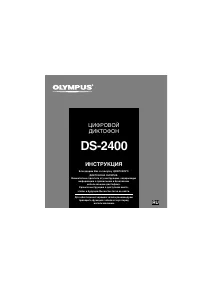 Olympus DS-2400
Manual
Olympus DS-2400
Manual
-
 Olympus DS-30
Manual
Olympus DS-30
Manual
-
 Olympus DS-3400
Manual
Olympus DS-3400
Manual