Mikrotik cAP ac (RBCAPGI-5ACD2ND) - Manuals
Mikrotik cAP ac (RBCAPGI-5ACD2ND) Access Point – User Manual in PDF format online.
Manuals:
User Manual Mikrotik cAP ac (RBCAPGI-5ACD2ND)
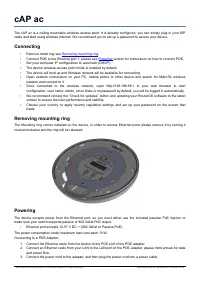
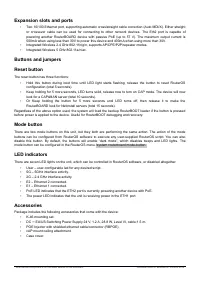
Summary
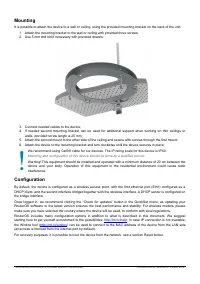
Mounting It is possible to attach the device to a wall or ceiling, using the provided mounting bracket on the back of the unit: 1. Attach the mounting bracket to the wall or ceiling with provided three screws;2. Use 5 mm drill bid if necessary with provided dowels; 3. Connect needed cables to the de...
Specifications For more information about this product, specification and pictures please visit our web page: https://mikrotik.com/product/cap_ac Operating system support The device supports RouterOS software version 6. The specific factory-installed version number is indicated in theRouterOS menu /...
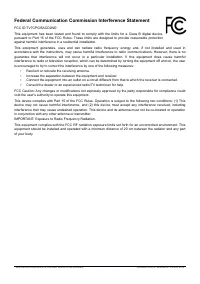
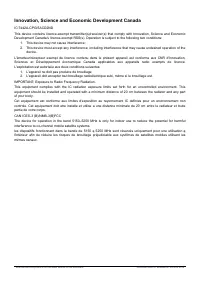
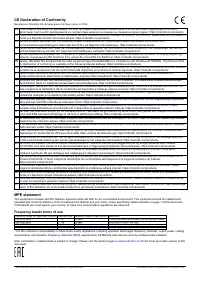
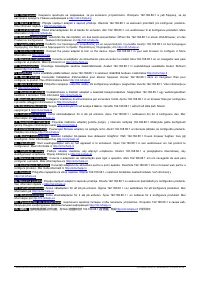
Federal Communication Commission Interference Statement FCC ID:TV7CPGI5ACD2NDThis equipment has been tested and found to comply with the limits for a Class B digital device,pursuant to Part 15 of the FCC Rules. These limits are designed to provide reasonable protectionagainst harmful interference in...