Huawei AX2 WS7001 - Manuals
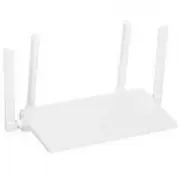
User Manual Huawei AX2 WS7001
1
2
3
4
5
6
7
8
9
10
11
12
13

14
15
16
17
18
19
20

Summary
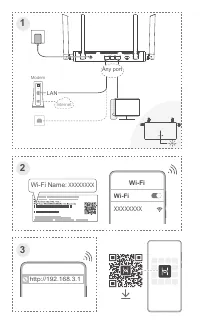
Page 2 - LAN; XXXXXXXX; Any port
3 XXXXXXXX Wi-Fi Wi-Fi http://192.168.3.1 1 2 3 Modem Internet LAN XXXXXXXX Wi-Fi Name: 1000M WAN/LAN 1 2 3 WPS/RESET POWER Any port
Page 4 - Steady green; Connected to the network; Steady red; Not connected to the network; Flashing; The router has detected a pairable device; Français; Vert fixe; Русский
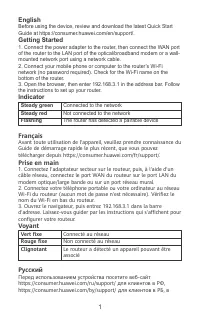
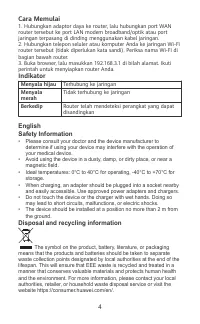
English Before using the device, review and download the latest Quick StartGuide at https://consumer.huawei.com/en/support/. Getting Started 1. Connect the power adapter to the router, then connect the WAN portof the router to the LAN port of the optical/broadband modem or a wall-mounted network por...
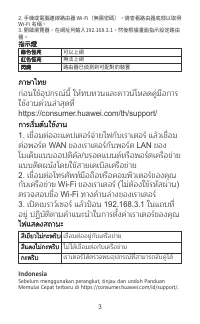
Page 5 - Горит зеленым; 日本語; 在使用裝置前,請從以下網址下載對應的快速入門以瞭解相關資訊:; 立即體驗; 路由器接通電源,然後透過網路線將路由器 WAN 連接埠連接至光纖數
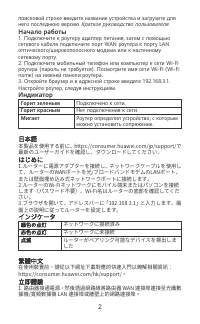
поисковой строке введите название устройства и загрузите для него последнюю версию Краткое руководство пользователя. Начало работы 1. Подключите к роутеру адаптер питания, затем с помощью сетевого кабеля подключите порт WAN роутера к порту LAN оптического/широкополосного модема или к настенному сете...