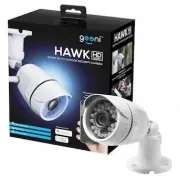
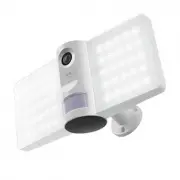
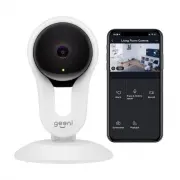
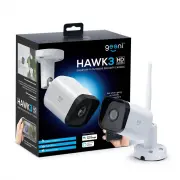
Geeni GN-CW031-199 - Manuals

User Manual Geeni GN-CW031-199


Summary
Thank you for purchasing your GEENI smart home product. Get started using your new devices by downloading Geeni, one convenient app that manages everything straight from your phone or tablet. Easily connect to your home Wi-Fi, and control multiple devices from the touch of your fingertips. 0 1 03 04...
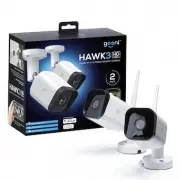
1 Screw Hole for Magnetic Mounting Mounting Base Smart Wi-Fi Security Camera Magnetic Mount Camera Back View Screw Mount What’s in the Box S TA R T G U I D E Get Ready Know your Wi-Fi network and password Make sure you’re connecting to a 2.4GHz Wi-Fi network. A microSD card is required to record foo...
5 4 Install:Method 1 - Magnetic Mount Installation Install:Method 2 - Screw Mount Installation STEP 2 : Installation I n s t a l l I n s t a l l 01. Use the included 2 screws and wall anchors to mount the camera to the desired wall 02. Camera attaches to mount magnetically. 01. Use the included 3 sc...