DeLonghi DD230P - Manuals
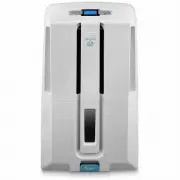
User Manual DeLonghi DD230P


Summary
9 B) Continuous external draining If the appliance is to be operated for long periodsbut you are unable to empty the tank regularly,you are recommended to use the continuousdrain facility. 1) Remove the protective cap 1 by turning it anti- clockwise then remove the rubber cap 2 fromthe spout (fig. 2...
Description of the control panel "ON/Standby" buttonTurns the appliance on and off. "Fan" buttonSelects fan speed (MIN/MAX) Thermometer buttonTemporarily displays the room temperature mea-sured by the appliance. Press once to display the temperature in °F. Presstwice, to display °C. ...
MODE SELECTION 1) Plug the appliance into a mains socket.2) " - - - - " is displayed to indicate that the applian- ce is in standby and therefore ready for ope-ration.If " " is displayed, you must empty the tankor position it correctly. 3) Press the ON/Standby button. Dehumidifying m...
DeLonghi Air Dryers Manuals
-
 DeLonghi CF05M
User Manual
DeLonghi CF05M
User Manual
-
 DeLonghi DD30P
User Manual
DeLonghi DD30P
User Manual
-
DeLonghi DD30P
Manual
-
 DeLonghi DDS25
User Manual
DeLonghi DDS25
User Manual
-
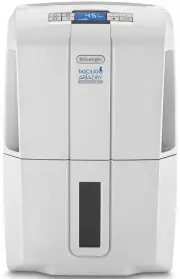 DeLonghi DDS30COMBI
User Manual
DeLonghi DDS30COMBI
User Manual
-
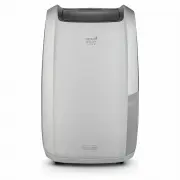 DeLonghi DDSX220WF
User Manual
DeLonghi DDSX220WF
User Manual
-
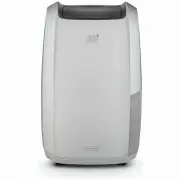 DeLonghi DDSX225
User Manual
DeLonghi DDSX225
User Manual
-
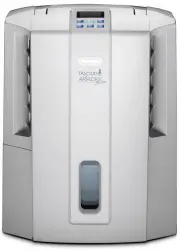 DeLonghi DES16EW
User Manual
DeLonghi DES16EW
User Manual
-
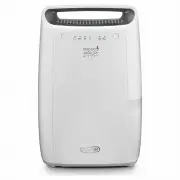 DeLonghi DEX214F
User Manual
DeLonghi DEX214F
User Manual
-
DeLonghi DEX214F
Manual
-
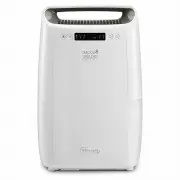 DeLonghi DEXD216F
User Manual
DeLonghi DEXD216F
User Manual