Comica Traxshot - Manuals
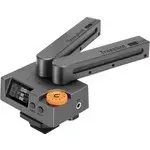
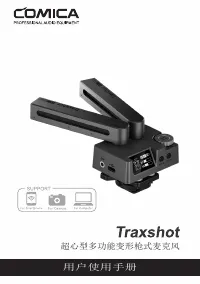
User Manual Comica Traxshot
1
2

3
4
5
6
7
8
9
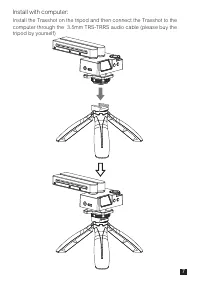
10
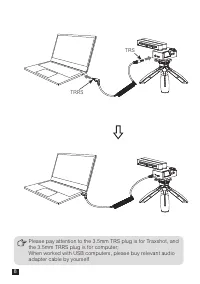
11
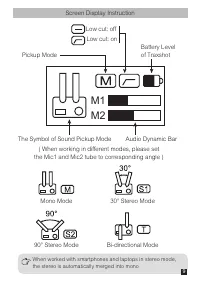
12
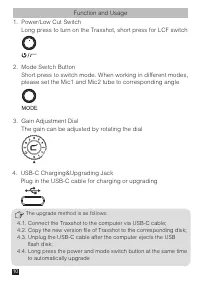
13
14
15
16

17
18
19
20
21
22
23
24
25
26
27
28
Summary
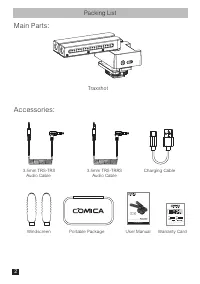
Page 4 - Packing List; Traxshot
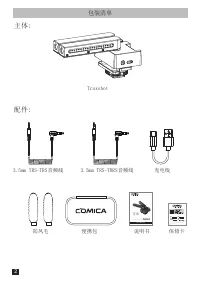
Packing List Traxshot Charging Cable Windscreen 3.5mm TRS-TRS Audio Cable 3.5mm TRS-TRRS Audio Cable User Manual Portable Package Warranty Card Main Parts: Accessories: Transformable ALL-IN-ONE Shotgun Microphone User Manual 2
Page 5 - Components Introduction; 211; Gain Adjustment Dial
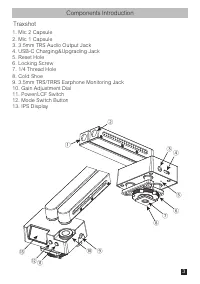
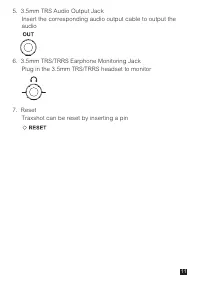
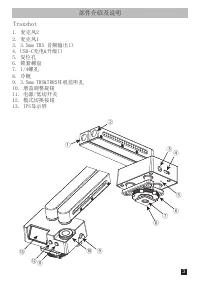
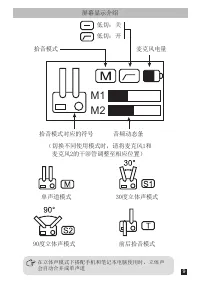
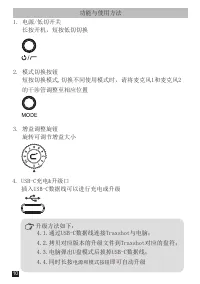
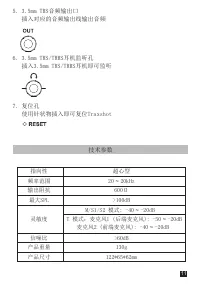
Components Introduction ① ⑬ ⑫⑪ ② ④ ⑤ ⑨ ⑩ ⑥ ⑦ ⑧ ③ Traxshot 1. Mic 2 Capsule 2. Mic 1 Capsule 3. 3.5mm TRS Audio Output Jack 4. USB-C Charging&Upgrading Jack 5. Reset Hole 6. Locking Screw 7. 1/4 Thread Hole 8. Cold Shoe 9. 3.5mm TRS/TRRS Earphone Monitoring Jack 10. Gain Adjustment Dial 11. Power...
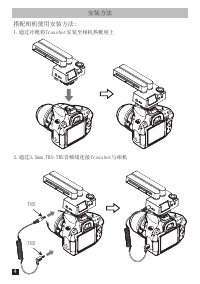
Page 6 - Installation and Operation; Connect the Traxshot to the camera through the 3.5mm TRS-TRS audio
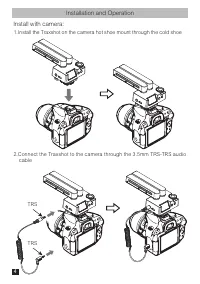
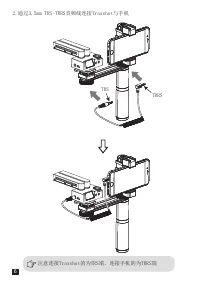
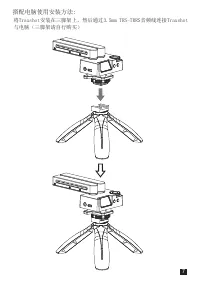
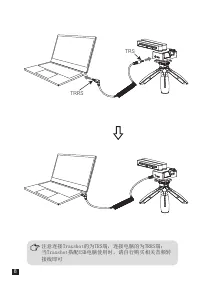
Installation and Operation Install with camera: 1.Install the Traxshot on the camera hot shoe mount through the cold shoe 2.Connect the Traxshot to the camera through the 3.5mm TRS-TRS audio cable TRS TRS 4