ADATA SU750 - Manuals
ADATA SU750 RAM & Storage – User Manual in PDF format online.
Manuals:
User Manual ADATA SU750

Summary
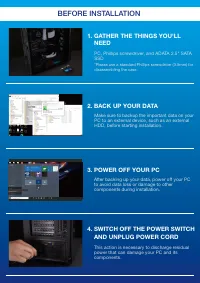
1. GATHER THE THINGS YOU'LL NEED *Please use a standard Phillips screwdriver (3.5mm) for disassembling the case. PC, Phillips screwdriver, and ADATA 2.5" SATA SSD 2. BACK UP YOUR DATA Make sure to backup the important data on your PC to an external device, such as an external HDD, before startin...
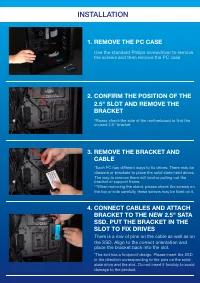
*Please check the side of the motherboard to find the unused 2.5" bracket *Each PC has different ways to fix drives. There may be drawers or brackets to place the solid state hard drives. The way to remove them will involve pulling out the bracket or support frame.**When removing the stand, plea...
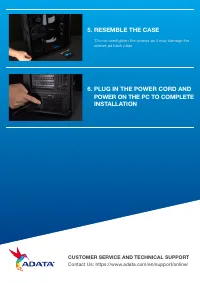
5. RESEMBLE THE CASE *Do not overtighten the screws as it may damage the screws ad back plate 6. PLUG IN THE POWER CORD AND POWER ON THE PC TO COMPLETE INSTALLATION CUSTOMER SERVICE AND TECHNICAL SUPPORT Contact Us: https://www.adata.com/en/support/online/