Wallner OL290 - User Manual
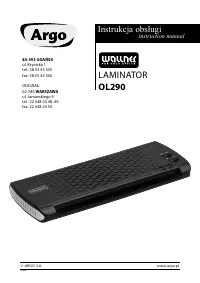
This user manual guides you through the safe operation of the Wallner OL290 laminator for hot and cold lamination. It covers safety warnings, control panel controls (ON/OFF, HOT/COLD, LEDs, RELEASE/REVERSE), step-by-step lamination procedures, jam removal, essential tips on film selection and maintenance, defect handling, technical specifications, and environmental disposal guidelines.
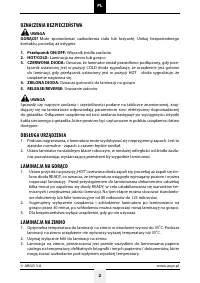
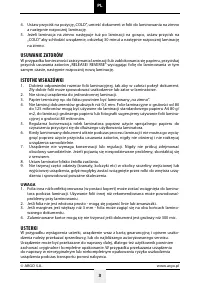
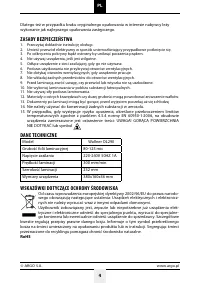
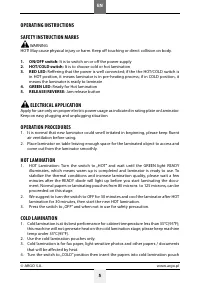
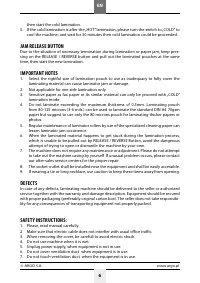
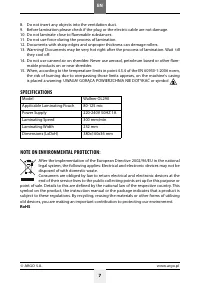
Table of Contents:
- Page 2 – Safety and Hot Lamination Steps
- Page 3 – Cold Lamination, Jam Removal, and Tips
- Page 4 – Safety Guidelines, Technical Data, and Environment
- Page 5 – English Operating Instructions
- Page 6 – Cold Lamination, Jam Release, and Notes in English
- Page 7 – Safety Instructions (8-15), Specs, and Environment
Argo
Instrukcja obsługi
instruction manual
80-393 GDAŃSK
ul. Krynicka 1
tel.: 58 55 43 555
fax: 58 55 43 500
ODDZIAŁ:
02-784 WARSZAWA
ul. Janowskiego 9
tel.: 22 648 03 48.49
fax: 22 648 03 50
WALLNER
FOR YOUR OFFICE
LAMINATOR
OL290
© ARGO S.A. www.argo.pl
160609
"Loading the manual" means you need to wait until the file loads and becomes available for online reading. Some manuals are very large, and the time they take to appear depends on your internet speed.
Summary
Safety warnings, control panel description, electrical precautions, and detailed instructions for hot lamination using pouches from 80 to 125 microns.
Cold lamination steps requiring a 30-minute cooldown after hot use, jam removal using the RELEASE/REVERSE button, important usage tips (film size, thickness limit 0.5mm, roller cleaning), and defect handling procedures.
Fifteen safety guidelines, technical specifications (model, film thickness, voltage, speed, dimensions), and environmental protection notes on WEEE and RoHS compliance.
Tips
- Use laminating pouches of 80-125 microns for best results.
- After hot lamination, allow the machine to cool for 30 minutes before next use or switching to cold mode.
- To prevent jams, ensure documents are no thicker than 0.5 mm and clean rollers regularly with cleaning paper.
- Do not attempt to open or repair the device; contact authorized service for defects.