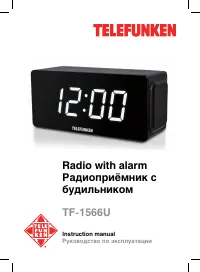
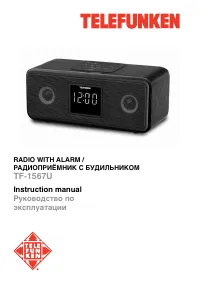
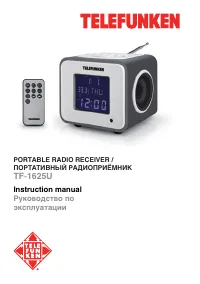
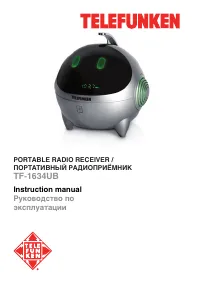
Telefunken TF-1633U - User Manual
Telefunken TF-1633U Radio – User Manual, read for free online in PDF format. We hope this helps you resolve any issues you may have. If you have further questions, please contact us through the contact form.
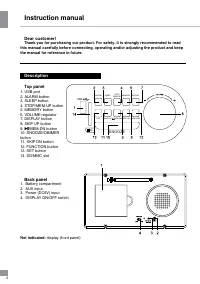
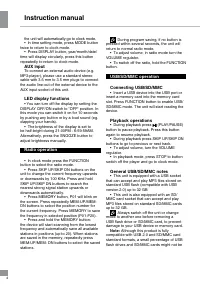
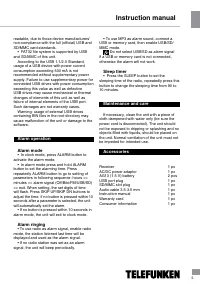
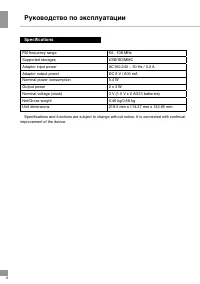
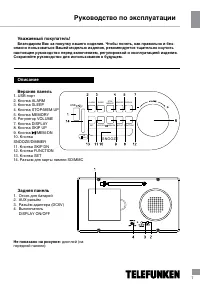
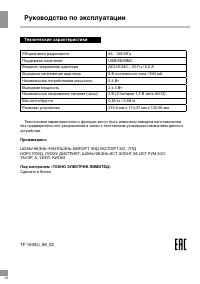

Table of Contents:
- Page 2 – Instruction manual; Description
- Page 3 – Additional power; ATTENTION: AG13 batteries are; AC adaptor power
- Page 4 – AUX input; Note: Although this product is fully
- Page 5 – Alarm operation
- Page 6 – Руководство по эксплуатации; Specifications
- Page 7 – Уважаемый покупатель!
- Page 8 – Питание устройства
- Page 9 – ВНИМАНИЕ: Батарейки AG13 являются; Общие операции
- Page 10 – Воспроизведение
- Page 12 – Технические характеристики
Instruction manual
Руководство по
эксплуатации
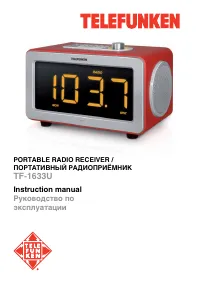
PORTABLE RADIO RECEIVER /
ПОРТАТИВНЫЙ РАДИОПРИЁМНИК
TF-1633U
"Loading the manual" means you need to wait until the file loads and becomes available for online reading. Some manuals are very large, and the time they take to appear depends on your internet speed.
Summary
Instruction manual 2 Dear customer! Thank you for purchasing our product. For safety, it is strongly recommended to read this manual carefully before connecting, operating and/or adjusting the product and keep the manual for reference in future. Description Top panel 1. USB port 2. ALARM button3. SL...
Instruction manual 3 Additional power • There are 2 extra AG13 batteries (1.5 V) included with the receiver to be inserted to the terminal inside the battery compartment. This is additional power intended for saving the clock and alarm settings. Without the additional power the time and alarm settin...
4 Instruction manual 4 the unit will automatically go to clock mode.• In time setting mode, press MODE button twice to return to clock mode. • Press DISPLAY button, year/month/date/ time will display cicrularly, press this button repeatedly to return to clock mode. AUX input To connect an external a...