Shanling M3 - User Manual

This Quick Start Guide introduces the M3 Ultra portable device, covering its core functionalities such as hardware identification, basic operation, and essential setup procedures. The document highlights key topics like physical component labeling–including ports (Type-C USB, Micro SD slot), controls (volume buttons, playback keys), and audio outputs–and provides step-by-step guidance for tasks such as inserting a MicroSD card or navigating navigation modes. It also emphasizes safety protocols, including proper charging, environmental precautions, and firmware updates via OTA or microSD. Additionally, it addresses advanced features like high-quality audio standards (Qualcomm aptX HD and MQA) and troubleshooting common issues, ensuring users can quickly grasp both foundational and specialized functionalities of the device.


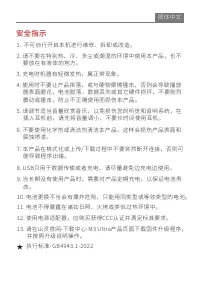
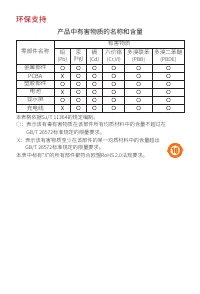
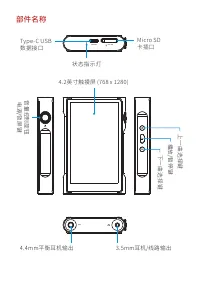
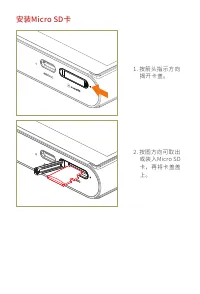
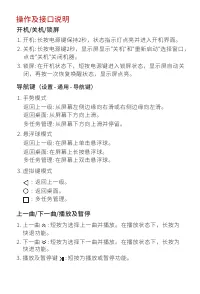
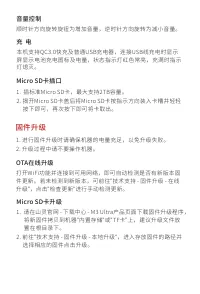
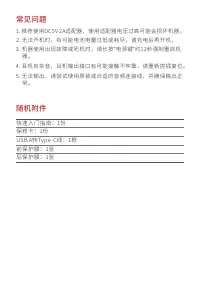
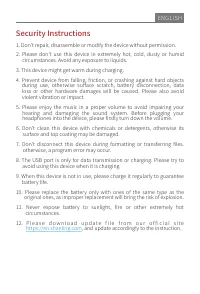
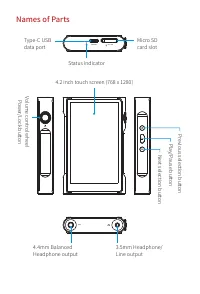
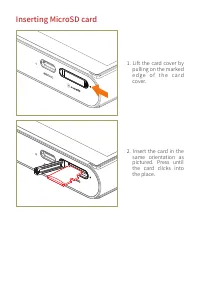
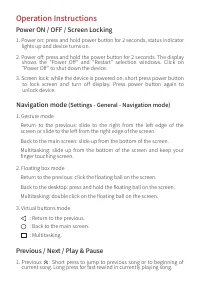
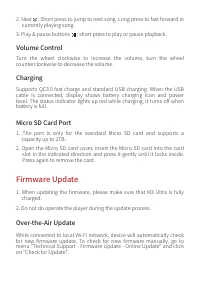
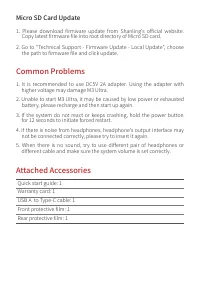
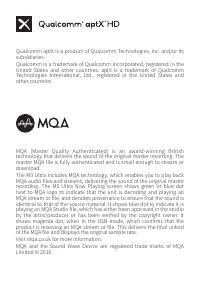
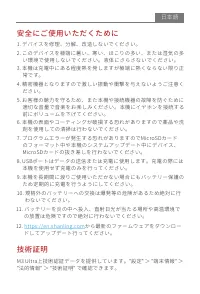
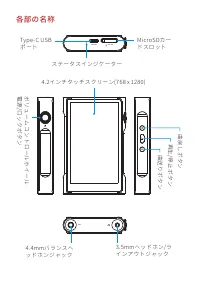
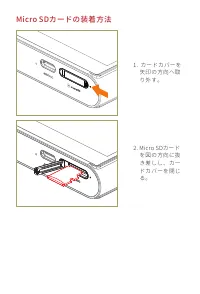
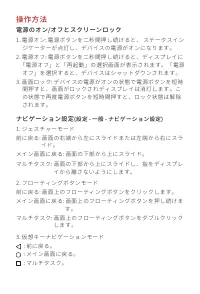
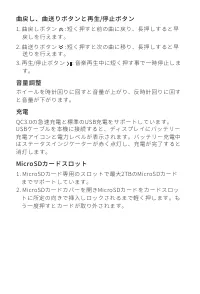
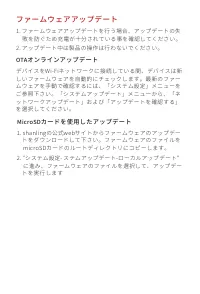
Table of Contents:
- Page 1 – Quick Start Guide Introduction
- Page 3 – Safety Instructions
- Page 4 – Material Compliance and Hazardous Substances
- Page 5 – Physical Component Identification
- Page 6 – Micro SD Card Installation
- Page 7 – Device Operation Controls
- Page 8 – Charging and Firmware Upgrades
- Page 9 – Troubleshooting and Accessories
- Page 10 – Security Precautions
- Page 11 – Device Component Labeling
- Page 12 – Micro SD Card Insertion Procedure
- Page 13 – Navigation and Media Playback Operation
- Page 14 – Operational Procedures
- Page 15 – Firmware Update and Accessories
- Page 16 – Audio Technology Explanation
- Page 17 – Safety and Certification Information
- Page 18 – Ports and Component Layout
- Page 19 – Micro SD Card Removal Procedure
- Page 20 – Navigation Modes
- Page 21 – Playback and Charging Controls
- Page 22 – Firmware Update Methods
- Page 23 – Adapter Usage and Accessories
快速入门指南
Quick
Start
Guide
"Loading the manual" means you need to wait until the file loads and becomes available for online reading. Some manuals are very large, and the time they take to appear depends on your internet speed.
Was this manual helpful?
About this manual
- Brand
- Shanling
- Model
- M3
- Document type
- User Manual
- Category
- MP3 Player
- Language(s)
- English
- Pages
- 24
- File size
- 1.4 MB
- Format
Summary
Introduction to the Quick Start Guide for the M3 Ultra product.
Warnings regarding unauthorized modification, use in hazardous environments, improper charging, and incorrect battery or adapter usage, referencing execution standards.
Identification of harmful substances in product components and compliance status with GB/T 26572 and RoHS 2.0 standards for metal parts, PCBA, plastic parts, battery, display, and charger.