Philips SRU5130/87 - Quick Guide
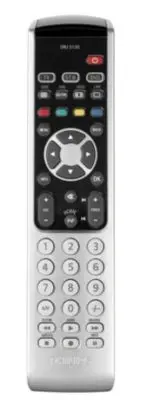
Philips SRU5130/87 – Quick Guide, read for free online in PDF format. We hope this helps you resolve any issues you may have. If you have further questions, please contact us through the contact form.


EN
Quick Start Guide
Getting started in five easy steps.
Press and hold the Standby key
(
y
y
) until the TV switches off
(standby). Then release the key
immediately.
Note: the remote control will send
multiple codes to the device
trying to find the correct one.
Switch on your TV.
Check if the TV responds to all key
commands. If the TV does not
respond, continue with step 2.
Press the SET UP key until the
light flashes twice and then
remains lit.
Look up and enter the 4-digit
code for your brand of TV.
See ‘Code list’.
2
Switch on your TV and check if
you can operate all functions on
it with the remote control.
If a key does not function
properly, keep it pressed until it
works. Then release the key
immediately.
Keep the SET UP key pressed for
5 seconds to exit setup mode
and save settings.
Repeat above steps for all
devices you wish to operate
with the remote control.
1
SRU 5110
3
4
5
"Loading the manual" means you need to wait until the file loads and becomes available for online reading. Some manuals are very large, and the time they take to appear depends on your internet speed.


