LG AN-MR650 - User Manual
LG AN-MR650 Remote Control – User Manual, read for free online in PDF format. We hope this helps you resolve any issues you may have. If you have further questions, please contact us through the contact form.
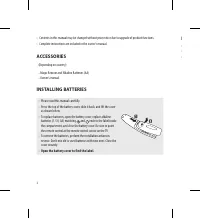
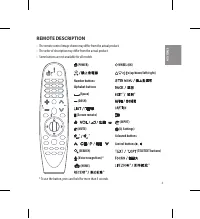
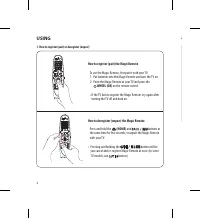
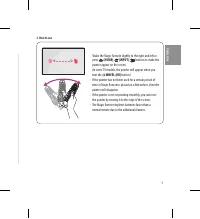
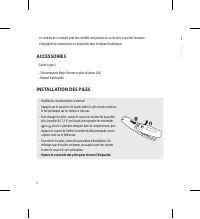
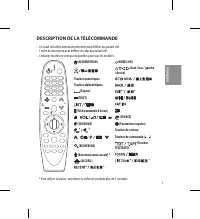
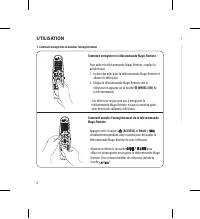
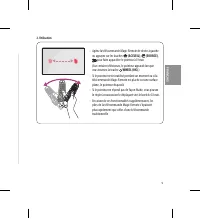
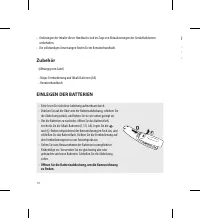
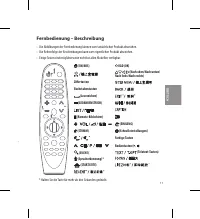
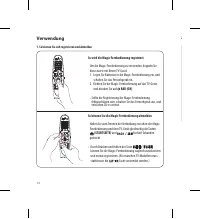
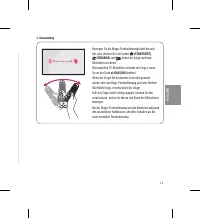
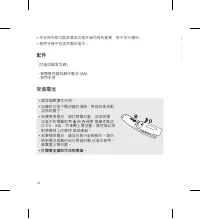
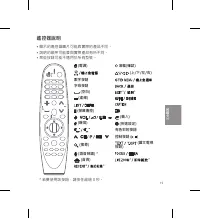
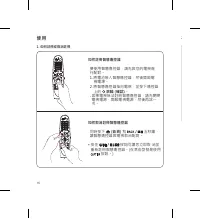
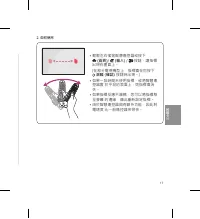
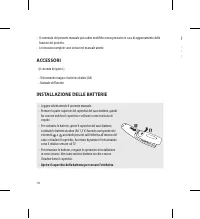
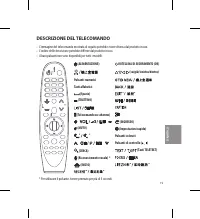
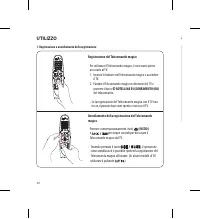
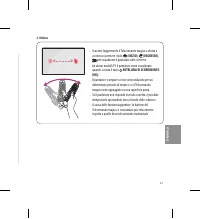
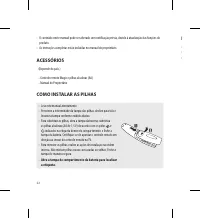
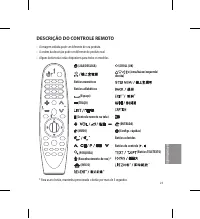
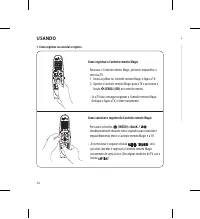
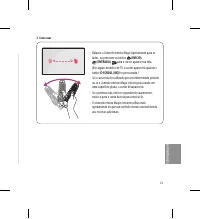
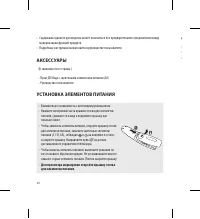
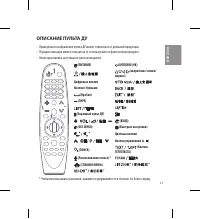
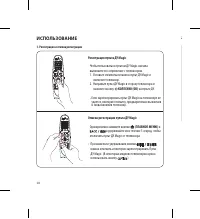
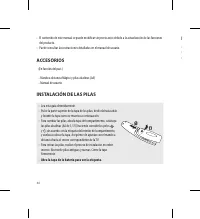
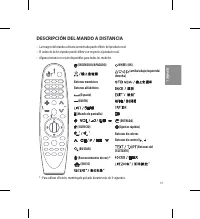
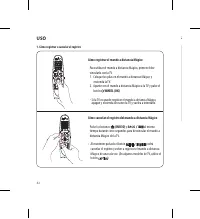
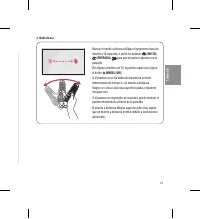


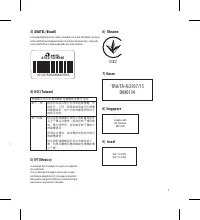
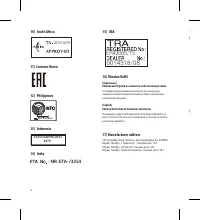
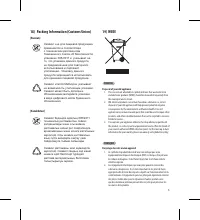
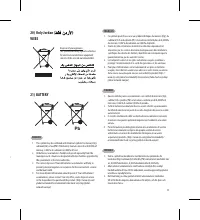
Table of Contents:
- Page 2 – ACCESSORIES; Magic Remote and Alkaline Batteries (AA); INSTALLING BATTERIES; • To replace batteries, open the battery cover, replace alkaline; Open the battery cover to find the label.; REMOTE DESCRIPTION; Coloured buttons; * To use the button, press and hold for more than 3 seconds.
- Page 4 – USING; How to deregister (unpair) the Magic Remote
- Page 6 – ACCESSOIRES; Télécommande Magic Remote et piles alcalines (AA); INSTALLATION DES PILES; • Pour changer les piles, ouvrez le couvercle, insérez les nouvelles; Ouvrez le couvercle des piles pour trouver l'étiquette.; DESCRIPTION DE LA TÉLÉCOMMANDE
- Page 8 – UTILISATION; Comment enregistrer ou annuler l'enregistrement; Comment enregistrer la télécommande Magic Remote
- Page 10 – Öffnen Sie die Batterieabdeckung, um die Kennzeichnung; Fernbedienung – Beschreibung; Farbige Tasten
- Page 11 – Zubehör
- Page 12 – Verwendung; So können Sie sich registrieren und abmelden; So wird die Magic-Fernbedienung registriert
- Page 14 – 打開電池蓋即可找到標籤。; 遙控器說明
- Page 15 – 配件
- Page 16 – 使用; 如何註冊智慧遙控器
- Page 18 – ACCESSORI; Telecomando magico e batterie alcaline (AA); INSTALLAZIONE DELLE BATTERIE; • Per sostituire le batterie, aprire il coperchio del vano batterie,; Aprire il coperchio della batteria per cercare l'etichetta.; DESCRIZIONE DEL TELECOMANDO; Pulsanti colorati; * Per utilizzare il pulsante, tenere premuto per più di 3 secondi.
- Page 19 – funzioni del prodotto.
- Page 20 – UTILIZZO; Registrazione e annullamento della registrazione; Registrazione del Telecomando magico
- Page 22 – Abra a tampa do compartimento da bateria para localizar; DESCRIÇÃO DO CONTROLE REMOTO; Botões coloridos
- Page 24 – USANDO; Como registrar ou cancelar o registro; Como registrar o Controle remoto Magic
- Page 26 – Для просмотра маркировки откройте крышку отсека; ОПИСАНИЕ ПУЛЬТА ДУ
- Page 27 – АКСЕССУАРЫ
- Page 28 – ИСПОЛЬЗОВАНИЕ; Регистрация и отмена регистрации; Регистрация пульта ДУ Magic
- Page 30 – ACCESORIOS; Mando a distancia Mágico y pilas alcalinas (AA); INSTALACIÓN DE LAS PILAS; y levante la tapa como se muestra a continuación.; Abra la tapa de la batería para ver la etiqueta.; DESCRIPCIÓN DEL MANDO A DISTANCIA
- Page 32 – USO; Cómo registrar o cancelar el registro; Cómo registrar el mando a distancia Mágico
- Page 37 – OWNER’S MANUAL; Regulatory
- Page 40 – 7) Manufacturer address
- Page 46 – WEEE; Pb
- Page 52 – 2) EU Conformity Notice
www.lg.com
(Brazil : www.lge.com/br)
P/NO : MFL69375601 (1601-REV00)
AN-MR650
ENGLISH / FRANÇAIS / DEUTSCH /
繁體中文
/ ITALIANO / B-PORTUGUÊS /
РУССКИЙ
/ ESPAÑOL
QUICK START GUIDE
Magic Remote
"Loading the manual" means you need to wait until the file loads and becomes available for online reading. Some manuals are very large, and the time they take to appear depends on your internet speed.
Was this manual helpful?
Helpful for 3 of 3 readers
About this manual
- Brand
- LG
- Model
- AN-MR650
- Document type
- User Manual
- Category
- Remote Control
- Language(s)
- German, English, Spanish, French, Italian, Dutch, Polish, Russian, Swedish
- Pages
- 60
- File size
- 5.4 MB
- Format
Summary
2 • Contents in this manual may be changed without prior notice due to upgrade of product functions.• Complete instructions are included in the owner’s manual. ACCESSORIES (Depending on country) - Magic Remote and Alkaline Batteries (AA) - Owner’s manual INSTALLING BATTERIES • Please read this manua...
4 USING 1. How to register (pair) or deregister (unpair) How to register (pair) the Magic Remote To use the Magic Remote, first pair it with your TV. 1. Put batteries into the Magic Remote and turn the TV on.2. Point the Magic Remote at your TV and press the WHEEL (OK) on the remote control. - If th...
6 • Le contenu de ce manuel peut être modifié sans préavis en cas de mise à jour des fonctions.• L’intégralité des instructions est disponible dans le manuel d’utilisation. ACCESSOIRES (Selon le pays.) - Télécommande Magic Remote et piles alcalines (AA) - Manuel d'utilisation INSTALLATION DES PILES ...
Ask a question
Related manuals
Other LG appliances
 LG 2 Manual
 LG 3 Manual
 LG 4 42 2P PQ Q1 10 0* ** * 5 50 0P PQ Q1 10 0* ** * 4 42 2P PQ Q1 11 1* ** * 5 50 0P PQ Q1 11 1* ** * 4 42 2P PQ Q2 20 0* ** * 5 50 0P PQ Q2 20 0* ** * 4 42 2P PQ Q3 30 0* ** * 5 50 0P PQ Q3 30 0* ** * Manual
 LG 10 Manual
 LG 14HK701G-WP User Manual
 LG 14HQ701G-BP User Manual
 LG 15LC1R Manual
 LG 15LC1RB User Manual
 LG 15LS766A0UA User Manual
 LG 16MQ70 User Manual
 LG 16MR70 User Manual
 LG 17HK700G-WP User Manual
 LG 17HK701G-WP User Manual
 LG 19EN33S Manual
 LG 19EN33S-B User Manual
 LG 19HK312C-B User Manual
 LG 19LD350 User Manual
 LG 19LE3300 User Manual
 LG 19LH20 User Manual
 LG 19LS4D Manual