LG 50UP81006LA - User Manual
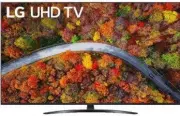
LG 50UP81006LA TV – User Manual, read for free online in PDF format. We hope this helps you resolve any issues you may have. If you have further questions, please contact us through the contact form.
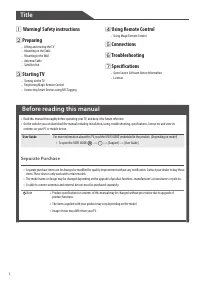
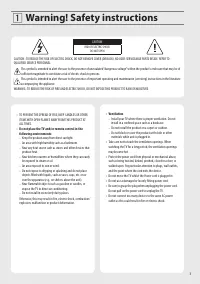
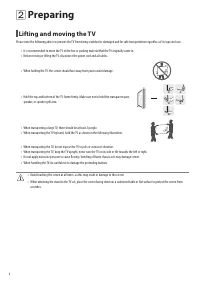
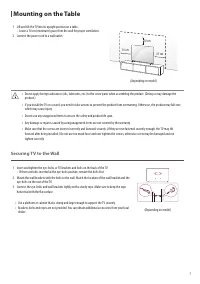
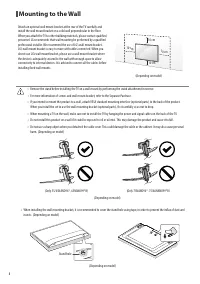
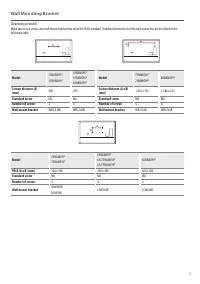
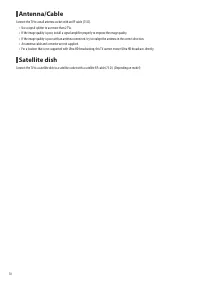
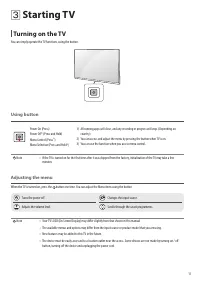
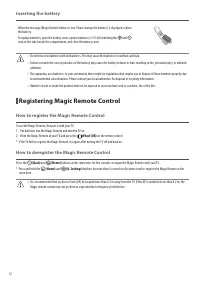
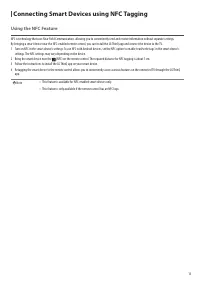
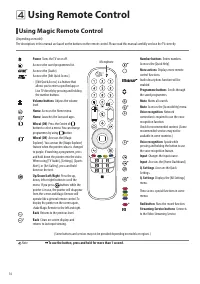
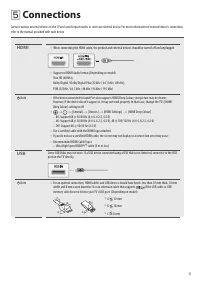
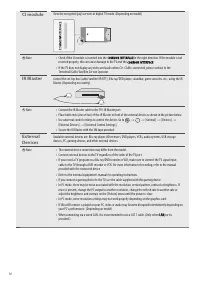
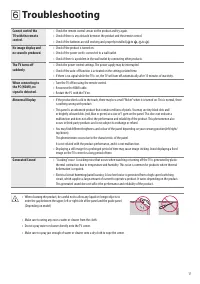
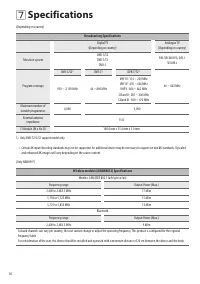
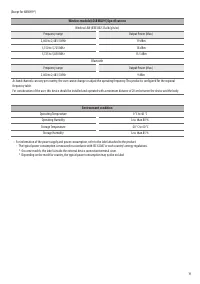
Table of Contents:
- Page 3 – Warning! Safety instructions
- Page 6 – Preparing; Lifting and moving the TV
- Page 7 – Mounting on the Table
- Page 8 – Mounting to the Wall
- Page 10 – Satellite dish
- Page 11 – Starting TV; Turning on the TV
- Page 12 – Registering Magic Remote Control
- Page 13 – Connecting Smart Devices using NFC Tagging
- Page 14 – Using Remote Control; Using Magic Remote Control
- Page 15 – Connections
- Page 17 – Troubleshooting
- Page 18 – Specifications
- Page 20 – Open Source Software Notice Information; Licenses
ENGLISH
_ind
ex
LED TV*
Safety and Reference
OWNER’S MANUAL
Please read this manual carefully before operating your set and retain it for
future reference.
www.lg.com
Copyright © 2021 LG Electronics Inc. All Rights Reserved.
* LG LED TV applies LCD screen with LED backlights.
*MFL71754003*
(2103-REV01)
"Loading the manual" means you need to wait until the file loads and becomes available for online reading. Some manuals are very large, and the time they take to appear depends on your internet speed.
Was this manual helpful?
About this manual
- Brand
- LG
- Model
- 50UP81006LA
- Document type
- User Manual
- Category
- TV
- Language(s)
- English
- Pages
- 21
- File size
- 1.1 MB
- Format
Summary
3 Warning! Safety instructions CAUTION RISK OF ELECTRIC SHOCK DO NOT OPEN CAUTION : TO REDUCE THE RISK OF ELECTRIC SHOCK, DO NOT REMOVE COVER (OR BACK). NO USER-SERVICEABLE PARTS INSIDE. REFER TO QUALIFIED SERVICE PERSONNEL. This symbol is intended to alert the user to the presence of uninsulated “d...
6 Preparing Lifting and moving the TV Please note the following advice to prevent the TV from being scratched or damaged and for safe transportation regardless of its type and size. • It is recommended to move the TV in the box or packing material that the TV originally came in. • Before moving or l...
7 Mounting on the Table 1 Lift and tilt the TV into its upright position on a table. • Leave a 10 cm (minimum) space from the wall for proper ventilation. 2 Connect the power cord to a wall outlet. 10 cm 10 cm 10 cm (Depending on model) • Do not apply foreign substances (oils, lubricants, etc.) to t...
Ask a question
Related manuals
Popular LG TVs





More LG TVs models
 LG 50UP7000PUA User Manual
 LG 50UP7560AUD User Manual
 LG 50UP7670PUC User Manual
 LG 50UP8000PTB User Manual
 LG 50UP8000PUA User Manual
 LG 50UP8000PUR User Manual
 LG 50UQ7070ZUE User Manual
 LG 50UQ7570PUJ User Manual
 LG 50UQ8000AUB User Manual
 LG 50UQ9000PUD User Manual
 LG 50UR340C9UD User Manual
 LG 50UR640S9UD User Manual