Huawei Ascend P6 - User Manual
Huawei Ascend P6 Smartphone – User Manual, read for free online in PDF format. We hope this helps you resolve any issues you may have. If you have further questions, please contact us through the contact form.

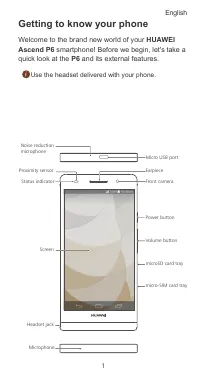
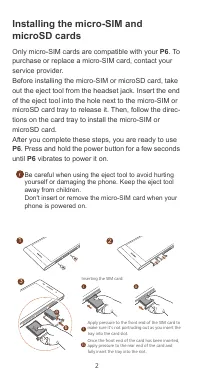
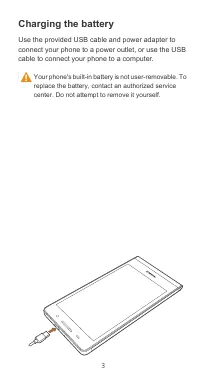
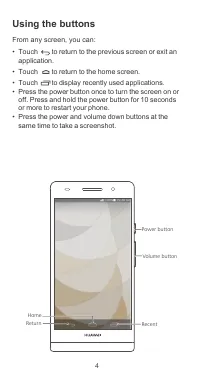
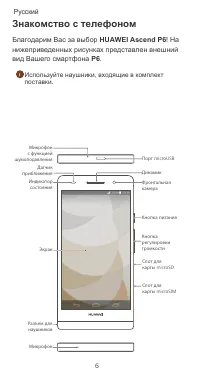
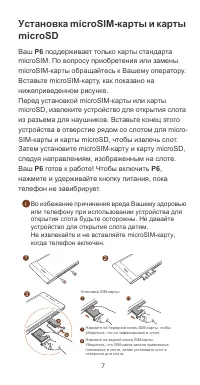
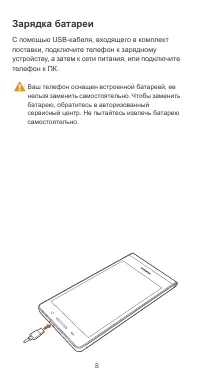
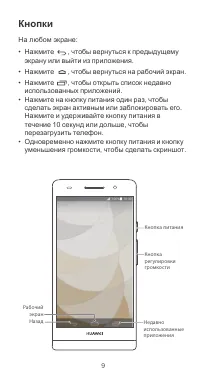

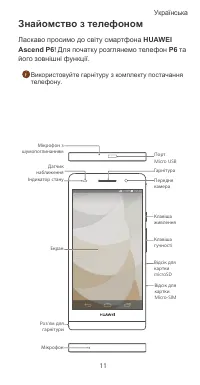
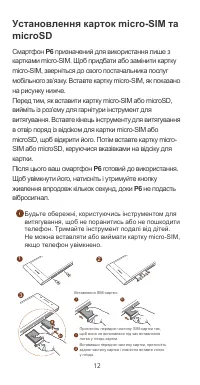
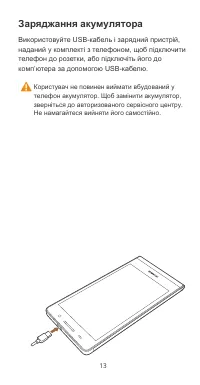
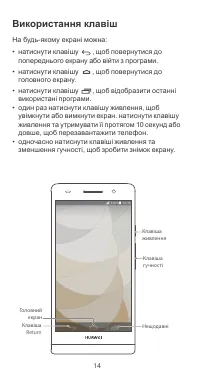

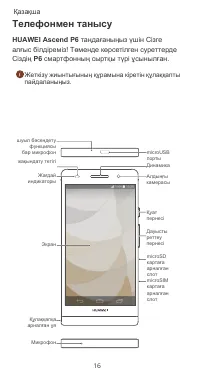
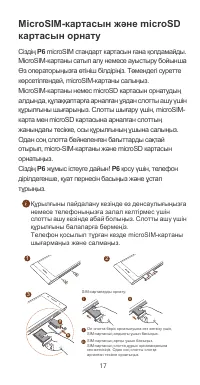
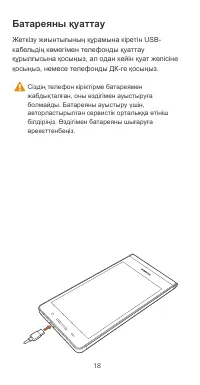
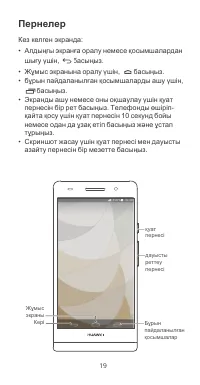



Table of Contents:
- Page 2 – English; Contents
- Page 3 – Getting to know your phone; Welcome to the brand new world of your; HUAWEI; quick look at the
- Page 5 – Charging the battery
- Page 6 – Using the buttons
- Page 7 – More information; Need more help using P6?; Touch on; Help Center; Want to browse the user guide?; HUAWEI Ascend P6 User Guide; Note
- Page 8 – HUAWEI Ascend P6
- Page 9 – microSD
- Page 10 – З я
- Page 17 – ія
- Page 18 – ң ғ
- Page 19 – microSIM
- Page 24 – Model
Quick Start Guide
P6
Краткое
руководство
пользователя
Короткий
посібник
Қысқаша нұсқаулығы
"Loading the manual" means you need to wait until the file loads and becomes available for online reading. Some manuals are very large, and the time they take to appear depends on your internet speed.
Summary
i English . . . . . . . . . . . . . . . . . . . . . . . . . . . . . . . . . 1 . . . . . . . . . . . . . . . . . . . . . . . . . . . . . . . . 6 . . . . . . . . . . . . . . . . . . . . . . . . . . . . . 11 . . . . . . . . . . . . . . . . . . . . . . . . . . . . . . . 16 Contents
1 Getting to know your phone Welcome to the brand new world of your HUAWEI Ascend P6 smartphone! Before we begin, let's take a quick look at the P6 and its external features. Use the headset delivered with your phone. Micro USB port Status indicator Earpiece Screen Headset jack Noise reduction micro...
3 Charging the battery Use the provided USB cable and power adapter to connect your phone to a power outlet, or use the USB cable to connect your phone to a computer. Your phone's built-in battery is not user-removable. To replace the battery, contact an authorized service center. Do not attempt to ...