Genesis Argon200 - Quick Guide

This quick installation guide provides everything you need to set up your Genesis Argon200 gaming headset. It covers installation steps, technical specifications, package contents, system requirements, warranty terms, and safety precautions. Designed for quick reference, it helps you get started in minutes.



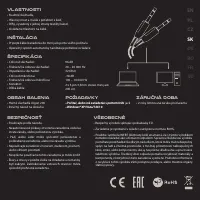

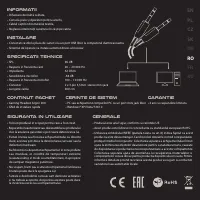

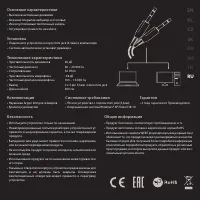

Table of Contents:
- Page 1 – Title Page
- Page 2 – Key Features, Setup, Specs & Safety
- Page 3 – Polish Language Section
- Page 4 – Czech Language Section
- Page 5 – Slovak Language Section
- Page 6 – German Language Section
- Page 7 – Romanian Language Section
- Page 8 – French Language Section
- Page 9 – Russian Language Section
- Page 10 – Support & Legal Info
Genesis
EN
PL
CZ
SK
DE
RO
FR
RU
Argon200
QUICK INSTALLATION GUIDE
GAMING HEADSET
WWW.GENESIS-ZONE.COM
V | 20171012ARGON200
"Loading the manual" means you need to wait until the file loads and becomes available for online reading. Some manuals are very large, and the time they take to appear depends on your internet speed.
Summary
Front page displaying the Genesis logo, product name Argon200, language list, and version info.
Details the headset's features (high-quality speakers, leather headband, etc.), installation by connecting to the mini jack (auto driver install), specifications (96 dB sensitivity, 20-20000 Hz, 32 Ohms), package contents, system requirements, warranty information, and safety guidelines.
Complete Polish translation covering features, installation, specifications, package contents, requirements, warranty, safety, and general information.
Tips
- Check that your computer has a 3.5mm mini jack port before purchasing.
- The headset supports Windows XP through Windows 10.
- Store the headset in a dry environment, away from dust and magnetic fields, to preserve sound quality and longevity.
- Handle with care: avoid dropping or striking the headset.
- If driver installation fails, ensure your audio drivers are updated.
- The 2-year warranty covers manufacturing defects; unauthorized repairs will void it.