Fly MC170_DS - User Manual

Fly MC170_DS Smartphone – User Manual, read for free online in PDF format. We hope this helps you resolve any issues you may have. If you have further questions, please contact us through the contact form.


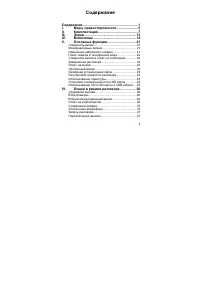
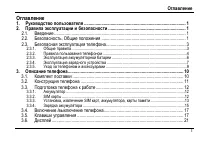
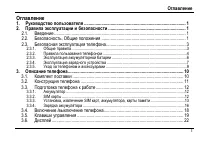
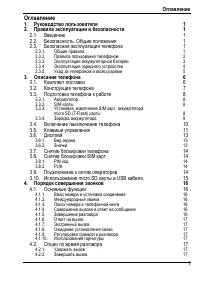
Table of Contents:
- Page 2 – II
- Page 3 – III
- Page 11 – USB
- Page 13 – SIM
- Page 16 – SIM2
- Page 17 – Ok; Bluetooth
- Page 19 – GSM
- Page 20 – SMS; MMS; WAP
- Page 21 – PIN
- Page 22 – PUK
- Page 25 – SMS MMS
- Page 26 – DTMF
- Page 27 – IP
- Page 28 – VIP; vCard; Dual SIM; UART
- Page 30 – WAP Push; Java
- Page 33 – Switch Music by shaking/
- Page 34 – SOS –; SOS
- Page 43 – Fly
I
1.
...................................................................................................................................... 1
2.
................................................................................................................. 1
2.1.
................................................................................................................................................................ 1
2.2.
.
....................................................................................................................... 1
2.3.
................................................................................................................... 2
2.3.1.
................................................................................................................................................................. 2
2.3.2.
................................................................................................................................... 3
2.3.3.
.......................................................................................................................... 3
2.3.4.
............................................................................................................................... 4
2.3.5.
................................................................................................................................ 6
3.
.................................................................................................................................................... 7
3.1.
................................................................................................................................................ 7
3.2.
......................................................................................................................................... 8
3.3.
............................................................................................................................ 9
3.3.1.
...................................................................................................................................................................... 9
3.3.2.
SIM
s ........................................................................................................................................................................... 9
3.3.3.
,
, SIM
,
micro-SD ................................................................................10
3.3.4.
.....................................................................................................................................................10
3.4.
/
.................................................................................................................. 11
3.5.
.......................................................................................................................................... 12
3.6.
................................................................................................................................................................ 15
3.6.1.
.......................................................................................................................................................................15
3.6.2.
...............................................................................................................................................................................15
3.7.
............................................................................................................................ 17
3.8.
SIM
........................................................................................................................... 17
3.8.1.
PIN
..............................................................................................................................................................................17
3.8.2.
PUK...................................................................................................................................................................................18
3.9.
......................................................................................................................... 18
4.
................................................................................................................................ 19
"Loading the manual" means you need to wait until the file loads and becomes available for online reading. Some manuals are very large, and the time they take to appear depends on your internet speed.
Summary
II 4.1. ............................................................................................................................................. 19 4.1.1. ........................................................................................................................... 19 4.1.2. .........
III 6.5. .......................................................................................................................................................... 31 6.6. Bluetooth .........................................................................................................................
7 3. 3.1. Fly MC170 DS. , . ( * , , .) USB - - ( ) micro SD (T-Flash) ( )