DIGITUS DA-70222 - User Manual
DIGITUS DA-70222 USB Hub – User Manual, read for free online in PDF format. We hope this helps you resolve any issues you may have. If you have further questions, please contact us through the contact form.
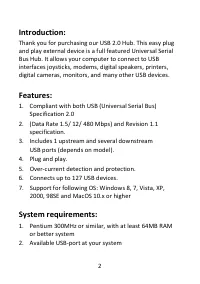
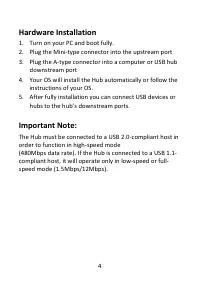
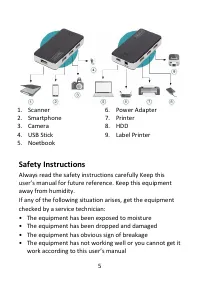
Table of Contents:
- Page 2 – System requirements:
- Page 4 – Hardware Installation
- Page 5 – Safety Instructions
- Page 6 – Trouble Shooting
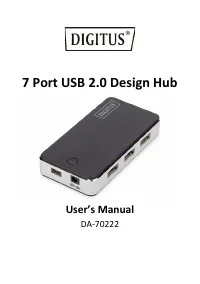
7 Port USB 2.0 Design Hub
User’s Manual
DA-70222
"Loading the manual" means you need to wait until the file loads and becomes available for online reading. Some manuals are very large, and the time they take to appear depends on your internet speed.
Summary
2 Introduction: Thank you for purchasing our USB 2.0 Hub. This easy plug and play external device is a full featured Universal Serial Bus Hub. It allows your computer to connect to USB interfaces joysticks, modems, digital speakers, printers, digital cameras, monitors, and many other USB devices. Fe...
4 Hardware Installation 1. Turn on your PC and boot fully. 2. Plug the Mini-type connector into the upstream port 3. Plug the A-type connector into a computer or USB hub downstream port 4. Your OS will install the Hub automatically or follow the instructions of your OS. 5. After fully installation y...
5 1. Scanner 2. Smartphone 3. Camera 4. USB Stick 5. Noetbook 6. Power Adapter 7. Printer 8. HDD 9. Label Printer Safety Instructions Always read the safety instructions carefully Keep this user’s manual for future reference. Keep this equipment away from humidity. If any of the following situation ...