Defender HB-420 - User Manual
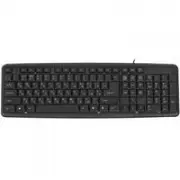
Defender HB-420 Keyboard – User Manual, read for free online in PDF format. We hope this helps you resolve any issues you may have. If you have further questions, please contact us through the contact form.
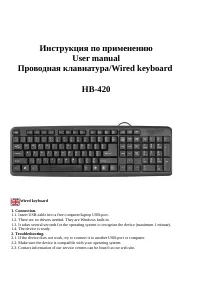
Инструкция по применению
User manual
Проводная клавиатура/Wired keyboard
HB-420
Wired keyboard
1. Connection.
1.1. Insert USB-cable into a free computer/laptop USB-port.
1.2. There are no drivers needed. They are Windows built-in.
1.3. It takes several seconds for the operating system to recognize the device (maximum 1 minute).
1.4. The device is ready.
2. Troubleshooting.
2.1. If the device does not work, try to connect it to another USB-port or computer.
2.2. Make sure the device is compatible with your operating system.
2.3. Contact information of our service centres can be found on our web site.
"Loading the manual" means you need to wait until the file loads and becomes available for online reading. Some manuals are very large, and the time they take to appear depends on your internet speed.