Philips BT2500W/00 - Manuals
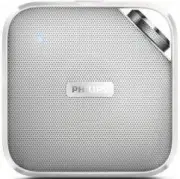
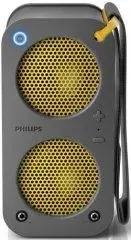
User Manual Philips BT2500W/00


Summary
1 EN Contents 1 Safety 2 2 Your Portable Speaker 3 Introduction 3 What's in the box 3 3 Get started 4 Charge the built-in batter y 4 Select a source or turn off 4 4 Use Bluetooth devices 5 Connect a device 5 Play audio via Bluetooth 5 Make a call 6 5 Listen to an external device 7 6 Adjust volume 8 ...
2 EN 1 Safety • Do not use this apparatus near water. • Do not place near any heat sources such as radiators, heat registers, stoves, or other apparatus (including amplifiers) that produce heat. • Only use attachments/accessories specified by the manufacturer. • The product shall not be exposed to d...
3 EN 2 Your Portable Speaker Congratulations on your purchase, and welcome to Philips! To fully benefit from the suppor t that Philips offers, register your product at www.philips.com/welcome. Introduction With this speaker, you can • listen to audio from an external device via Bluetooth connection,...
Philips Portable Speakers Manuals
-
 Philips BT110A/00
User Manual
Philips BT110A/00
User Manual
-
 Philips BT110R/00
User Manual
Philips BT110R/00
User Manual
-
 Philips BT2500B/00
User Manual
Philips BT2500B/00
User Manual
-
Philips BT2500B/00
Quick Guide
-
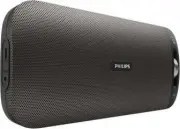 Philips BT3600B/00
User Manual
Philips BT3600B/00
User Manual
-
Philips BT3600B/00
Quick Guide
-
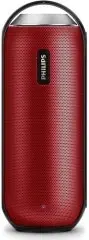 Philips BT6000R/12
User Manual
Philips BT6000R/12
User Manual
-
Philips BT6000R/12
Quick Guide
-
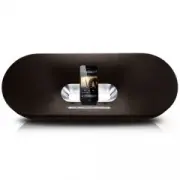 Philips DS9100W/10
User Manual
Philips DS9100W/10
User Manual
-
Philips DS9100W/10
Quick Guide
-
 Philips Fidelio P9XBLK/10
User Manual
Philips Fidelio P9XBLK/10
User Manual
-
 Philips SB5200G/10
User Manual
Philips SB5200G/10
User Manual