NEC M352WS - Manuals
NEC M352WS Projector – Manual in PDF format online.
Manuals:
Manual NEC M352WS


Summary
Advanced ECO Mode ECO Mode Lamp control selections with the ability to change power dependent on the ambient lighting conditions. With a built-in ambient light sensor, automatic adjustment of the projectors lamp provides unprecedented brightness control resulting in bright images for most environmen...
Get Connected with a Wide Selection of Inputs • Dual HDMI inputs ensure quick switching between presentations • Four audio inputs (two mini stereo, R/L and HDMI™) make it easy to add sound to enhance your presentations USB Viewer In instances when you’d prefer to leave your laptop behind for a prese...
NEC Display Solutions 500 Park Boulevard, Suite 1100 Itasca, IL 60143 866-NEC-MORE Advanced AccuBlend, ECO Mode and Virtual Remote are trademarks of NEC Display Solutions. HDMI, the HDMI logo and High-Definition Multimedia Interface are trademarks or registered trademarks of HDMI Licensing LLC. All ...
NEC Projectors Manuals
-
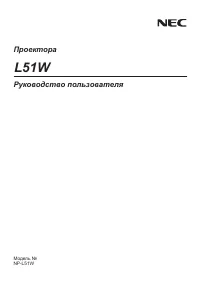 NEC L51W
Manual
NEC L51W
Manual
-
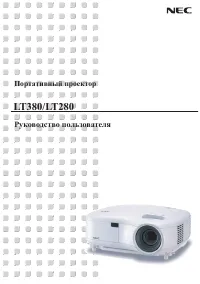 NEC LT280
Manual
NEC LT280
Manual
-
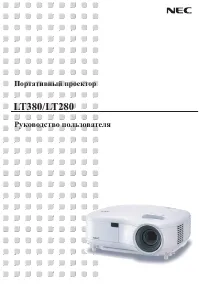 NEC LT380
Manual
NEC LT380
Manual
-
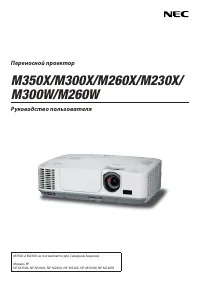 NEC M230X
Manual
NEC M230X
Manual
-
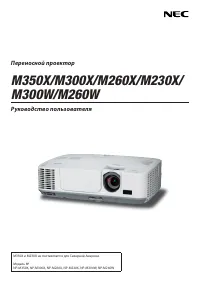 NEC M260W
Manual
NEC M260W
Manual
-
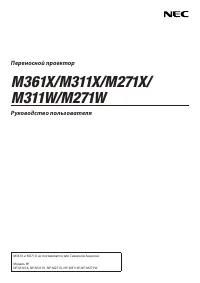 NEC M271X
Manual
NEC M271X
Manual
-
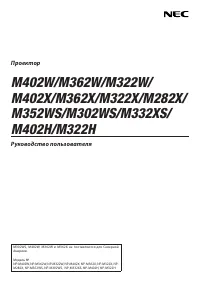 NEC M282X
Manual
NEC M282X
Manual
-
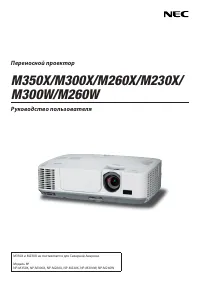 NEC M300X
Manual
NEC M300X
Manual
-
 NEC M302WS
Manual
NEC M302WS
Manual
-
 NEC M311W
Manual
NEC M311W
Manual
-
 NEC M322X
Manual
NEC M322X
Manual
-
 NEC M332XS
Manual
NEC M332XS
Manual
-
 NEC M350X
Manual
NEC M350X
Manual
-
 NEC M361X
Manual
NEC M361X
Manual
-
 NEC M362W
Manual
NEC M362W
Manual
-
 NEC M402X
Manual
NEC M402X
Manual
-
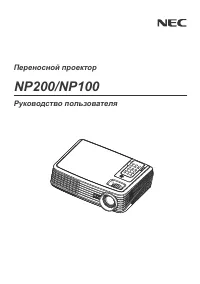 NEC NP100
Manual
NEC NP100
Manual
-
 NEC NP1000
Manual
NEC NP1000
Manual
-
 NEC NP110
Manual
NEC NP110
Manual
-
 NEC NP115
Manual
NEC NP115
Manual