Page 3 - Contents; Quick Start Guide
Contents Kambrook Recommends Safety First p4 Your Kambrook 87cm or 114cm Touch Control Tower Fan p6 Quick Start Guide p7 Using Your Tower Fan p8 Care, Cleaning and Storage p13 KTF840_841_WHT_IB_C18.indd 3 19/6/18 1:42 pm
Page 4 - Kambrook Recommends Safety First; IMPORTANT: Please retain your; Important Safeguards For Your Kambrook
4 Kambrook Recommends Safety First IMPORTANT: Please retain your instruction book for future use. At Kambrook, we believe that safe performance is the first priority in any consumer product, so that you, our valued customer can confidently use and trust our products. We ask that any electrical appli...
Page 6 - Your Kambrook Tower Fan
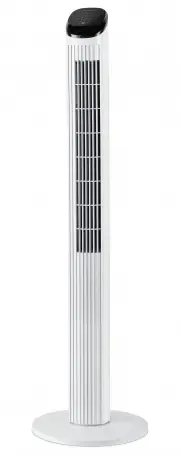
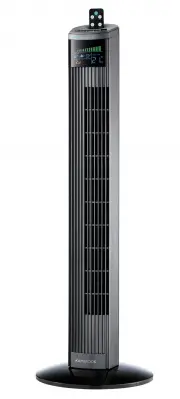
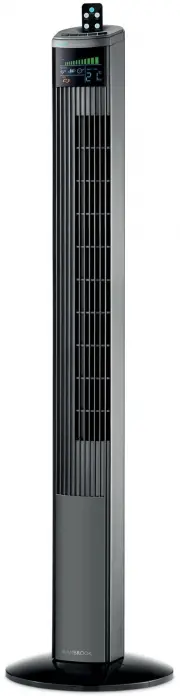
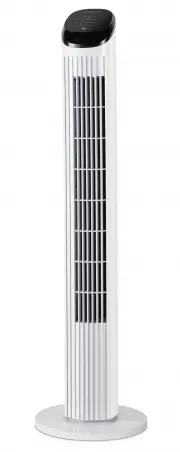
6 Your Kambrook Tower Fan 1. Touch control panel featuring: • POWER On/Off button • Fan SPEED button (Includes 3 speed settings; low, medium and high) • MODE button (includes 3 cooling modes; nature and reduction mode) • TIMER button (up to 7 hours) • OSC button to set oscillation 2. Tower fan body ...
Page 8 - Using Your Kambrook Tower Fan; Before first use
8 Using Your Kambrook Tower Fan Before first use Remove your tower fan from its carton and associated protective wrapping.Unwind the cord to its full length and remove any protective cardboard or foam that may have been used to minimise transportation damage. Once assembled by following the directio...
Page 12 - Using the Remote Control
12 Using the Remote Control Before using the remote control, remove the battery isolating slip by pulling the slip away from the remote control. The remote control buttons operate in the same way as those on the tower fan control panel. Your remote control includes 1 x CR2025 3V Lithium battery, and...
Page 13 - Care, Cleaning and Storage
13 Care, Cleaning and Storage 1. Ensure that the tower fan is switched OFF and disconnected from the power outlet before cleaning. 2. Use a clean, dry cloth to clean the external surfaces of the tower fan. If the tower fan has collected dirt inside the unit, have the unit cleaned by a qualified serv...
Page 14 - Cleaning the Filter
14 Care, Cleaning and Storage Cleaning the Filter The filter is located behind the rear cover of the fan. To clean the filter: 1. Ensure that the tower fan is switched OFF and disconnected from the power outlet before cleaning. 2. Gently unsnap the rear filter cover from the tower fan (See Fig. 11) ...
Page 15 - Notes
15 Notes KTF840_841_WHT_IB_C18.indd 15 19/6/18 1:42 pm