HyperX HX-HSCFX - Manuals
HyperX HX-HSCFX Headphones – User Manual in PDF format online.
Manuals:
User Manual HyperX HX-HSCFX
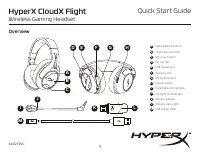
Summary
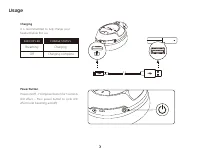
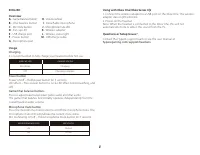
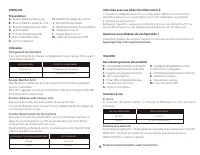
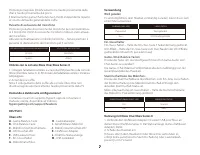
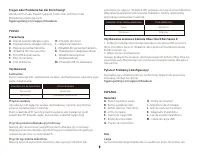
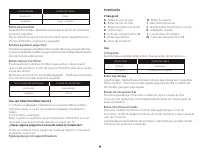
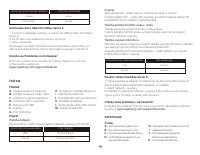
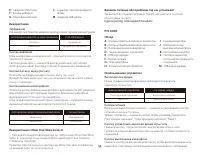
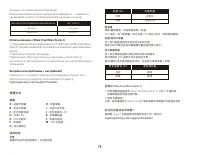
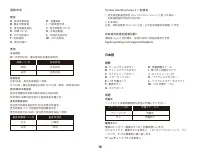
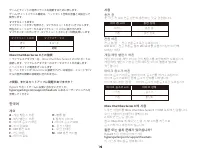
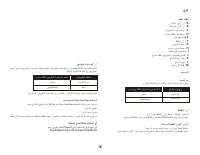
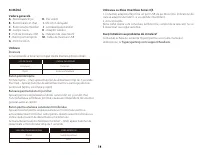
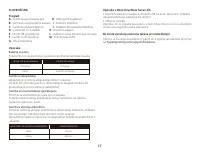
Usage Power Button Power on/off – Hold power button for 3 secondsLED effect – Press power button to cycle LED effect (solid, breathing, and off) Charging It is recommended to fully charge your headset before first use. EAR CUP LED CHARGE STATUS Charging Breathing Charging complete Off FRANÇAIS Prése...
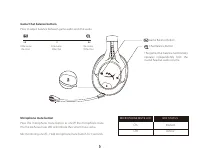
Microphone mute button Press the microphone mute button to on/off the microphone mute. The microphone mute LED will indicate the current mute status. Mic monitoring on/off – Hold microphone mute button for 3 seconds MICROPHONE MUTE LED MIC STATUS Muted On Active Off Game/Chat balance buttons Press t...
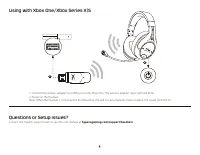
Questions or Setup Issues? Contact the HyperX support team or see the user manual at hyperxgaming.com/support/headsets Using with Xbox One/Xbox Series X|S 3 2 1 1. Connect the wireless adapter to a USB port on the Xbox One. The wireless adapter status light will blink. 2. Power on the headset. Note:...