Harper HB-522 - Manuals
User Manual Harper HB-522










Summary
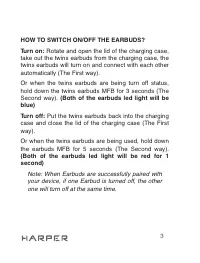
3 HOW TO SWITCH ON/OFF THE EARBUDS?Turn on: Rotate and open the lid of the charging case, take out the twins earbuds from the charging case, the twins earbuds will turn on and connect with each other automatically (The First way).Or when the twins earbuds are being turn off status, hold down the twi...
5 Or when the earbud are being turn off status, hold down the one earbud MFB for 5 second(the second way). (Flash blue light and voice prompt «power on»)2. Open the bluetooth of your device, search and click the model «HB-522», the single earbud will connect with your device. Note: If you just use l...
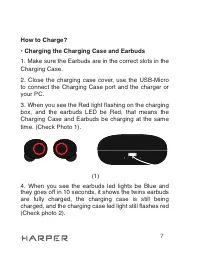
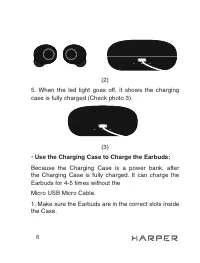
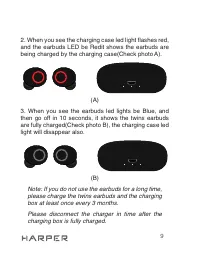
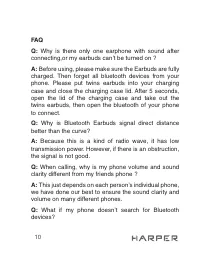
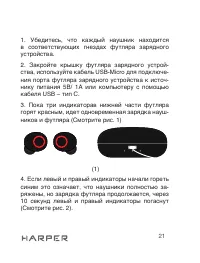
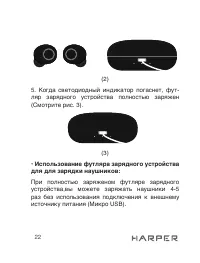
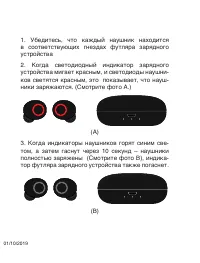
8 1 (2) 5. When the led light goes off, it shows the charging case is fully charged (Check photo 3). 1 (3) • Use the Charging Case to Charge the Earbuds: Because the Charging Case is a power bank, after the Charging Case is fully charged. It can charge the Earbuds for 4-5 times without theMicro USB ...