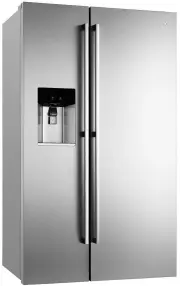
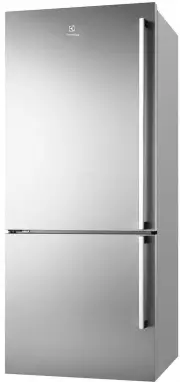
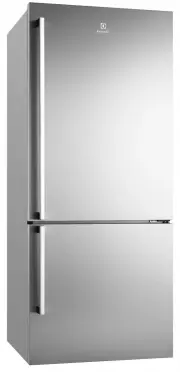
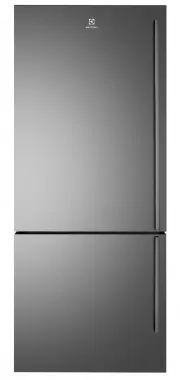
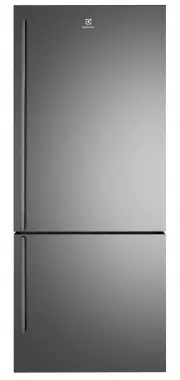
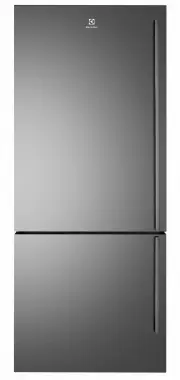
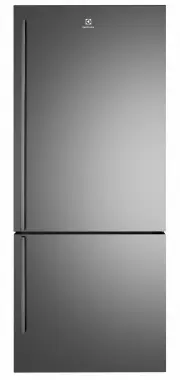
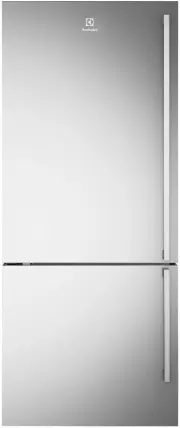
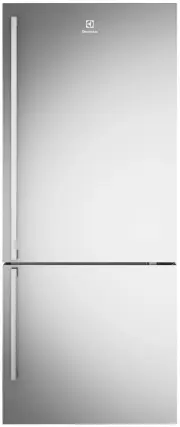
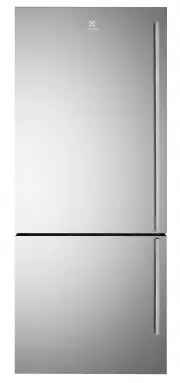
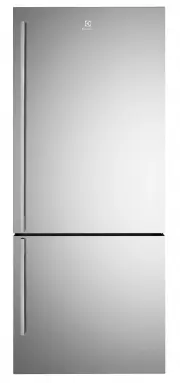
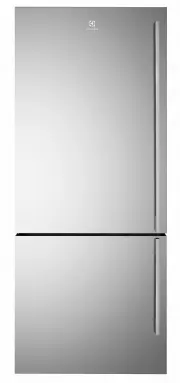
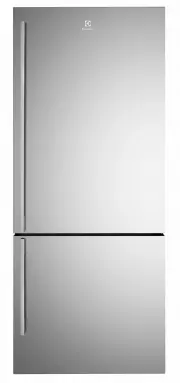
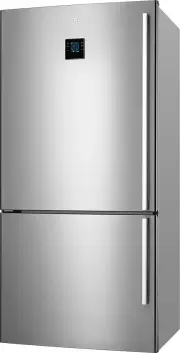
Page 2 - working environments; RECoRD moDEL aND SERIaL
Thank you for purchasing an Electrolux appliance. You’ve chosen a product that brings with it decades of professional experience and innovation. Ingenious and stylish, it has been designed with you in mind. So whenever you use it, you can be safe in the knowledge that you’ll get great results every ...
Page 3 - BEfoRE uSING YouR aPPLIaNCE
Before you use the refrigerator, we recommend that you read through the relevant sections of this manual, which provides the description of your appliance and its functions.To avoid the risks that are always present when you use an appliance, it is important that the appliance is installed correctly...
Page 4 - For ice & water models only; GENERaL WaRNINGS
Read the following carefully to avoid damage or injury This symbol indicates never to do this This symbol indicates always do this It is important to use your refrigerator safely. Check these safety points before using your refrigerator. The appliance must be plugged into its own dedicated 220-240V,...
Page 5 - ESE6107 WITh STaNDaRD fEaTuRES
ESE6107 WITh STaNDaRD fEaTuRES 5 1 freezer lighting 2 Twist ice & serve drawer 3 Slide out glass shelves 4 freezer temperature sensor 5 Bottle caddy 6 freezer baskets with clear fascia 7 adjustable door bins 8 Electronic temperature controls 9 Locker compartment 10 Spillsafe Tm slide-away glass ...
Page 6 - ESE6977 WITh ICE aND WaTER fEaTuRES
ESE6977 WITh ICE aND WaTER fEaTuRES 6 1 Ice maker unit 2 freezer lighting 3 Removable ice bin 4 Slide out glass shelves 5 Bottle caddy 6 Telescopic freezer bin 7 adjustable door bins 8 Dairy compartment 9 Spillsafe Tm slide-away glass shelf 10 Spillsafe Tm slide-out glass shelves 11 adjustable door ...
Page 7 - ESE7007 WITh STaNDaRD fEaTuRES
ESE7007 WITh STaNDaRD fEaTuRES 7 1 freezer lighting 2 Twist ice & serve drawer 3 Slide out glass shelves 4 freezer temperature sensor 5 Bottle caddy 6 Telescopic freezer bins 7 adjustable door bins 8 Electronic temperature controls 9 Dairy compartment 10 Spillsafe Tm slide-away glass shelf 11 Sp...
Page 8 - ESE6077 WITh ICE aND WaTER fEaTuRES
ESE6077 WITh ICE aND WaTER fEaTuRES Electronic temperature controls + ice and water controls on freezer door 8 1 Ice maker unit 2 freezer lighting 3 Removable ice bin 4 Slide out glass shelves 5 Bottle caddy 6 freezer basket with clear fascia 7 adjustable door bins 8 Locker compartment 9 Spillsafe T...
Page 9 - Clearances around your refrigerator; INSTaLLaTIoN
When correctly installed, your refrigerator should:• have adequate clearance to the back, sides and top for air circulation • Be aligned to the surrounding cupboards• have doors that will self close from a partially open position Clearances around your refrigerator Your side by side refrigerator can...
Page 11 - The external water filter kit; x water filter with push fit connections; please read before beginning installation; ICE & WaTER INSTaLLaTIoN
The external water filter kit an external water filter and connection kit has been supplied for use with your ice & water refrigerator. The external filter design allows more space within the refrigerator and provides double the life of previous filters reducing the cost of replacement. The filt...
Page 12 - Water is to be connected as per diagram below.; Ensure that the Ice maker is switched off.; fit filter to brackets with water flow arrow pointing up.
CauTion! never install the water filter in an area of direct sunlight.Check for water leaks at all water connection points in the first 2 to 3 hours after installation, and correct it in case of any water leak. recheck after 24 hours; if leak still occurs, it is recommended to turn off water supply ...
Page 14 - Tips and useful information
Step 15. using a large container run the water dispenser to clear air from lines. This may take a few minutes. Purge and dispense a minimum of 2 litres of water or until the water runs clear. Initial water may be black in colour. This is residual carbon dust from the filter and is non-toxic. If the ...
Page 15 - refrigerator/freezer operation
CauTion! Connect to potable water supply only. Do not put fingers into ice crusher. Surfaces there may be sharp X X X refrigerator/freezer operation a light frosting will occasionally occur on the interior of the freezer when the door is opened frequently. This is normal and will disappear after a f...
Page 16 - other electronic features; to provide the best performance; Temperature Sensors; uSING YouR REfRIGERaToR – GENERaL
EnVironmEnT! Eco and holiday modes minimise defrosting to save energy, while maintaining your temperature settings. other electronic features Your refrigerator:• Controls the compressor and fan independently to provide the best performance • Provides extra cooling depending on the number of door ope...
Page 17 - • Storing fruit & small goods; Telescopic freezer bins and crispers; Dairy compartment; fooD ComPaRTmENT fEaTuRES
• horizontal – when the bottle twist holder ring is horizontal, any item that fits within the ring can simply be placed inside it. • • Vertical – when the bottle twist holder ring is vertical, it is possible to simply slide the bottle twist holder along the bottle retainer bar until it is pushed up ...
Page 18 - Freezer baskets; Bottle caddy; To release the front half of the shelf, pull the front
open the bin to access the finger tabs at the ends of the telescopic slides, on each side of the bin. using your thumb and forefinger, lift the bin over the end of the slide and clip in place. If the drawer is not fully engaged on the slide, it’s possible the drawer won’t stay on the slide if fully ...
Page 19 - ice & water dispenser features; Bottle filling function
Twist ice & Serve To use, remove the tray, fill with water and place back in the freezer. once ice has formed (approximately 3 hours) simply twist the knob at the front clockwise until the ice drops into the bin below. ice & water dispenser features The ice and water dispenser conveniently d...
Page 20 - ELECTRoNIC DISPLaY PaNEL
ESE6107 and ESE7007 models The electronic display panel consists of an LCD display with backlighting and 6 buttons. When the power is first turned on, the display with backlighting will come on. If no buttons have been pressed and the fridge door is closed the backlighting will turn off after 30 sec...
Page 21 - • Independent control of the compressor and fan to
Drinks chill timer The drinks chill timer is used to quickly chill a bottle. Place the bottle in the freezer and the timer can be set for a minimum of 5 minutes to a maximum of 30 minutes. To set, simply press the drinks chill button repeatedly for the number of minutes (in 5 minute intervals). once...
Page 23 - Door alarm; This icon illuminates automatically if the food door is; Freezer temperature alarm; empty the ice tray but it will stop making more ice).; ice bin removed; You can choose whether to:
Door alarm If the freezer or fridge door is left open for longer than 2 minutes a buzzer will sound and an icon will flash. Close the door to deactivate the alarm. If you want to leave the door open while you load the fridge, the alarm can be muted for 8 minutes by pressing the ‘lock’ button. This i...
Page 25 - hoW ThE WaTER DISPENSER WoRKS; normal operation — for cool water, add ice.; • Ice cubes stored too long may develop an odd flavour.; • if a large quantity of ice is needed at one time,
hoW ThE WaTER DISPENSER WoRKS hoW ThE ICE DISPENSER WoRKS 25 The water dispenser water tank is located behind the upper crisper bin in the refrigerator compartment.after the refrigerator is connected to water fill the water tank by holding a large container against the dispenser paddle to run the wa...
Page 26 - remove and empty the ice storage bin if:; If the ice dispenser is not used frequently, ice cubes
Clean the dispenser and ice container at regular intervals, particularly before you take a holiday or move, also clean the dispenser if it sticks.To clean the dispenser:1. Remove the ice container by lifting it up and out. Empty and carefully clean the container with mild detergent. Rinse carefully ...
Page 27 - To change the filter:; ChaNGING ThE WaTER fILTER
If you purchased a refrigerator with a water filter (ice and water models), please read the following care and use information.an external water filter and connection kit has been supplied for use with your ice & water refrigerator. The external filter design allows more space within the refrige...
Page 28 - CLEaNING YouR REfRIGERaToR
Cleaning the interior You should clean the refrigerator interior regularly. It will be easiest to clean when the food supply is low. Wash the interior with a soft cloth and use an unscented mild soap with lukewarm water. Thoroughly dry all surfaces and removable parts. avoid getting water on refrige...
Page 30 - TRouBLEShooTING; problem
TRouBLEShooTING If you think something may be wrong with your refrigerator, you can carry out some easy checks before calling for service. You may locate the problem, sparing yourself any inconvenience and saving time and money. problem solution When your appliance is not operating • Check that the ...
Page 32 - ice dispenser; ICE + WaTER TRouBLEShooTING
ice dispenser The dispenser will not dispense ice • The ice storage container is empty• The ice chute is blocked • Refer ‘the ice maker is not making any ice’ section above • The first supply of ice may take up to 4 hours after power up, try the dispenser after ice is made • Remove ice bin to gain a...
Page 33 - NoTES
Page 35 - Warranty; Important Notice
This document sets out the terms and conditions of the product warranties for Electrolux Appliances. It is an important document. Please keep it with your proof of purchase documents in a safe place for future reference should you require service for your Appliance. 1. In this warranty (a) ‘acceptab...