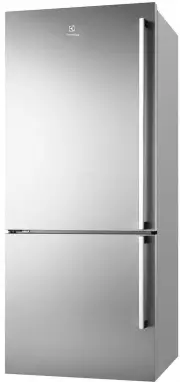
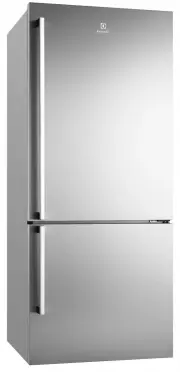
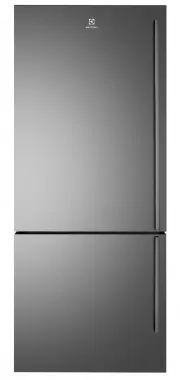
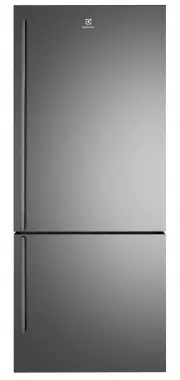
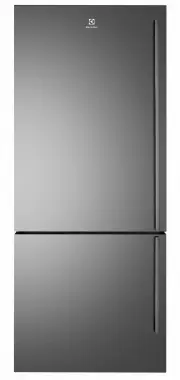
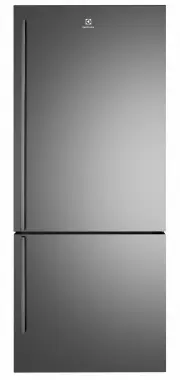
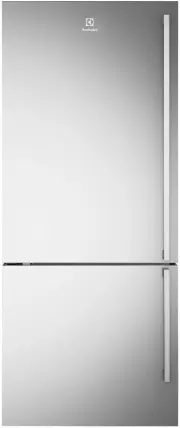
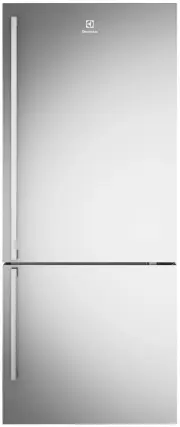
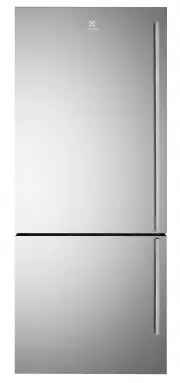
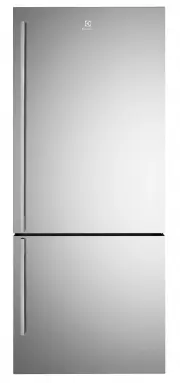
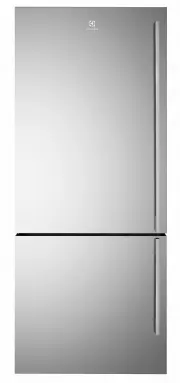
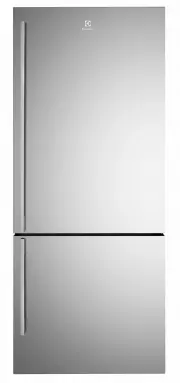
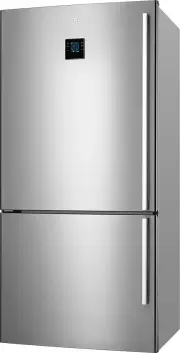
Page 2 - • This appliance is designed and intended to be used in; RECORD MODEL AND SERIAL
2 3 Before using your appliance 3 Important safety instructions 4 General warnings 5 Features 6 Installing your new appliance 7 Initial start up 8 Ice and water installation 12 Electronic display controls 12 – Controlling the temperature12 – Changing the freezer temperature12 – Changing the refriger...
Page 3 - BEFORE USING YOUR APPLIANCE; Check for any damage or marks; INFORMATION ON DISPOSAL; R600a refrigerant warning
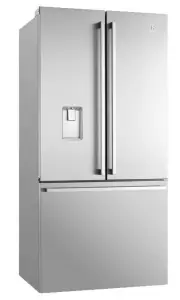
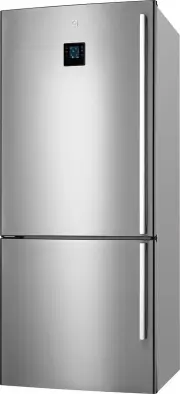
3 BEFORE USING YOUR APPLIANCE Before you use the refrigerator, we recommend that you read through the relevant sections of this manual, which provides the description of your appliance and its functions.To avoid the risks that are always present when you use an appliance, it is important that the ap...
Page 4 - GENERAL WARNINGS; Read the following carefully to avoid damage or injury; For Ice & Water models only
4 GENERAL WARNINGS Read the following carefully to avoid damage or injury This symbol indicates never to do this This symbol indicates always do this It is important to use your refrigerator safely. Check these safety points before using your refrigerator. The appliance must be plugged into its own ...
Page 6 - Adequate ventilation around your refrigerator; Installing your refrigerator; INSTALLING YOUR NEW APPLIANCE; If the refrigerator isn’t tilted back, you can adjust the
6 Adequate ventilation around your refrigerator The diagram below shows the recommended airspace to allow for ventilation of your refrigerator.If 5 mm side clearance, the fridge cabinet must sit at least 5 mm proud of kitchen cabinetry for doors to open. A 5 mm side clearance requires 50 mm rear cle...
Page 7 - You may now need to fine-tune the installation by
7 INSTALLING YOUR NEW APPLIANCE 7. You may now need to fine-tune the installation by repeating Steps 3, 4 and 5. 8. Clean your refrigerator thoroughly following the instructions on page 18 and wipe off any dust that has accumulated during shipping. 9. Before you put any food in your refrigerator, it...
Page 8 - Connect to potable water supply only; The external water filter kit; x water filter with push fit connections; ICE & WATER INSTALLATION; Please read before beginning installation
8 WARNING! Connect to potable water supply only The external water filter kit An external water filter and connection kit has been supplied for use with your Ice & Water refrigerator. The external filter design allows more space within the refrigerator and provides double the life of previous fi...
Page 9 - Disconnect refrigerator from power supply.
9 Never install the water filter in an area of direct sunlight.Check for water leaks at all water connection points in the first 2 to 3 hours after installation, and correct it in case of any water leak. Recheck after 24 hours; if leak still occurs, it is recommended to contact a licensed plumber fo...
Page 10 - Fit filter to brackets with water flow arrow pointing up.; Push shorter tube into tap fitting past insertion mark.; Turn on water and check all joints and tubes for leaks.
10 Step 7. Fit filter to brackets with water flow arrow pointing up. water flow direction Step 8. Push shorter tube into tap fitting past insertion mark. Step 9. Push other end into filter INLET. Step 10. Connect remaining tube length into filter OUTLET. Step 11. Connect other end of remaining tube ...
Page 11 - Tips and Useful Information
11 Step 15. Using a large container run the water dispenser to clear air from lines. This may take a few minutes. Purge and dispense a minimum of 2 litres of water. Initial water may be black in colour. This is residual carbon dust from the filter and is non-toxic. If the water is slow to shut off o...
Page 12 - ELECTRONIC DISPLAY CONTROLS
12 The electronic display panel consists of an LCD display with white backlighting. When the power is first turned on, the display, with backlighting, will activate.If no buttons have been pressed and the fridge door is closed the backlighting will turn off after 30 seconds. Controlling the temperat...
Page 15 - Open the bin to access the finger tabs at the ends on; USING YOUR APPLIANCE; Open the bin to access the finger tabs at the ends of
15 To refit crispers 1. With the runners pushed in all the way.2. Slide the bin into place over the telescopic slides and under the shelf. Push the bin in until it stops, noting that the bin will not be closed all the way. 3. Open the bin to access the finger tabs at the ends on each side of the bin...
Page 16 - Then, from the underside, lift the front half of the shelf; Pull the shelf forward and allow the rear to drop into; Freezer bottom bin
16 USING YOUR APPLIANCE Slide away glass shelf (where fitted) This shelf can be used either as a full depth shelf or when tall items need to be stored at the front of the appliance it can be collapsed to half its original depth. To collapse the shelf:1. Pull the front half of the shelf forward. 2. T...
Page 17 - Bottle twist holder; Note: The bottle should be constrained on the other side; LED lighting; Your refrigerator is fitted with long life LED lighting. In; Deodoriser
17 Bottle twist holder The bottle twist holder is used to prevent bottles from falling over. The bottle twist holder consists of two parts, a sliding front, and a rotating retainer ring. The bottle twist holder can be used in two positions:• Horizontal When the bottle twist holder ring is horizontal...
Page 18 - CARE AND MAINTENANCE
18 Cleaning the appliance WARNING! Before cleaning: Turn appliance off at the power point, then remove power cord from socket. This will make sure there is no chance of getting an electric shock. • Doors – stainless steel This stainless steel has a special advanced protective coating that eases the ...
Page 19 - TROUBLESHOOTING; problem; If you still require service
19 TROUBLESHOOTING If you think something may be wrong with your refrigerator, you can carry out some easy checks before calling for service. You may locate the problem, sparing yourself from inconvenience, saving time and money. problem solution Refrigerator is not operating • Check that the power ...
Page 20 - ICE + WATER TROUBLESHOOTING; Problem
20 ICE + WATER TROUBLESHOOTING Problem Possible causes Solution Automatic ice-maker The ice maker is not making any ice • Ice maker is in the OFF position • See Ice maker section in user manual: turn switch to ON position • Water tap is turned off • Turn on the water tap • The freezer is not cold en...
Page 21 - NOTES
Page 23 - Warranty; Important Notice
23 This document sets out the terms and conditions of the product warranties for Electrolux Appliances. It is an important document. Please keep it with your proof of purchase documents in a safe place for future reference should you require service for your Appliance. 1. In this warranty: (a) ‘acce...