Dyson 410636-01 - Manuals
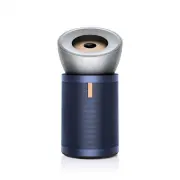
User Manual Dyson 410636-01


Summary
Getting started Selective catalytic oxidisation filter Real-time LCD screen LCD screen reports indoor air quality in real time. Hidden wheels Easy to manoeuvre across a room – designed for hard surfaces. 360º HEPA filter Carbon filter MyDyson™ app The MyDyson™ app is essential to get the most from y...
Standby on/off Remote control Assembling your machine Use both hands to lift your machine out of the box, by its base. Your machine comes with a HEPA filter, carbon filter and permanent catalytic filter. These are already installed in your machine. Lift the conic amplifier out of the box and place i...
Positioning your machine Your machine is fitted with wheels to make it easier to move. Position your machine on a level floor. For the most effective purification, position your machine on the edge of the room at least three and a half feet from the wall, with the conic amplifier pointing to the fur...
Dyson Air Purifiers Manuals
-
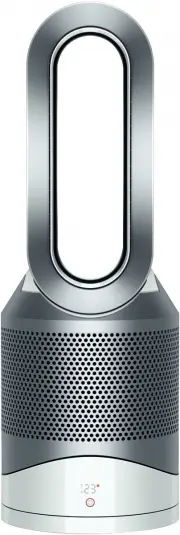 Dyson 308008-01
User Manual
Dyson 308008-01
User Manual
-
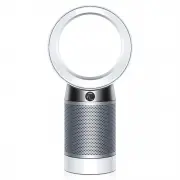 Dyson 310158-01
User Manual
Dyson 310158-01
User Manual
-
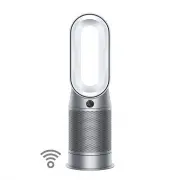 Dyson 368960-01
User Manual
Dyson 368960-01
User Manual
-
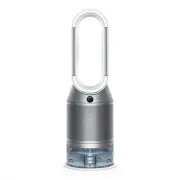 Dyson 369169-01
User Manual
Dyson 369169-01
User Manual
-
 Dyson 369803-01
User Manual
Dyson 369803-01
User Manual
-
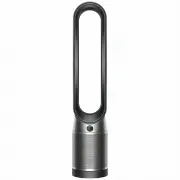 Dyson 379532-01
User Manual
Dyson 379532-01
User Manual
-
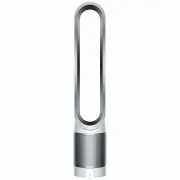 Dyson 385275-01
User Manual
Dyson 385275-01
User Manual
-
Dyson 497043-01
User Manual
-
 Dyson 497044-01
User Manual
Dyson 497044-01
User Manual
-
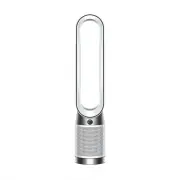 Dyson 664609-01
User Manual
Dyson 664609-01
User Manual
-
 Dyson 664610-01
User Manual
Dyson 664610-01
User Manual
-
 Dyson TP00 428157-01
User Manual
Dyson TP00 428157-01
User Manual