Dyson 379532-01 - Manuals
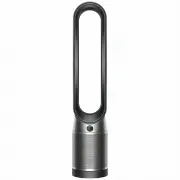
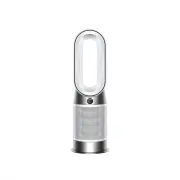
User Manual Dyson 379532-01


Summary
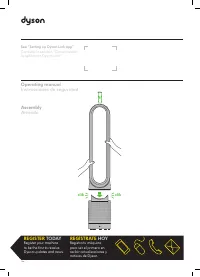
Assembling your machine Use both hands to lift your machine out of the box, by its base. Do not lift out by the loop amplifier. Assemble your machine with the filters that are supplied. Dyson Purifier Cool Supplied with a HEPA+Carbon filter. Push your HEPA+Carbon filter into the outer cover and posi...
Connecting to the Dyson Link app Take full control with the Dyson Link app and access step-by-step setup and support, control how and when your Dyson purifying fan operates, monitor air quality with visual updates and automatically keep up to date with the latest software updates. Download the Dyson...
Power and continuous monitoring Standby on/off Press the Standby on/off button on your Dyson purifying fan or remote control to stop your machine. It will continue to monitor the air quality. Continuous monitoring Continuous monitoring is turned off by default. Once turned on, it will always be acti...
Dyson Air Purifiers Manuals
-
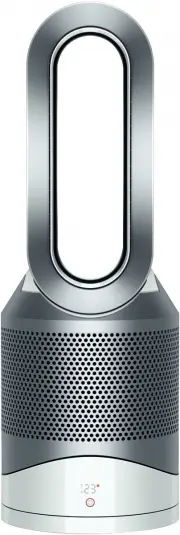 Dyson 308008-01
User Manual
Dyson 308008-01
User Manual
-
 Dyson 310158-01
User Manual
Dyson 310158-01
User Manual
-
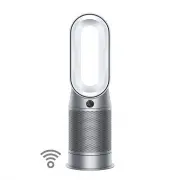 Dyson 368960-01
User Manual
Dyson 368960-01
User Manual
-
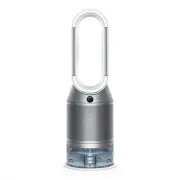 Dyson 369169-01
User Manual
Dyson 369169-01
User Manual
-
 Dyson 369803-01
User Manual
Dyson 369803-01
User Manual
-
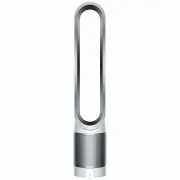 Dyson 385275-01
User Manual
Dyson 385275-01
User Manual
-
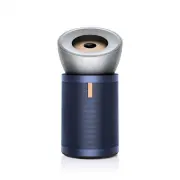 Dyson 410636-01
User Manual
Dyson 410636-01
User Manual
-
Dyson 497043-01
User Manual
-
 Dyson 497044-01
User Manual
Dyson 497044-01
User Manual
-
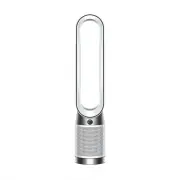 Dyson 664609-01
User Manual
Dyson 664609-01
User Manual
-
 Dyson 664610-01
User Manual
Dyson 664610-01
User Manual
-
 Dyson TP00 428157-01
User Manual
Dyson TP00 428157-01
User Manual