Dyson 369169-01 - Manuals
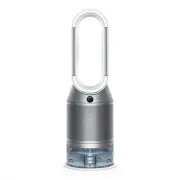
User Manual Dyson 369169-01


Summary
Getting started Deep clean cycle button Stand-by button Amplifier loop Outer cover release buttons Outer cover Water tank release buttons Stand-byAuto purify mode Airflow speed OscillationSleep timer Information menuAuto humidify mode Humidity control Airflow directionNight mode The layout of the re...
Assembling your machine Use both hands to lift your machine out of the box, by its base. Do not lift out by the loop amplifier. Assemble your machine with the filters that are supplied. Your machine comes with a HEPA+Carbon filter. If you purchased the Dyson Purifier Humidify+Cool Formaldehyde™ your...
Connecting to the Dyson Link app Take full control with the Dyson Link app and access step-by-step set up and support, control how and when your Dyson purifying fan operates, monitor air quality with visual updates and automatically keep up to date with the latest software updates. Download the Dyso...
Dyson Air Purifiers Manuals
-
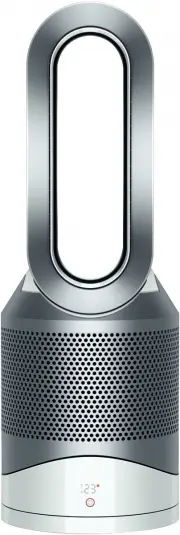 Dyson 308008-01
User Manual
Dyson 308008-01
User Manual
-
 Dyson 310158-01
User Manual
Dyson 310158-01
User Manual
-
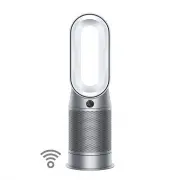 Dyson 368960-01
User Manual
Dyson 368960-01
User Manual
-
 Dyson 369803-01
User Manual
Dyson 369803-01
User Manual
-
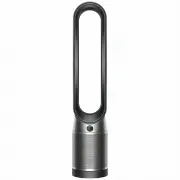 Dyson 379532-01
User Manual
Dyson 379532-01
User Manual
-
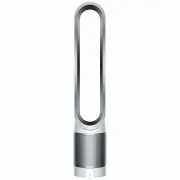 Dyson 385275-01
User Manual
Dyson 385275-01
User Manual
-
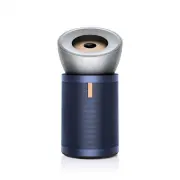 Dyson 410636-01
User Manual
Dyson 410636-01
User Manual
-
Dyson 497043-01
User Manual
-
 Dyson 497044-01
User Manual
Dyson 497044-01
User Manual
-
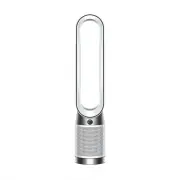 Dyson 664609-01
User Manual
Dyson 664609-01
User Manual
-
 Dyson 664610-01
User Manual
Dyson 664610-01
User Manual
-
 Dyson TP00 428157-01
User Manual
Dyson TP00 428157-01
User Manual