Asus GX601 - User Manual
Asus GX601 PC Case – User Manual, read for free online in PDF format. We hope this helps you resolve any issues you may have. If you have further questions, please contact us through the contact form.
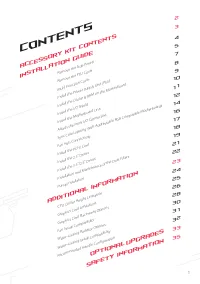
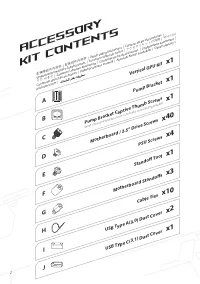
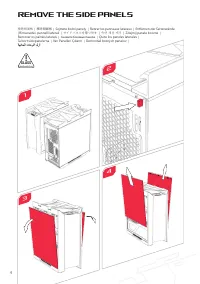
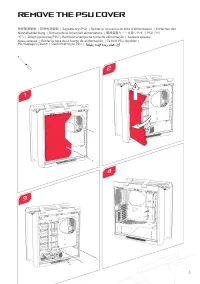
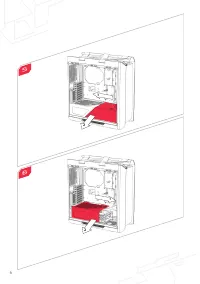
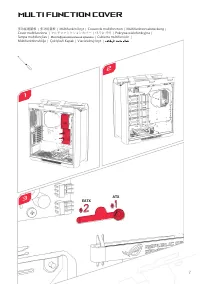
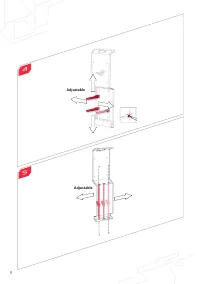
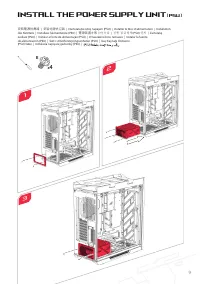
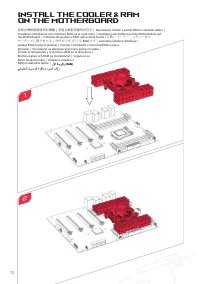
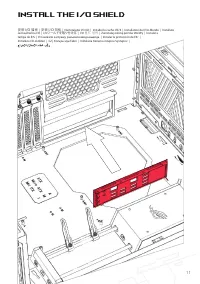
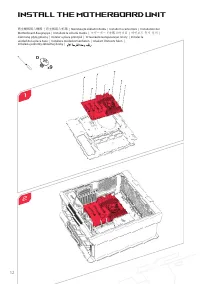
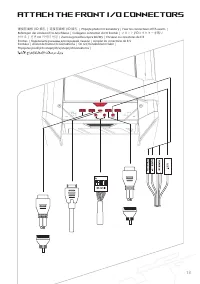
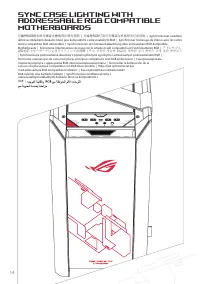
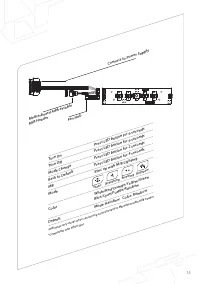
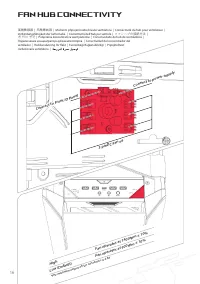
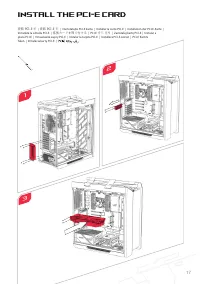
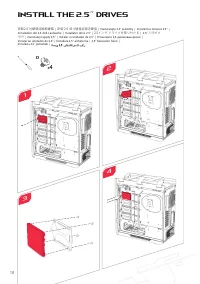
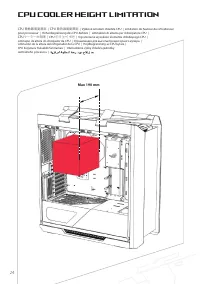
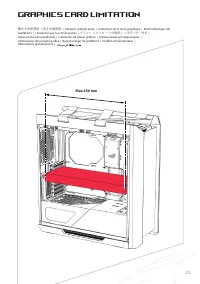
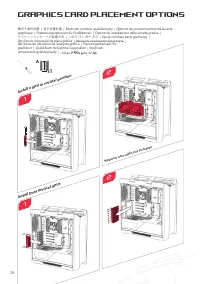
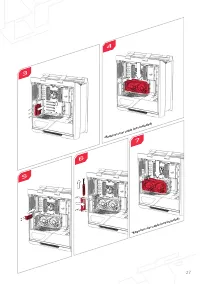
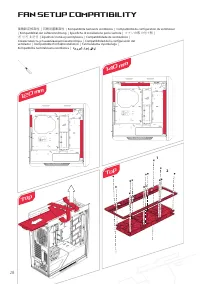
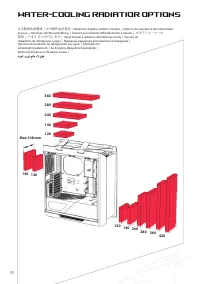
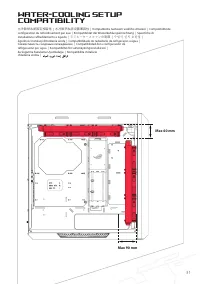
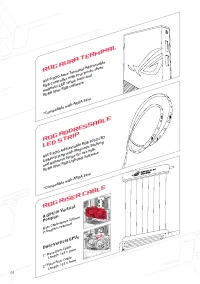

Table of Contents:
- Page 3 – Contents; ACCESSORY KIT CONTENTS
- Page 6 – Remove the Side Panels
- Page 7 – Remove the PSU Cover
- Page 9 – Multi Function Cover
- Page 11 – Install the Power Supply Unit
- Page 14 – Install the Motherboard Unit
- Page 16 – Sync Case Lighting With
- Page 18 – Fan Hub Connectivity
- Page 19 – Install the PCI-E Card
- Page 23 – Installation and Maintenance
- Page 24 – Pump Installation
- Page 26 – CPU Cooler Height Limitation
- Page 27 – Graphics Card Limitation
- Page 28 – Graphics Card Placement Options
- Page 30 – Fan Setup Compatibility; Top
- Page 32 – Water-cooling Radiatior Options
- Page 33 – Compatibility
- Page 36 – ROG Addressable
- Page 39 – AEEE Yönetmeliğine Uygundur.
ROG STRIX
HELIOS
User Manual
"Loading the manual" means you need to wait until the file loads and becomes available for online reading. Some manuals are very large, and the time they take to appear depends on your internet speed.
Was this manual helpful?
About this manual
- Brand
- Asus
- Model
- GX601
- Document type
- User Manual
- Category
- PC Case
- Language(s)
- German, English, Spanish, French, Italian, Dutch, Polish, Russian, Swedish
- Pages
- 40
- File size
- 3.4 MB
- Format
Summary
1 Contents Remove the Side Panels Remove the PSU Cover Multi Function Cover Install the Power Supply Unit (PSU) Install the Cooler & RAM on the Motherboard Install the I/O Shield Install the Motherboard Unit Attach the Front I/O Connectors Sync Case Lighting With Addressable RGB Compatible Mothe...
4 Remove the Side Panels 1 3 移除側面板 | 移除侧面板 | Sejm ě te bo č ní panely | Retirer les panneaux latéraux | Entfernen der Seitenwände | Rimuovete i pannelli laterali | サイドパネルを取り外す | 측면 패널 제거 | Zdejmij panele boczne | Remover os painéis laterais | Снимите боковые панели | Quite los paneles laterales | Ta...
5 Remove the PSU Cover 移除電源遮板 | 移除电源盖板 | Sejm ě te kryt PSU | Retirer le couvercle du bloc d'alimentation | Entfernen der Netzteilabdeckung | Rimuovete la cover dell'alimentatore | 電源装置カバーを取り外す | PSU 커버 제거 | Zdejmij pokryw ę PSU | Remover a tampa da fonte de alimentação | Снимите крышку блока питани...
Ask a question
Related manuals
Other Asus appliances
-User-Manual/webp/1.webp) Asus (ME180A) User Manual
Asus (ME180A) User Manual Asus 4G-AC53U Manual
 Asus 7 Manual
 Asus 8G Manual
 Asus 22T1E User Manual
 Asus 24T1E User Manual
 Asus 90OK-S0NB110E0Y,TF600T-B1-GR Manual
 Asus 90YH00Q1 User Manual
 Asus 370 Manual
 Asus 900 Manual
 Asus 990FX User Manual
 Asus 1015E User Manual
 Asus 7700 Manual
 Asus A3E User Manual
 Asus A7 User Manual
 Asus A7A266 User Manual
 Asus A7J User Manual
 Asus A7Jc User Manual
 Asus A7K User Manual
 Asus A7M266 User Manual